JSON Formatting vs Schema Validation: What Is Checked?
November 10, 20263 min read
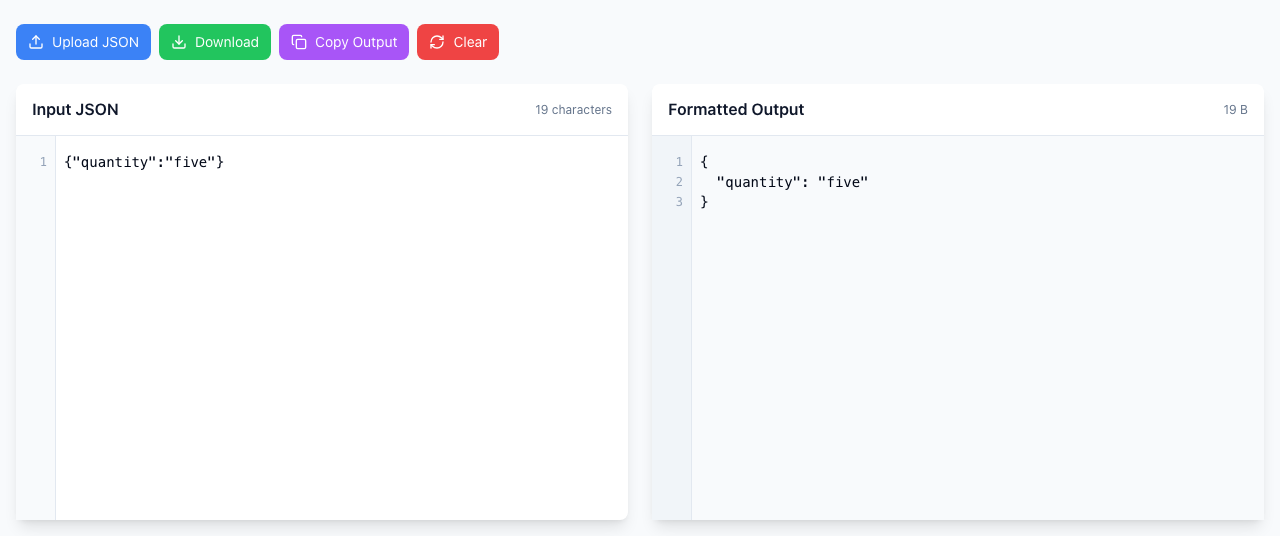
The JSON Formatter checks one thing: whether your text is valid JSON. If it is, you get neat, indented output. It does not know what your API expects, so {"quantity":"five"} formats without a complaint even if the service wants a number. A clean result means the syntax is right, not that the data is.
No error: the text is valid JSON, even though a quantity of "five" may not be what an API wants. Open the JSON Formatter.
Try it
Paste {"quantity":"five"} into Input JSON. Formatted Output fills in and Download and Copy Output turn active. No error appears, because JSON allows text values.
Replace it with {"quantity":5}. It also formats, with 5 and no quotes. The only difference is the quotes, and that is a difference of type, not of syntax.
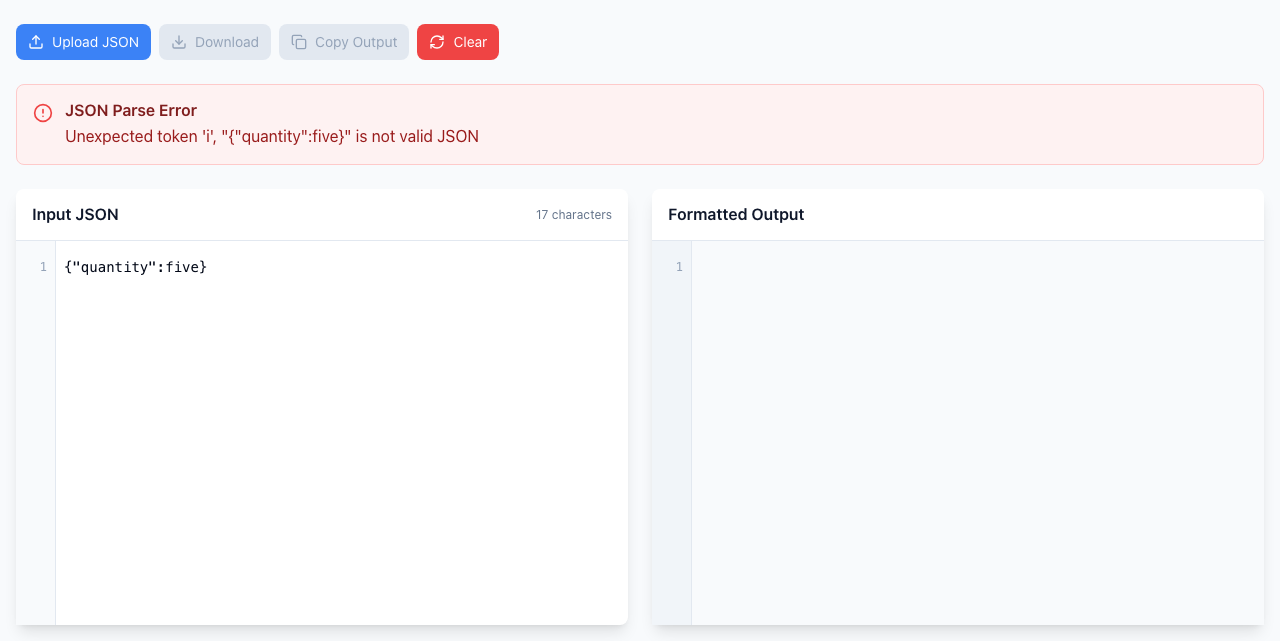
Now try {"quantity":five}. This one is a genuine syntax error.
Unquoted text is broken JSON, so the formatter rejects it and shows nothing.
Three different questions
Is it valid JSON? This is what the formatter checks: quotes, commas, brackets, and that the text is one JSON value.
Does it match the schema? Required fields, property names and value types, such as whether quantity must be a whole number. Only the API's documentation or a schema validator can tell you.
Does the application accept it? Rules like whether the product exists or whether you have permission. Only the service can answer that.
When an API still rejects your JSON
Run the payload through the formatter first. If there is an error box, fix the syntax (see trailing commas and single quotes).
If it formats, read Formatted Output against the API's documentation: spelling and capitalization of each key, quotes around numbers that should be plain, and nested objects in the right place.
Save the HTTP status and the error text the service returns. A message that names a field, such as items[0].quantity, is more useful than “invalid JSON”.
Compare with an example request that is known to work.
If it doesn't work
It formats fine but the API says invalid: expected. Check types and field names, not syntax.
A number turned into text: look for quotes around it in the output. "42" and 42 are different to an API.
Sensitive data: the formatter runs in your browser, but redact tokens and personal details before sharing a sample anywhere.