Base64 URL-Safe Characters and Missing Padding
Standard Base64 uses + and / and may end in =. The URL-safe variant uses - and _ instead and usually drops the =. The same bytes written both ways look different but mean the same thing. This decoder reads either form, with or without padding.
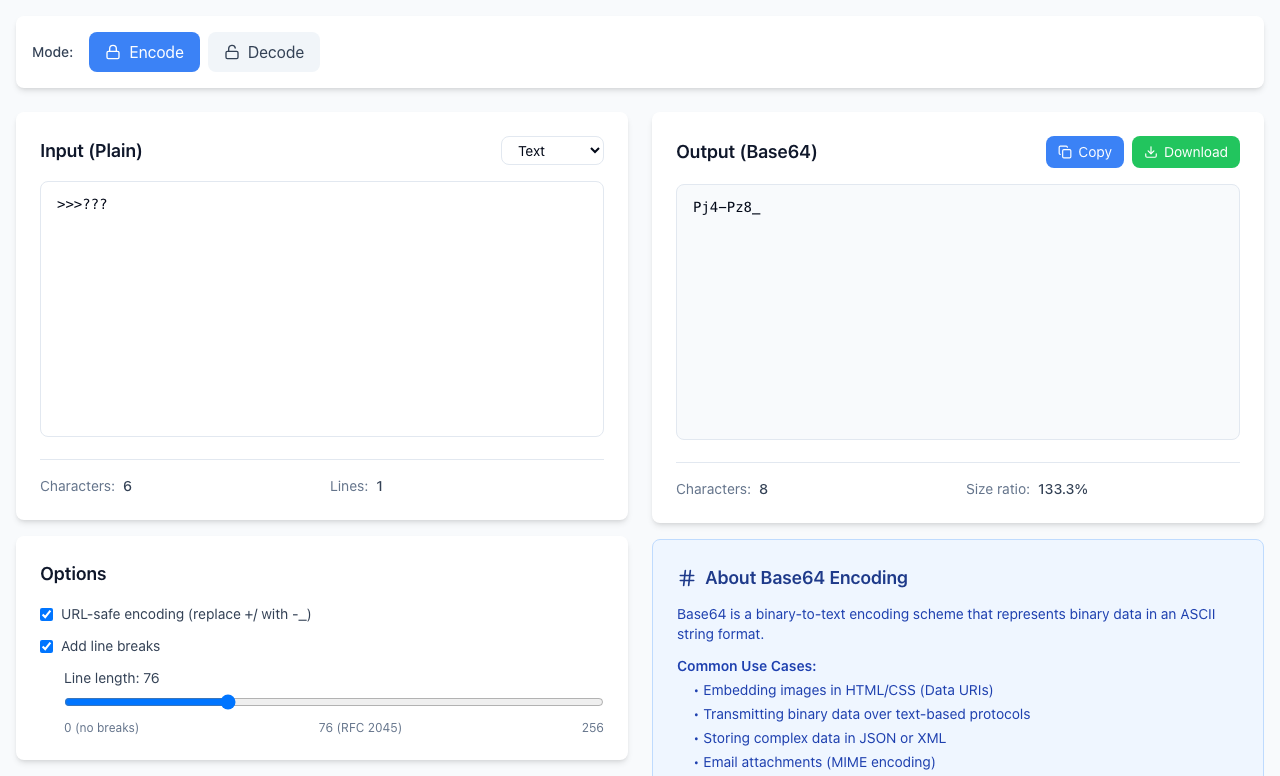
See the difference
- Click Encode and type
>>>???in the input. - With URL-safe encoding (replace +/ with -_) unchecked, the output is
Pj4+Pz8/. - Check the box. The output becomes
Pj4-Pz8_. Tryhellotoo: unchecked it isaGVsbG8=, checked it isaGVsbG8, without the=.
Use URL-safe when the value goes into a web address, a file name or a token. Use the standard form when the system that receives it expects + and /.
Decode either form
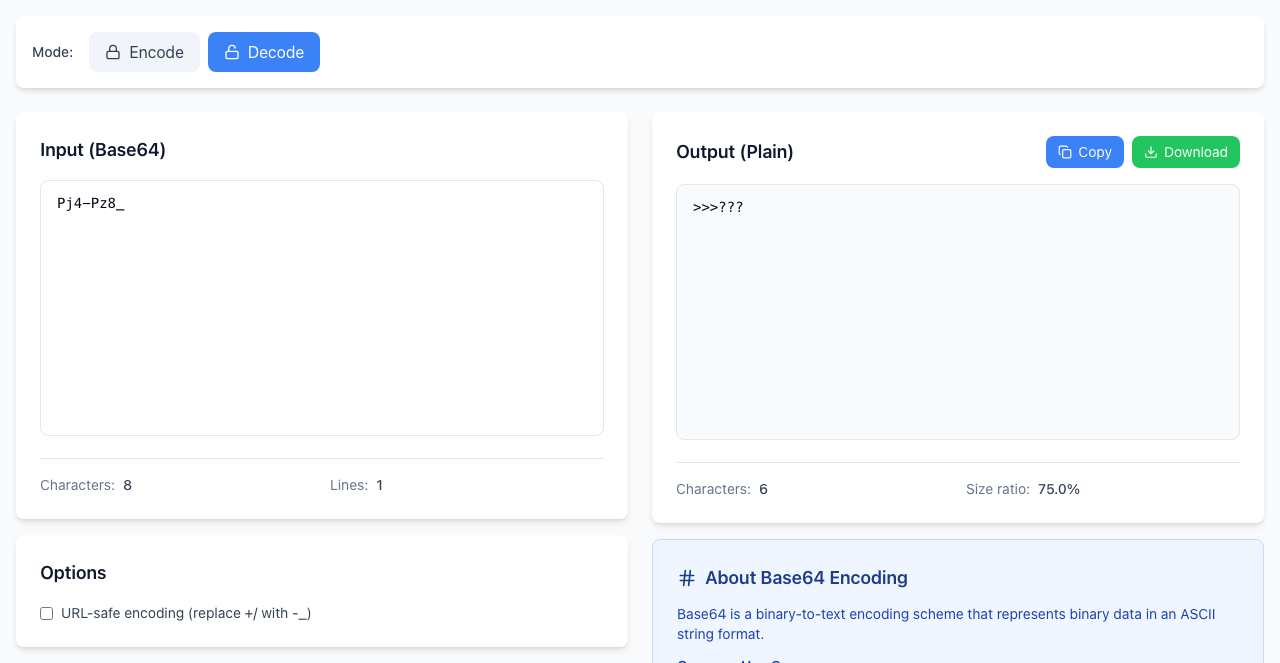
In Decode mode, paste Pj4-Pz8_, Pj4+Pz8/, aGVsbG8 or aGVsbG8= and each one decodes. The tool swaps - and _ back for you and doesn't need padding. Spaces and line breaks inside the text are ignored.
Don't delete = by hand without a reason
Whether padding may be left off is a rule of the format that produced the text. Many web tokens leave it off; some APIs and email systems require it. Check the documentation of the receiving system rather than stripping every =.
Decoding is not verifying
You can read the header of a web token this way: eyJhbGciOiJIUzI1NiJ9 decodes to {"alg":"HS256"}. That only shows what the text says. It does not prove who made it, whether it has expired, or whether you should trust it. Treat decoded values as untrusted until the system that issued them has verified them.
If it doesn't work
- Invalid Base64 string on a whole token: a token has three parts separated by dots, and the dot is not a Base64 character. Paste one part at a time.
- Invalid Base64 string with a symbol: characters such as
!or.are not allowed. Remove them. - Two values pasted together: a
=in the middle of the text is rejected. Decode them separately. - Three equals signs, or == after a complete group: padding is at most two
=at the very end. Anything else is an error from the browser, not a valid value. - URI malformed: the decoded bytes are not UTF-8 text. See why decoded text looks wrong.
Encoding and decoding happen in your browser and nothing is uploaded. Open the free Base64 Encoder.