How to Encode Query Parameters Without Breaking a URL
November 12, 20263 min read
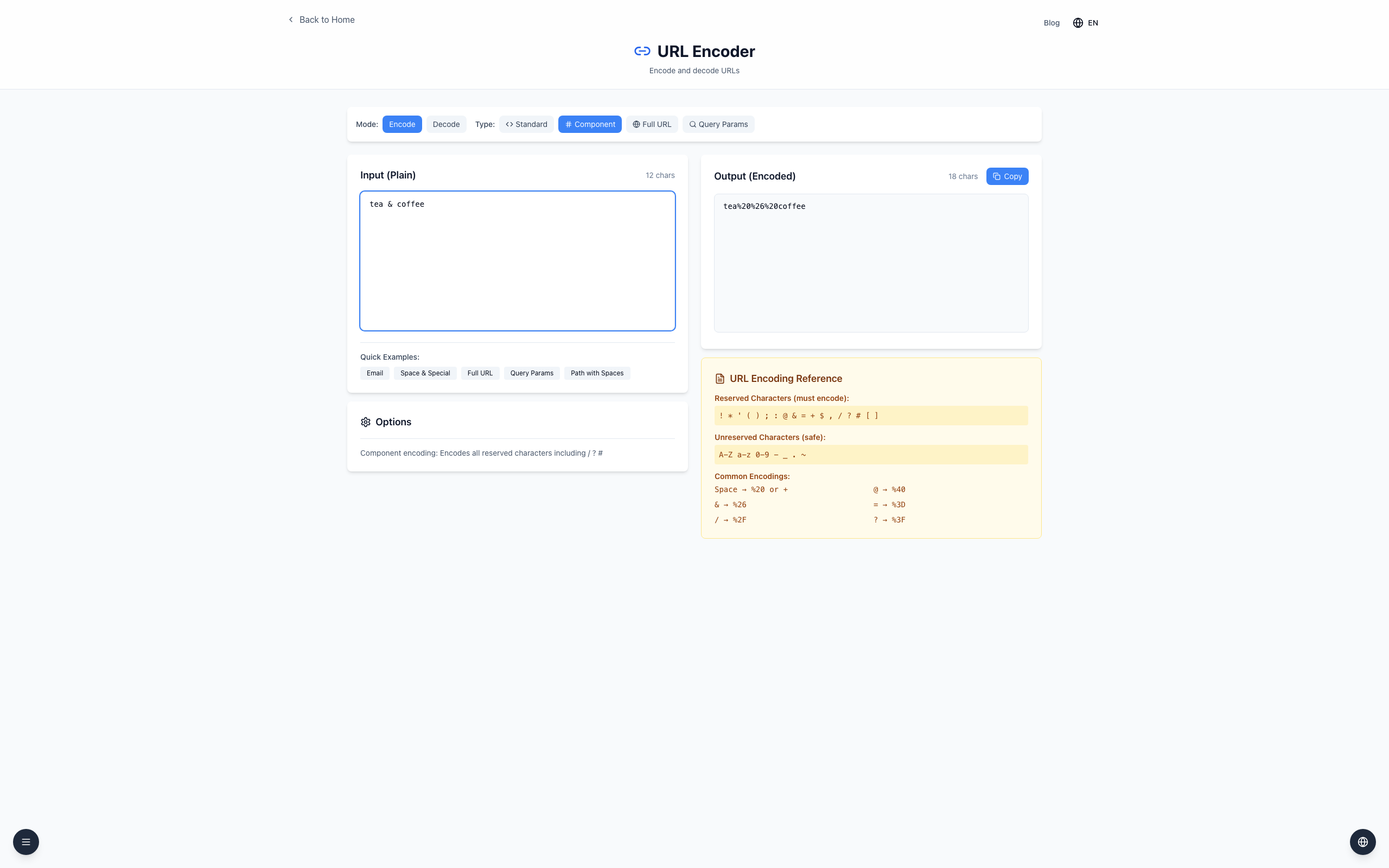
Encode each query value separately so characters such as & stay inside the value. For example, tea & coffee becomes tea%20%26%20coffee and can be added as q=tea%20%26%20coffee.
Encode a value
Open the URL Encoder, select Encode, then Component.
Enter tea & coffee in Input. Output shows tea%20%26%20coffee.
Click Copy and append the value to your key: https://example.com/search?q=tea%20%26%20coffee.
Input: tea & coffee
Output: tea%20%26%20coffee
Encode each key and value separately, then join pairs with &. Keep the URL's ?, = and & separators outside the encoded value. A receiver parses %26 as part of the value rather than a new parameter.
If it doesn't work
If % becomes %25, check whether the value was already encoded. Start with the original text.
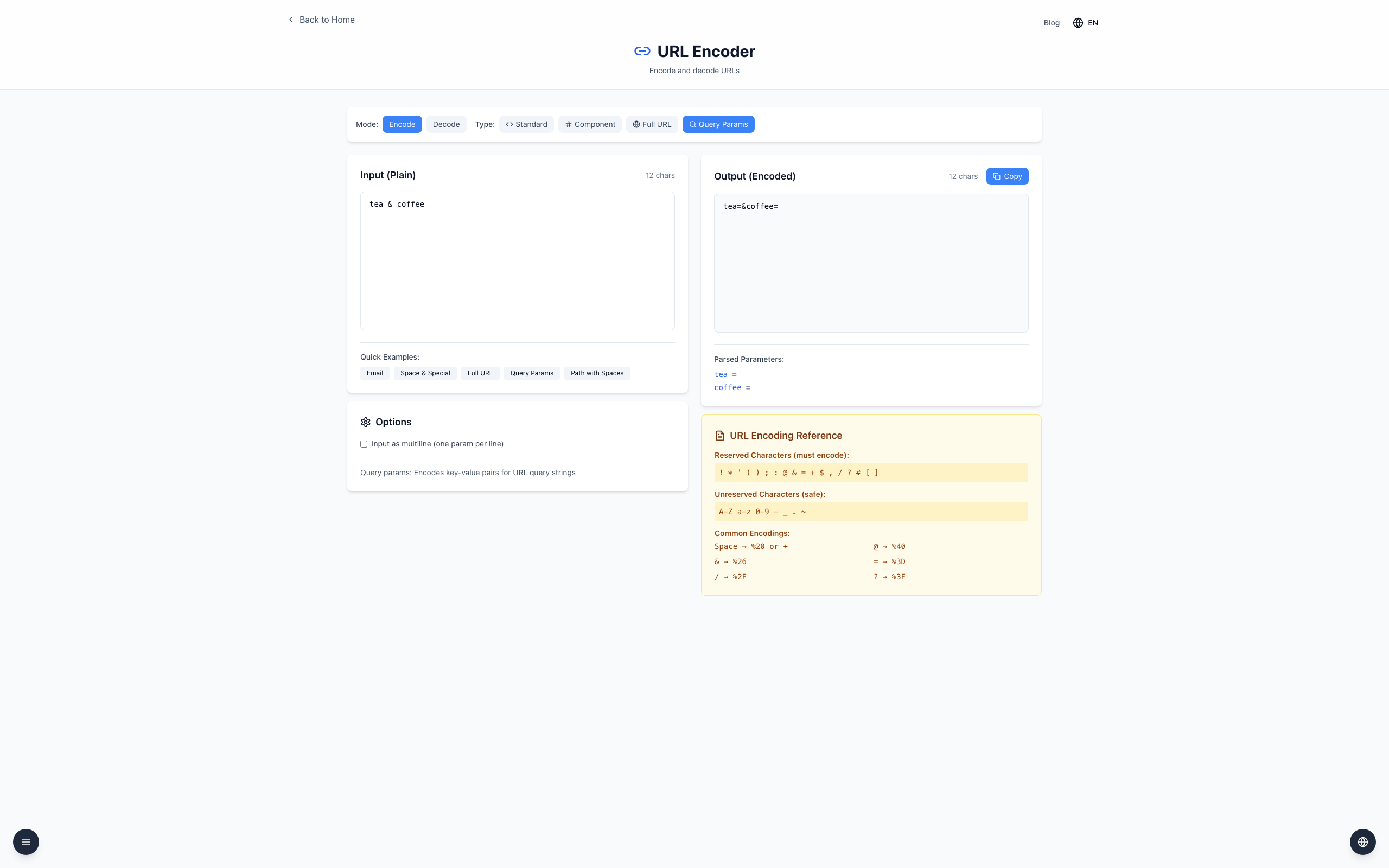
In Query Params, an unescaped & separates parameters when multiline is off. Use Component for a value containing &.
Use harmless examples; don't paste private tokens into a shared screen.