Decode Percent-Encoded Text and Spot Double Encoding
November 12, 20263 min read
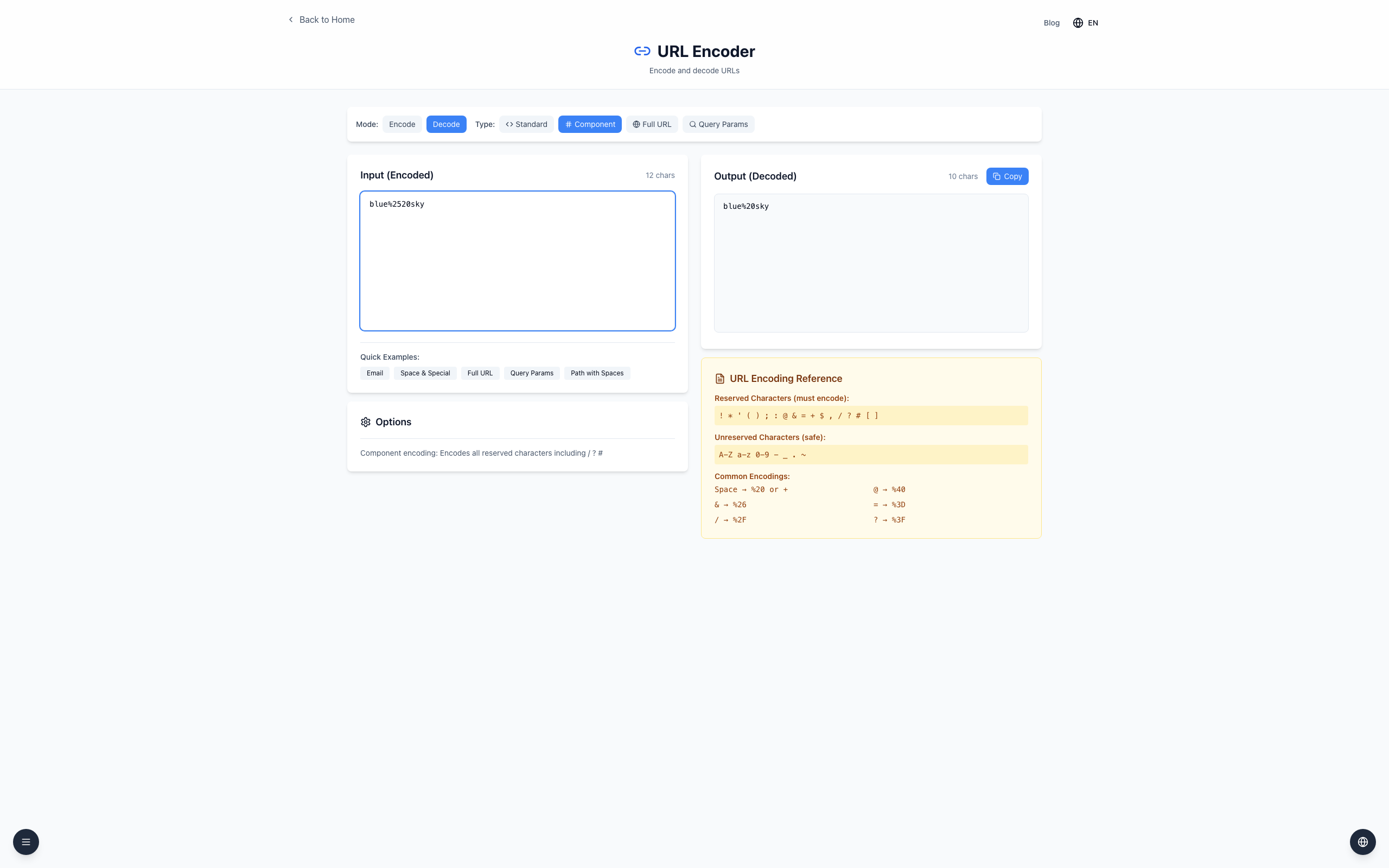
Decode a value once to inspect its original text. If blue%2520sky becomes blue%20sky, the remaining %20 is a clue that the value may have been encoded twice.
Check one layer at a time
Open the URL Encoder, select Decode, then Component.
Enter blue%2520sky in Input. Output shows blue%20sky.
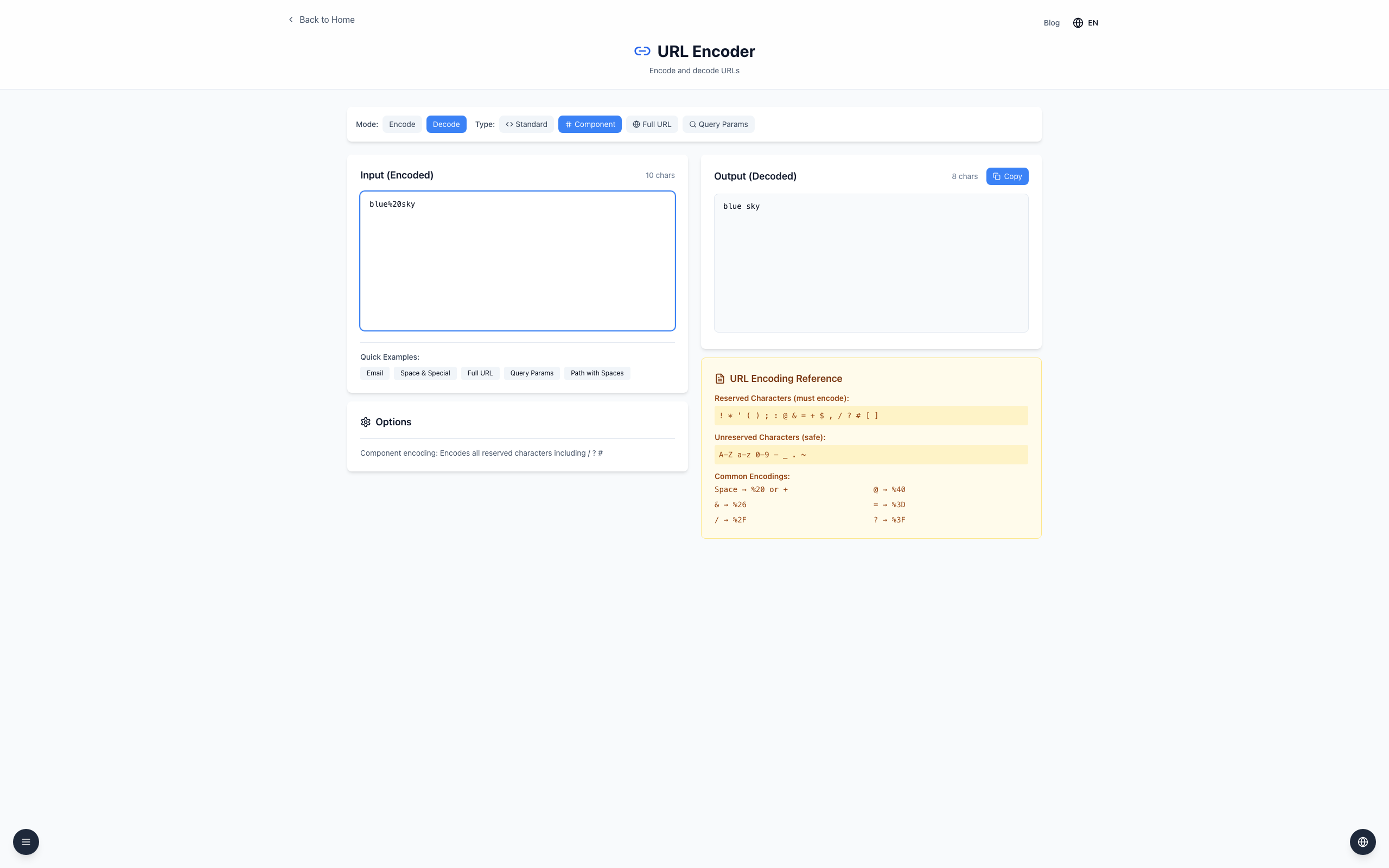
Paste blue%20sky into Input. The output is blue sky.
Input: blue%2520sky
After one decode: blue%20sky
After two decodes: blue sky
The first decode changes %25 into a literal percent sign; the next interprets %20 as a space. Two layers can be intentional, so check the sender's format before removing another layer.
Keep URL structure intact
Decode the individual value you are investigating, not an entire URL as a single component. Decoding %26 into & before parsing a query could change where one parameter ends. Decoding does not make text trusted or safe to execute.
If it doesn't work
An incomplete escape such as %2 causes a URI error. Check the original value for missing characters.
Query Params currently decodes parsed values again, so use Component to inspect a single layer.
A plus sign stays a plus in Component decode. For form-style + as a space, use Standard with Preserve spaces as %20 (instead of +) unchecked.