Title Case Can Break Acronyms: A Headline Checklist
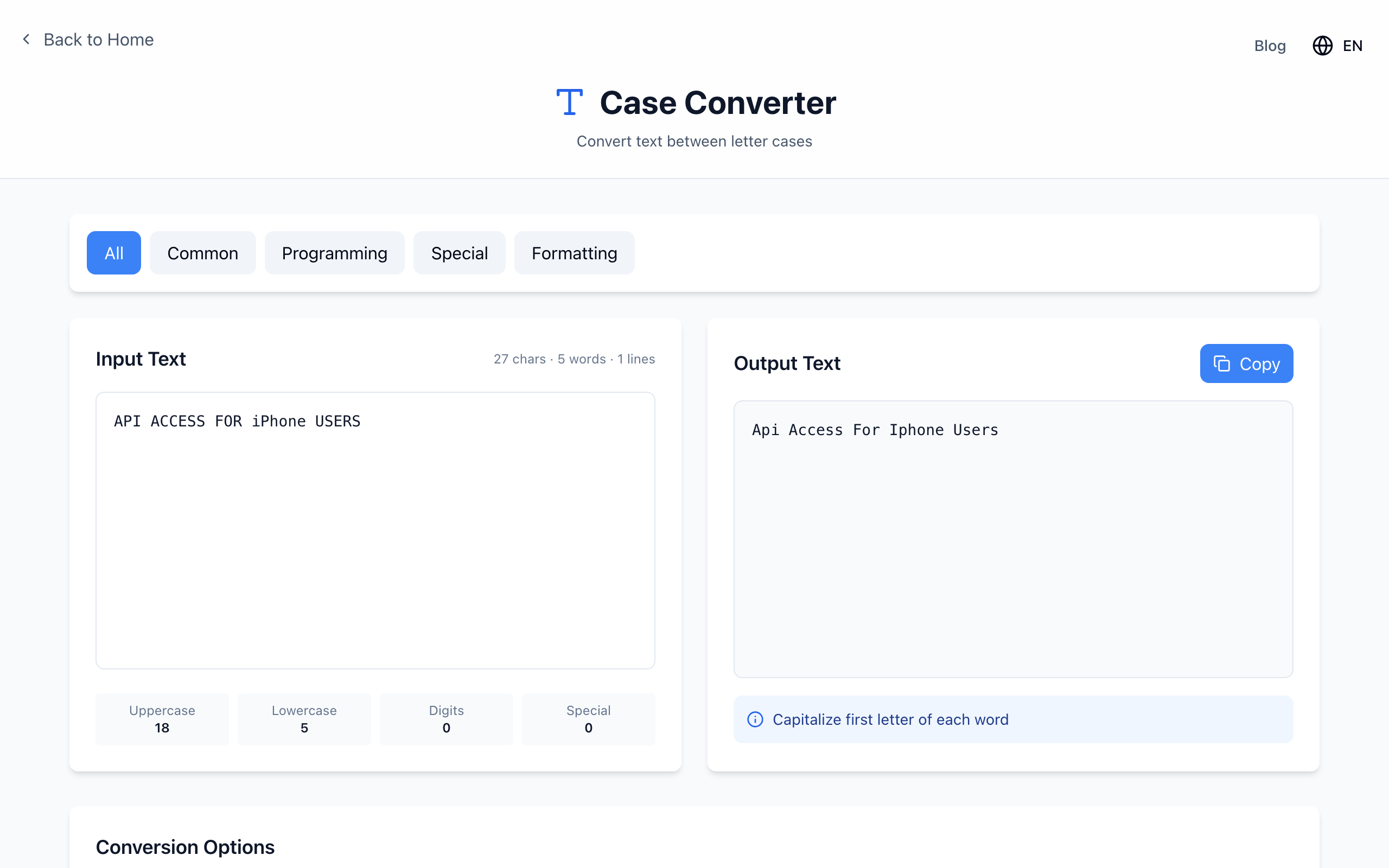
Automatic title case turns API ACCESS FOR iPhone USERS into Api Access For Iphone Users. It capitalizes the first letter of every word and lowercases the rest, so acronyms and brand names lose their spelling. Use it as a first pass, then fix those words by hand.
Try it
- Paste
API ACCESS FOR iPhone USERSinto Input Text. - Under Conversion Options, click Title Case. The Output Text box shows
Api Access For Iphone Users. - Click Copy, then edit the copy into your final headline:
API Access for iPhone Users
Capitalized Words is a different option
Capitalized Words only raises the first letter of each word and leaves the rest as it was. On mixed-case input it keeps acronyms, but it still changes brand names that start lowercase:
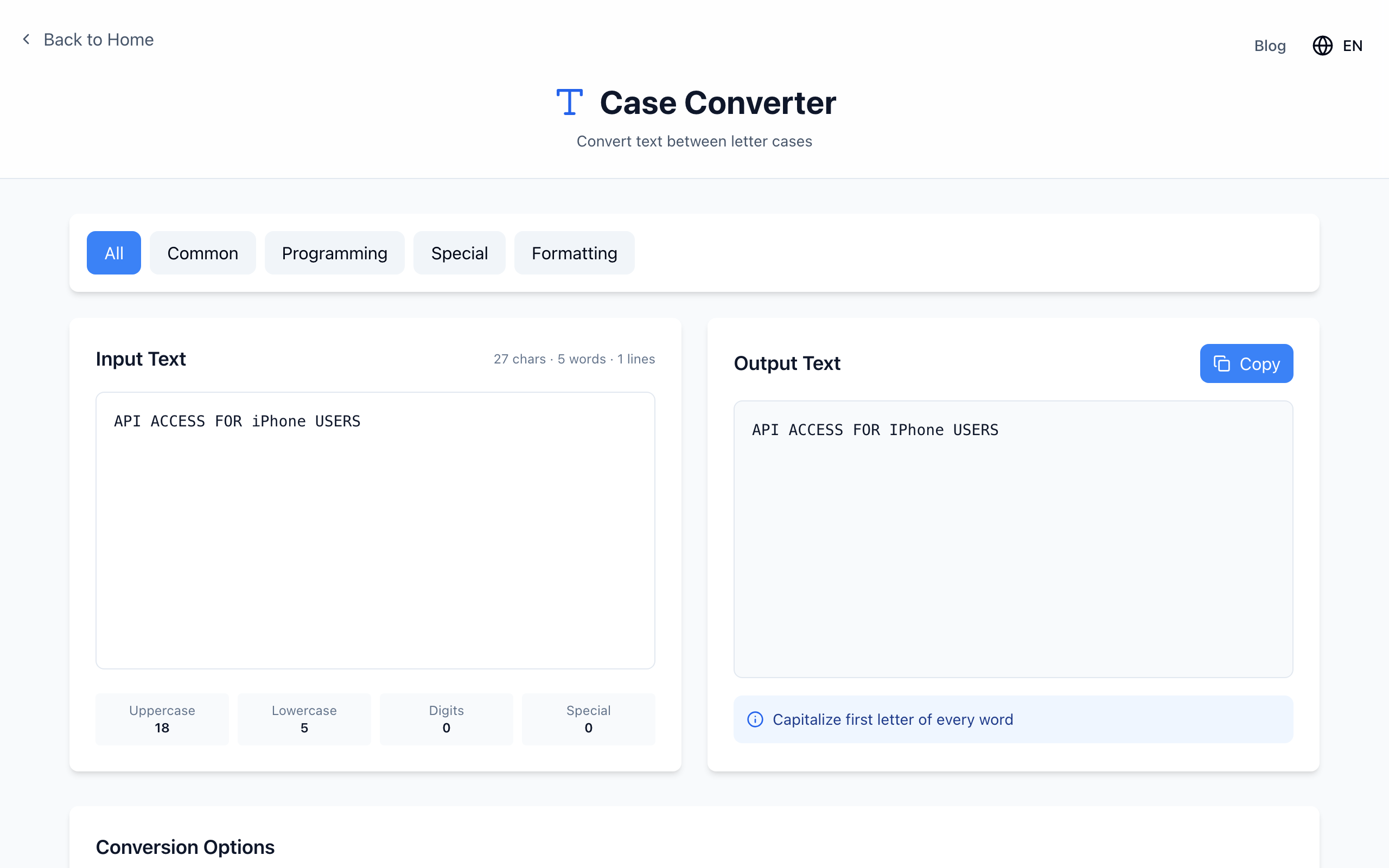
So on an all-caps headline it does nothing useful. On a sentence like api access for iPhone users it gives Api Access For IPhone Users. Neither mode knows your acronym list.
A three-part final pass
- Acronyms: restore API, PDF, USB, NASA and any others in your topic.
- Names and brands: copy the spelling from the official source (iPhone, eBay, YouTube).
- Short words: decide whether “for”, “and”, “to”, “of” stay lowercase. AP, Chicago and other style guides differ, so pick one and apply it consistently. The converter capitalizes all of them.
For a batch of headlines, keep a short list of the acronyms that recur on your site and scan for them after converting.
If it doesn't work
- A word after a hyphen or apostrophe looks wrong: Title Case treats
e-mailas one word, givingE-mail, butdon'talso stays one word. Read hyphenated words once. - The paragraph under the heading got capitalized too: convert only the headline line, not the whole document.
- Changing a published title: the URL does not have to change. Keep the existing slug so links keep working.
Conversion happens in your browser. Open the free Case Converter.