Split a Restaurant Tip Fairly Between Unequal Orders
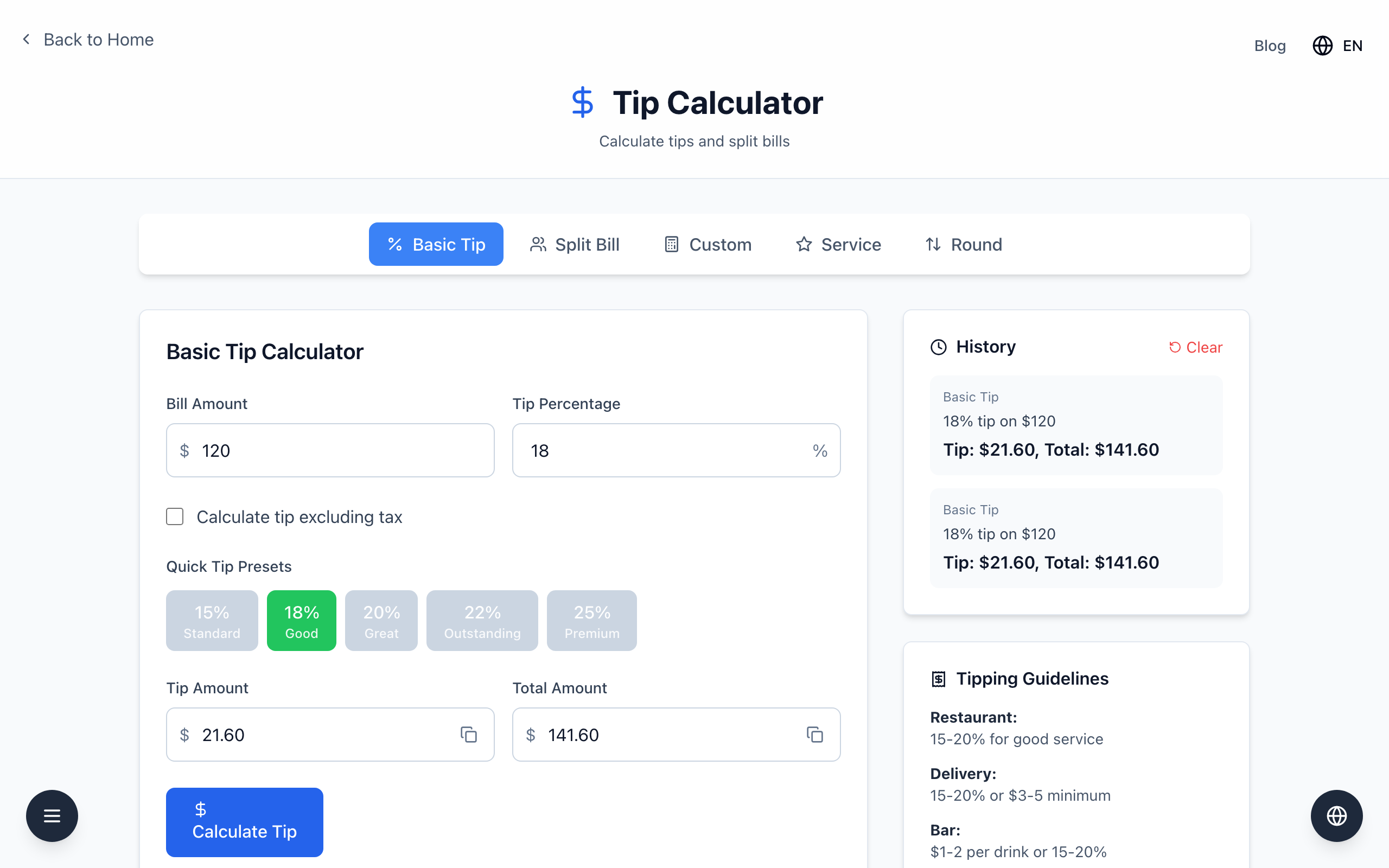
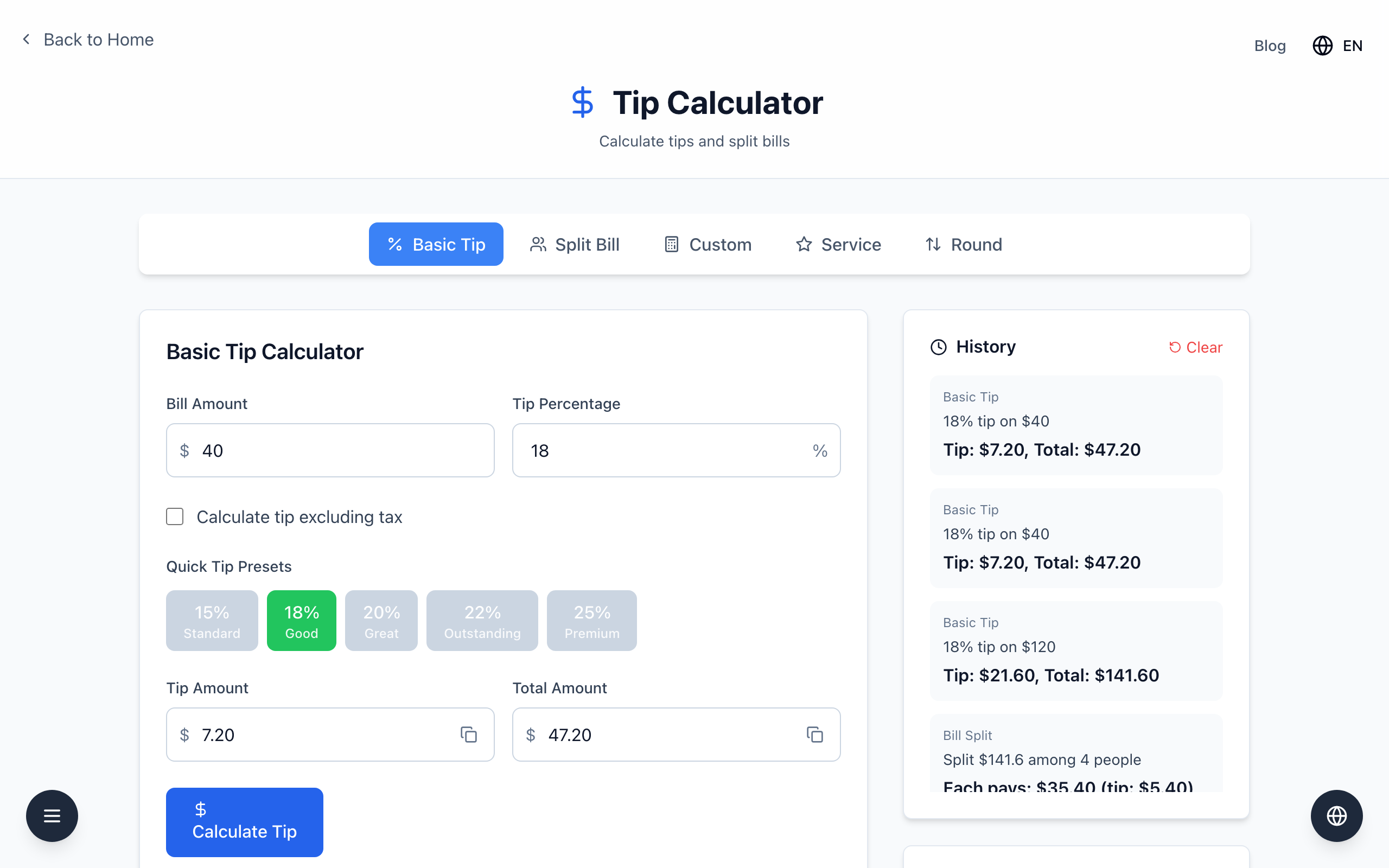
When orders cost different amounts, tip each person's own subtotal. At 18%, a $40 meal adds a $7.20 tip and comes to $47.20, while an equal four-way split of a $120 bill would charge everyone $35.40. The Tip Calculator does the percentage; you run it once per person.
The example
Four people have meal subtotals of $20, $25, $35 and $40, a $120 bill. The group agrees on an 18% tip.
- Open the Tip Calculator. On Basic Tip, type
120in Bill Amount and18in Tip Percentage. Tip Amount shows 21.60 and Total Amount 141.60, and Final Calculation reads $21.60 tip + $120 bill = $141.60. - To see the even split, click Split Bill, set Number of People to 4 and click Split Bill again: $35.40 per person, including $5.40 tip each.
- For the fair version, go back to Basic Tip and enter each person's subtotal with the same 18%.
| Person | Subtotal | Tip (18%) | Pays |
|---|---|---|---|
| A | $20 | $3.60 | $23.60 |
| B | $25 | $4.50 | $29.50 |
| C | $35 | $6.30 | $41.30 |
| D | $40 | $7.20 | $47.20 |
| Total | $120 | $21.60 | $141.60 |
The $40 row is what the second screenshot shows. The four amounts add up to $141.60, the same total as the even split. Only who pays how much changed.
Tax
If your bill total includes tax and the group tips on the pre-tax amount, tick Calculate tip excluding tax and enter the Tax Amount. The tool takes the tip from the bill minus tax and adds it to the full bill. Agree on this before you start; tipping customs and rounding vary.
Limits
The Split Bill tab only divides evenly; it does not know who ordered what. Each person's rounding can leave a cent or two difference from the receipt, so add the shares and decide who covers any remainder.
If it doesn't work
- If Tip Amount stays empty, check that Bill Amount and Tip Percentage are above 0.
- If a split shows a different total than expected, the Split Bill tab uses the total from your last Basic Tip calculation; type the right number in Total Amount (with tip).
- The History panel can list a calculation twice because it records both the automatic and the button calculation; the numbers are the same.