Formatting a join puts each table and its matching condition on its own line, so you can check the relationship at a glance. It cannot tell you whether the join condition or the resulting rows are correct.
Format a join
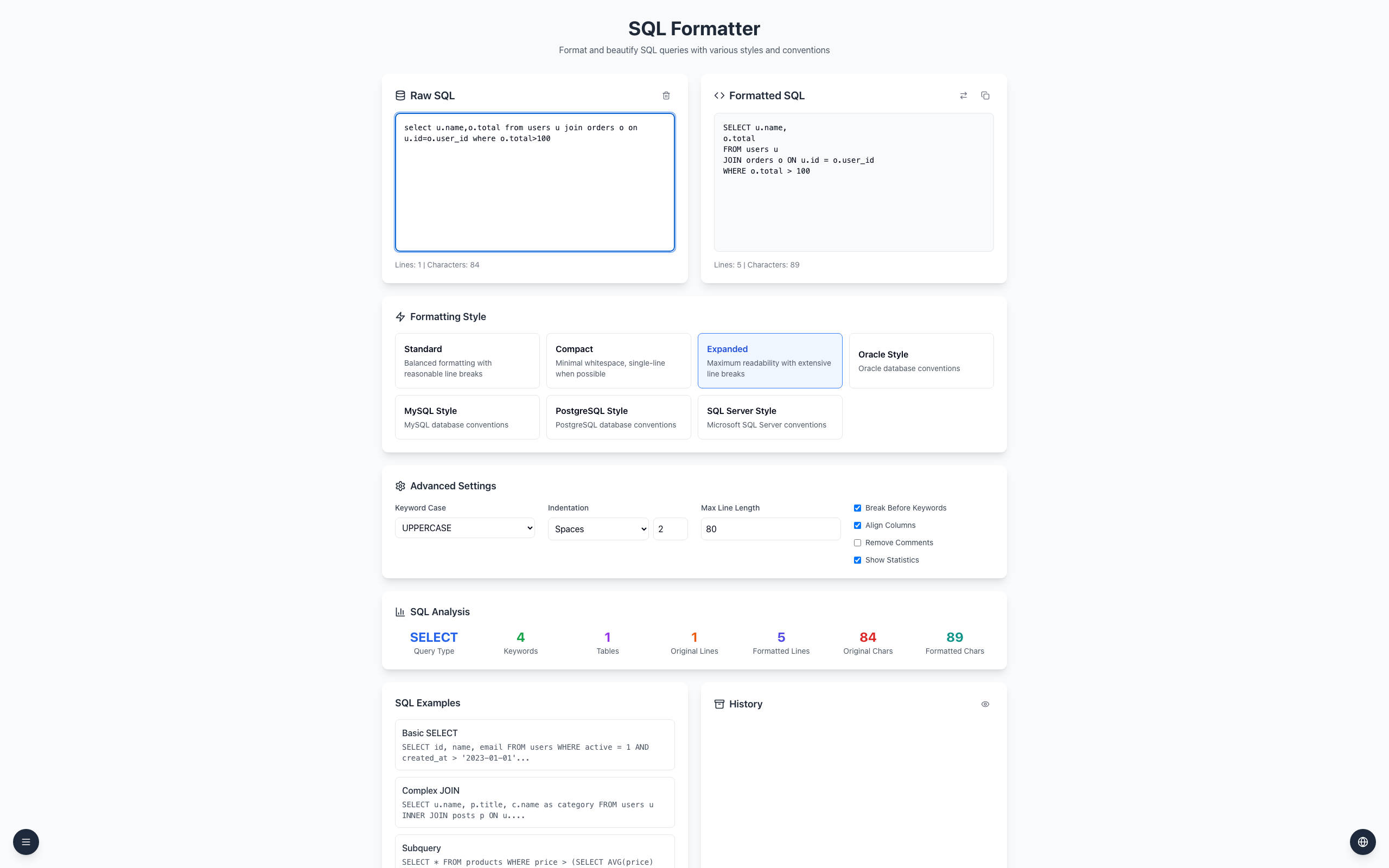
Open the SQL Formatter, choose Expanded, and paste this into Raw SQL:
select u.name,o.total from users u join orders o on u.id=o.user_id where o.total>100
Read Formatted SQL: FROM users u, then JOIN orders o ON u.id = o.user_id, then WHERE o.total > 100, each on its own line.
Check that u.id = o.user_id matches your schema, and confirm row counts with representative test data.
SELECT u.name,
o.total
FROM users u
JOIN orders o ON u.id = o.user_id
WHERE o.total > 100
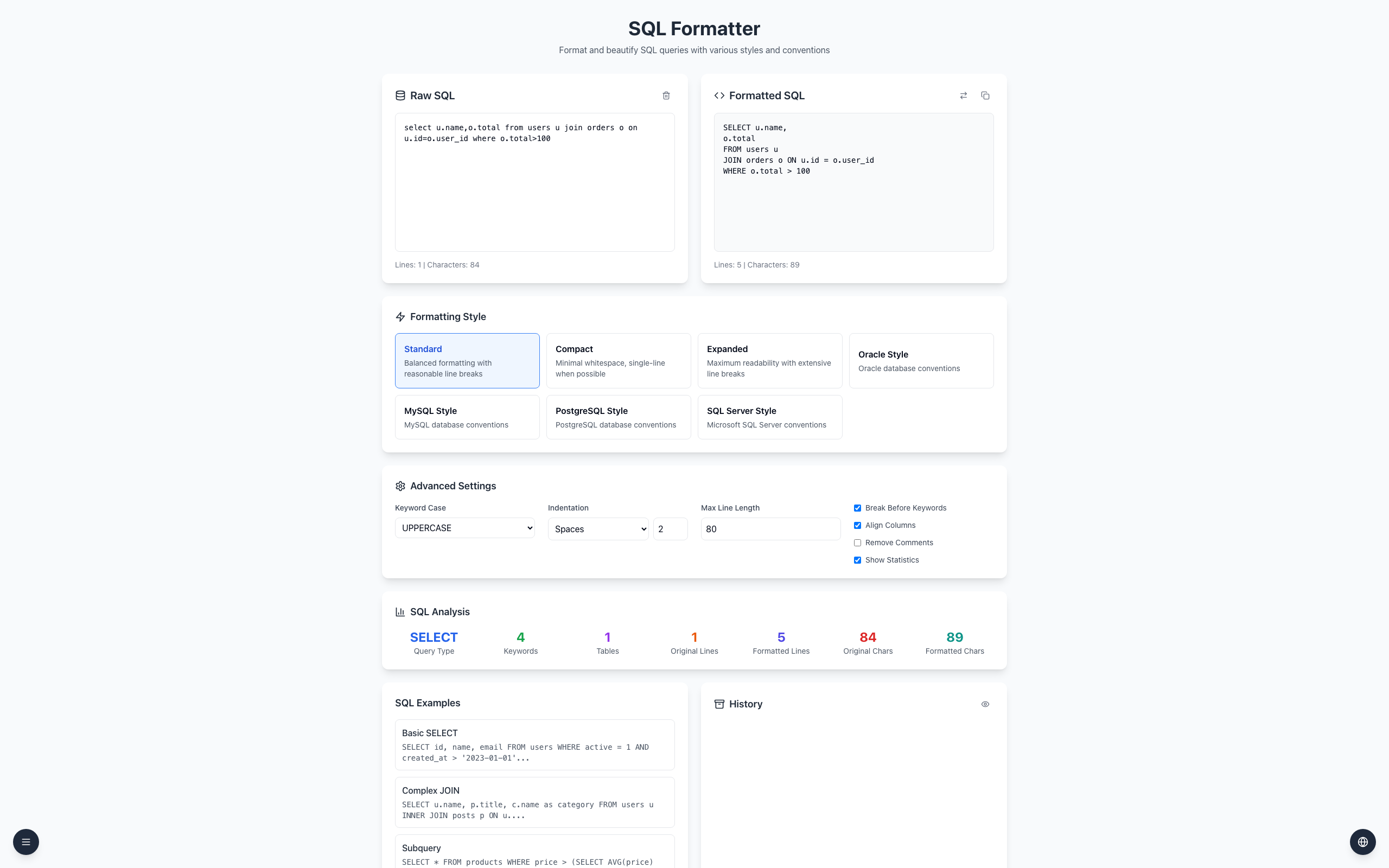
Standard produces the same lines for this query. A missing or wrong join predicate can multiply or drop rows. With a LEFT JOIN, a WHERE filter on the right-hand table removes the unmatched rows the left join was meant to keep.
If it doesn't work
If the query fails in your database, check table names and supported syntax there.
If the output looks different, check the selected style and Break Before Keywords in Advanced Settings.
Keep the original and compare row counts; layout alone does not prove correctness.