SQL Formatter vs SQL Validator: What Each One Can Tell You
November 14, 20263 min read
A SQL formatter makes a query easier to read; it does not prove the query is valid or safe. The database still has to check the statement against its own syntax and schema.
Format a query
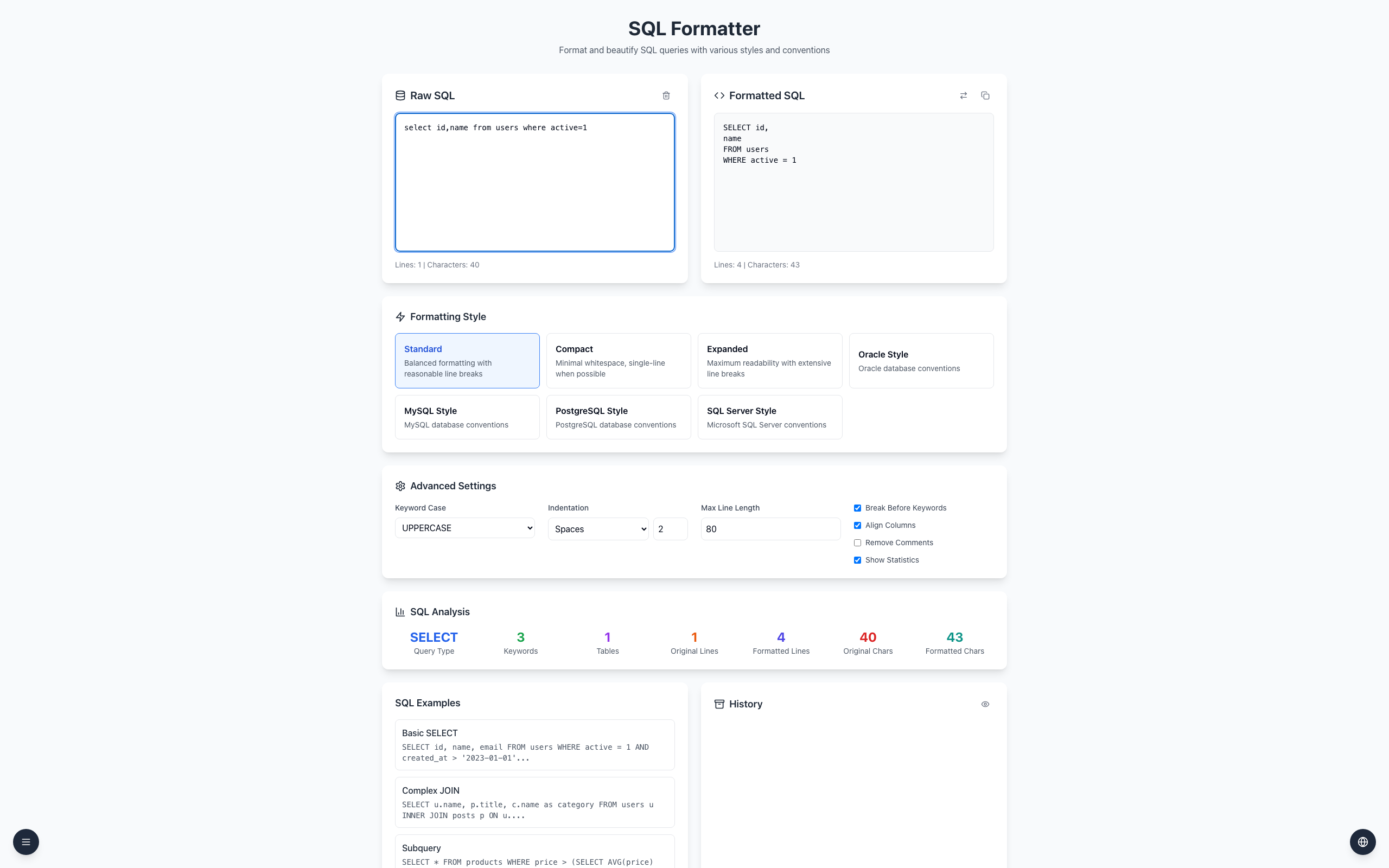
Open the SQL Formatter and choose Standard under Formatting Style.
Paste select id,name from users where active=1 into Raw SQL.
Formatted SQL shows the keywords in uppercase, each column on its own line, and FROM and WHERE on separate lines.
Input:
select id,name from users where active=1

Output:
SELECT id,
name
FROM users
WHERE active = 1
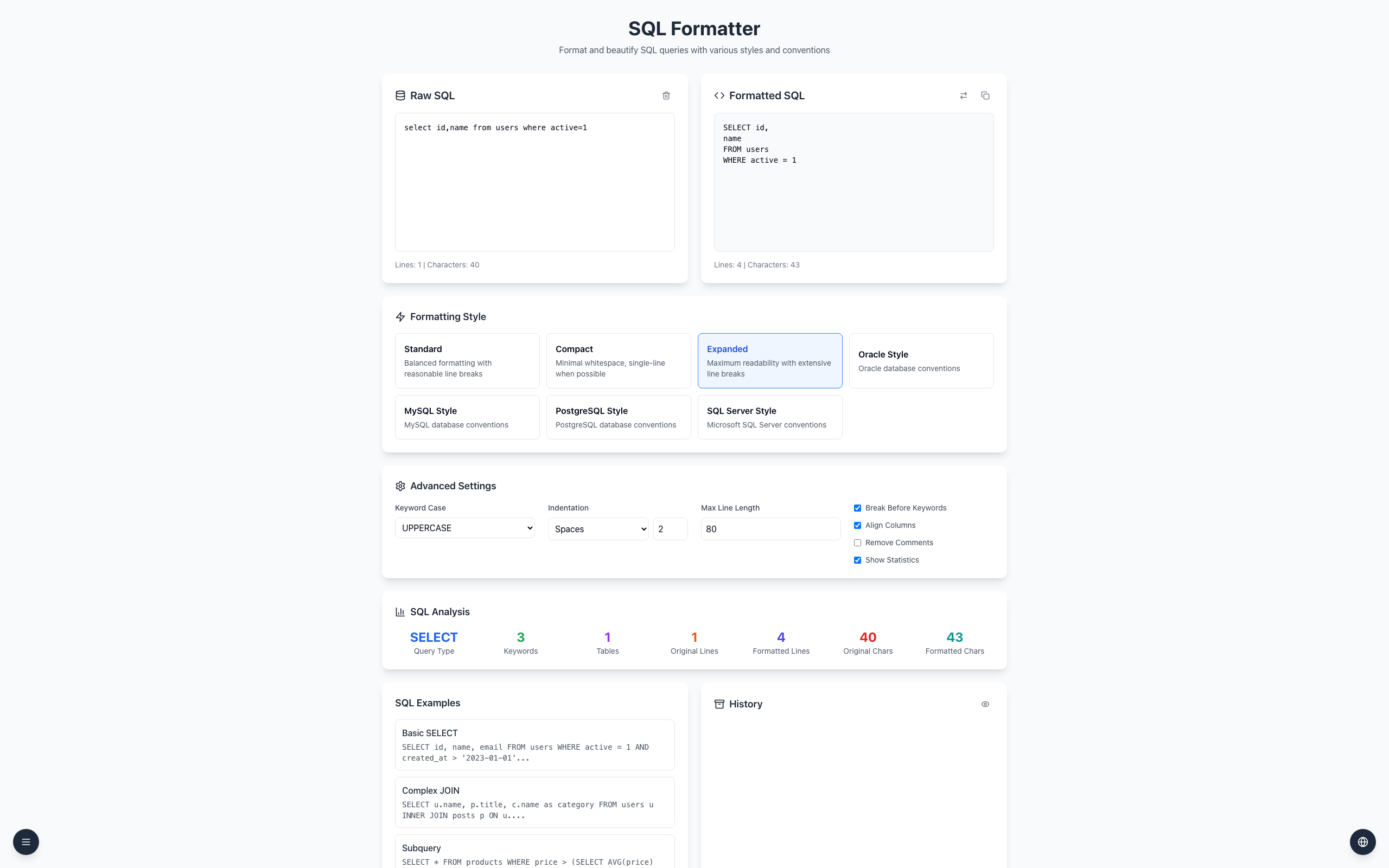
Choosing Expanded gives the same result for this short query. Style differences show up more on longer statements.
What formatting does not check
The formatter does not verify that a users table exists or that active means what you expect. SQL Analysis counts keywords and tables; it is not a validation result. Run the query against the intended database with representative data before relying on it. Formatting also does not protect against SQL injection; use parameterized queries for that.
If it doesn't work
If the output differs from the example, check the selected style and Keyword Case in Advanced Settings.
If the database rejects the formatted SQL, check its dialect and schema; formatting is not validation.
Keep the original query and compare it with the output before use.