Split a Bill With Shared Appetizers and Individual Meals
November 26, 20263 min read
To split a bill with a shared appetizer, divide the shared item by the people who ate it, then add that share to each person's own meal. With a $15 appetizer shared by three, everyone adds $5: meals of $18, $24 and $30 become $23, $29 and $35, which total $87.
Step by step in the Standard Calculator
Open the Standard Calculator. You can use the buttons or type on your keyboard.
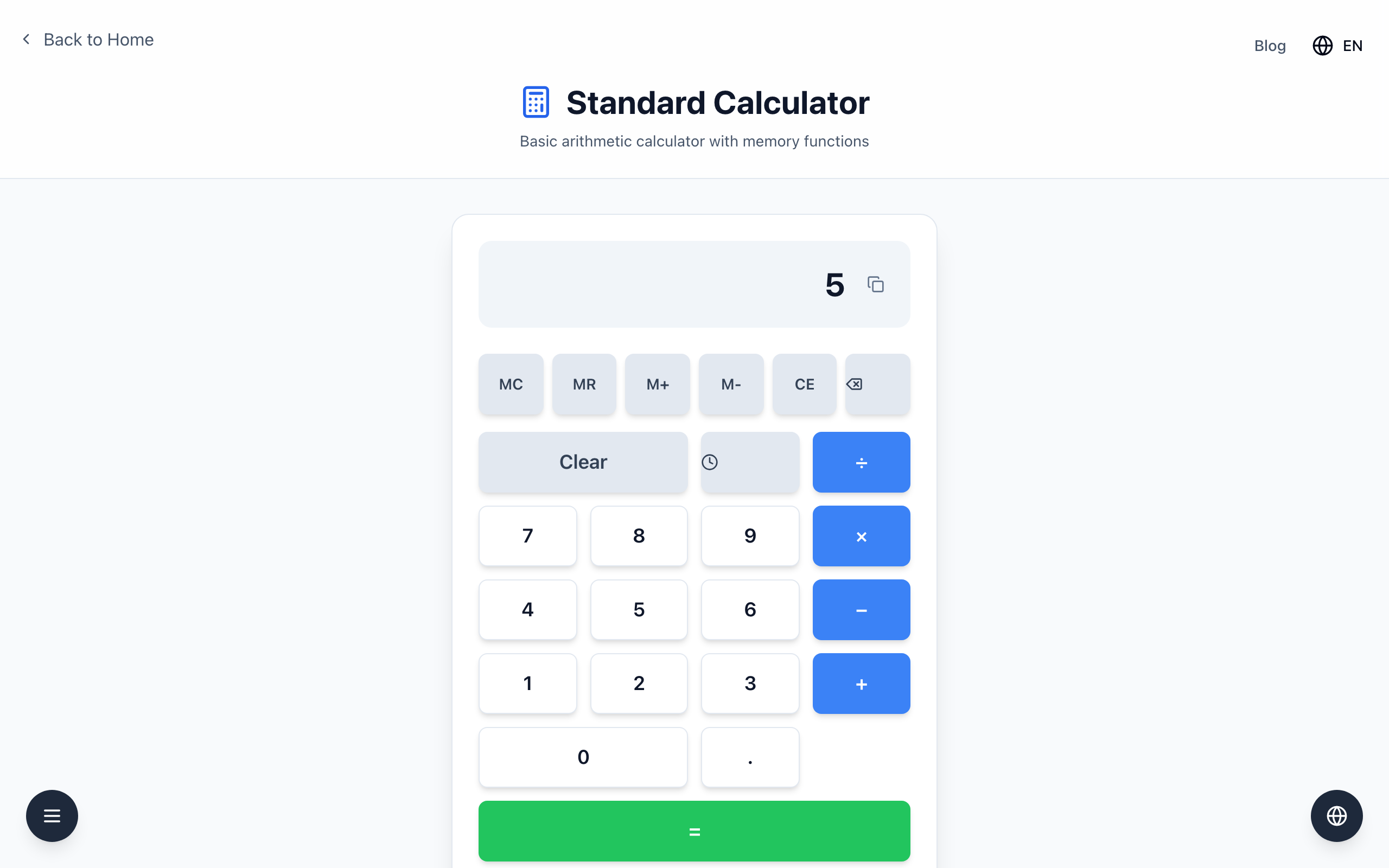
Work out the share: press 15, ÷, 3, =. The display shows 5.
Add the share to each meal, clearing with Clear (or Esc) between sums: 5 + 18 = gives 23, 5 + 24 = gives 29 and 5 + 30 = gives 35.
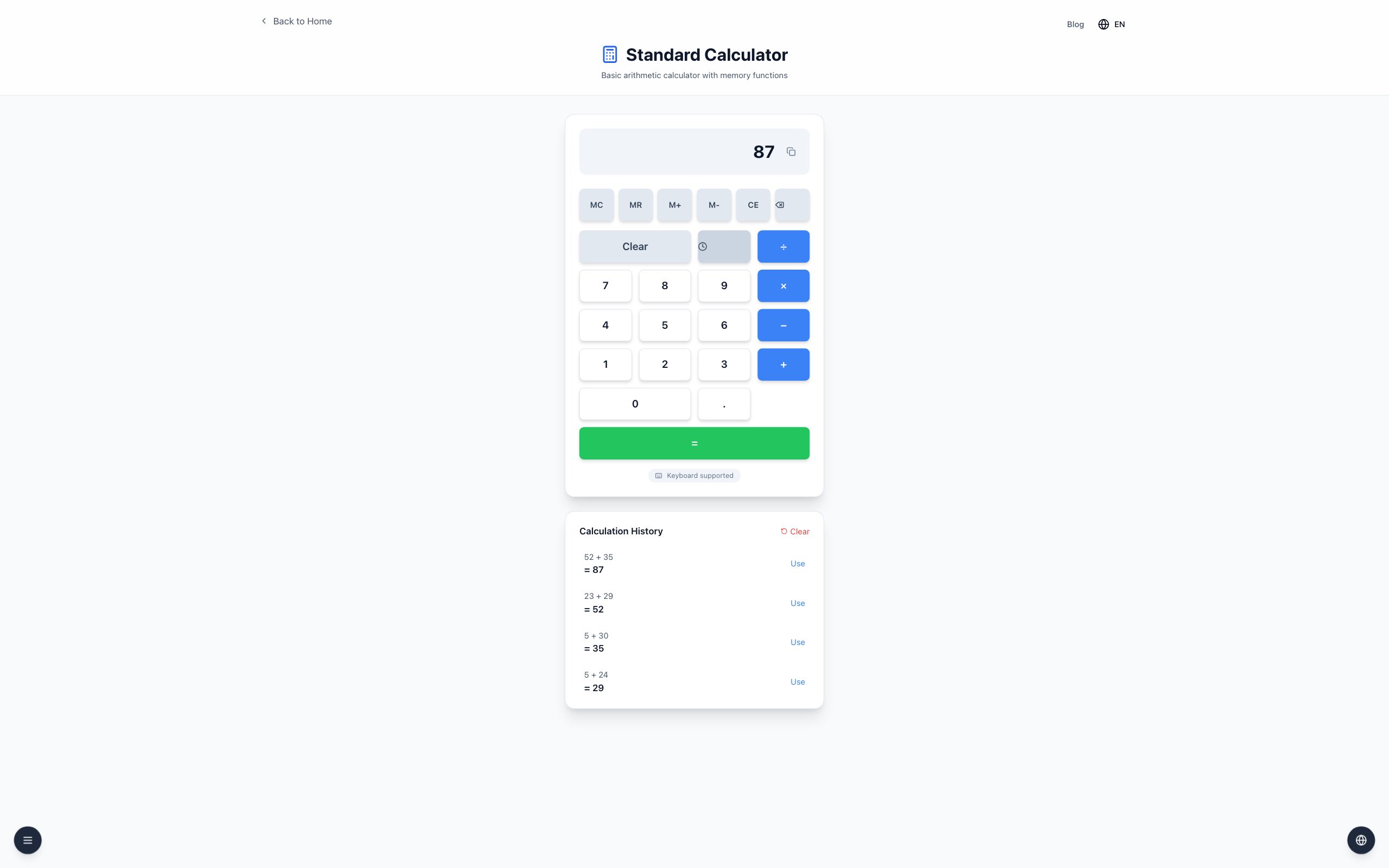
Check the total: 23 + 29 + 35 =. The calculator works left to right, so it shows 52 then 87 and the display ends on 87. That matches $15 + $18 + $24 + $30.
Click the clock button (Toggle History) to open Calculation History. Each sum is listed with its result, newest first, so you can show the group how you got each number.
Adding tax and tip
The Standard Calculator has no percentage or tip key, so add tax and tip separately, for example with the Tip Calculator on each person's subtotal. Agree on whether tip is based on the pre-tax amount.
Limits
The calculator does not know who shared which dish, so write that down first. It has no parentheses, so break a longer formula into steps. Dividing money can leave a repeating decimal (for example $10 ÷ 3), so round each share to cents and decide openly who covers the leftover cent.
If it doesn't work
If a number looks wrong, press Clear and re-enter the sum; typing a new operator right after another one replaces the pending step.
If keyboard typing does nothing, click on the page background first.
If the history panel is empty, you have not pressed = yet. Only completed sums are listed.