Snake Case vs Kebab Case for Names and Labels
Snake case joins words with underscores (monthly_sales_report); kebab case uses hyphens (monthly-sales-report). Use kebab case for URL slugs and many file names, and snake case for variable names in languages where a hyphen means minus. The Case Converter makes both in one click.
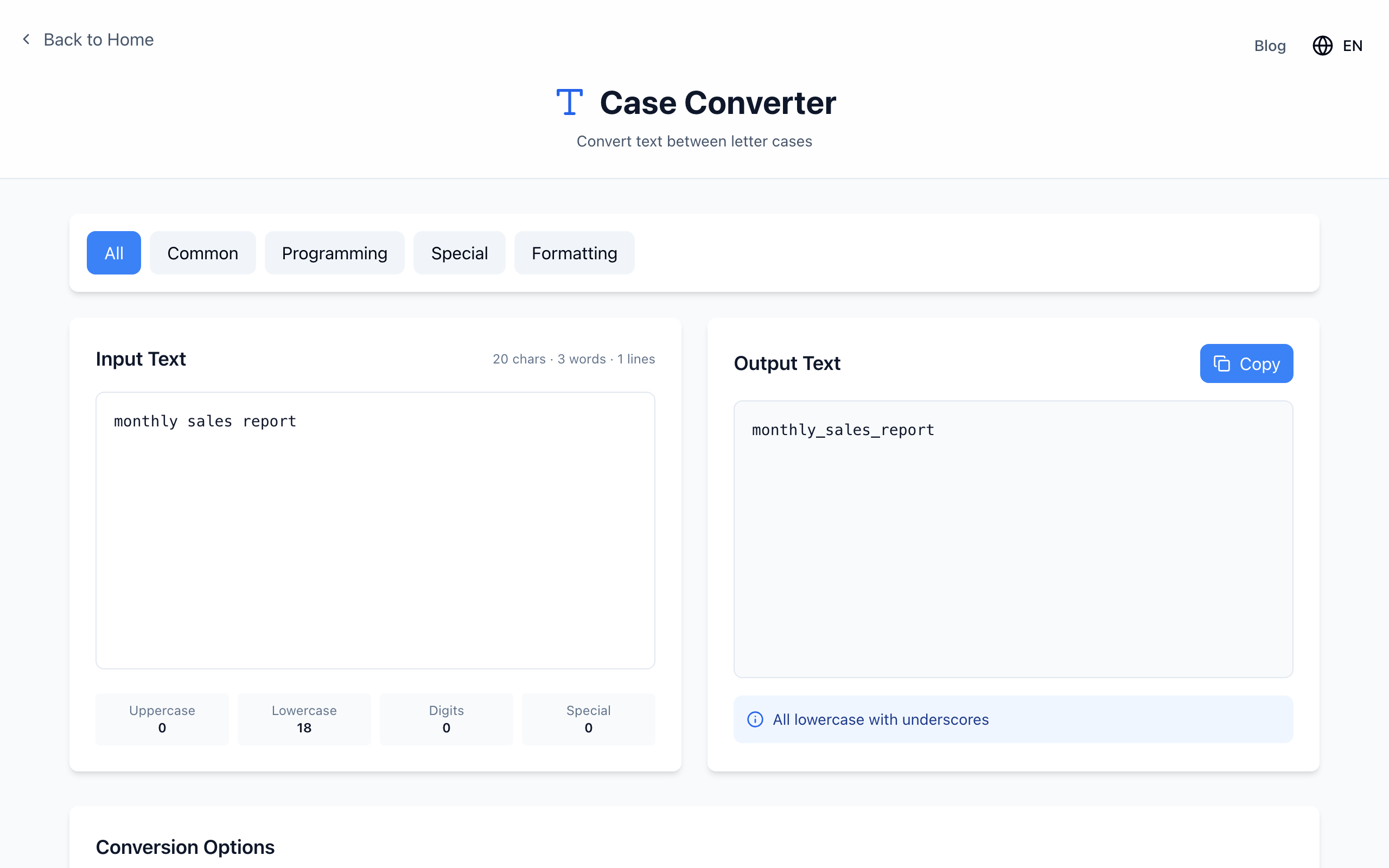
monthly sales report. Open the Case Converter.Convert a phrase
- Paste
monthly sales reportinto Input Text. - Under Conversion Options, click snake_case. The output is
monthly_sales_report. - Click kebab-case instead to get
monthly-sales-report. The All Conversions list below shows every style at once.
Punctuation is turned into separators, so Q3 report (final).pdf becomes q3_report_final_pdf. The dot before the extension is lost too, so convert the name without the extension and add .pdf back.
Watch out for acronyms
The converter starts a new word at every capital letter that follows another letter. That splits acronyms letter by letter:
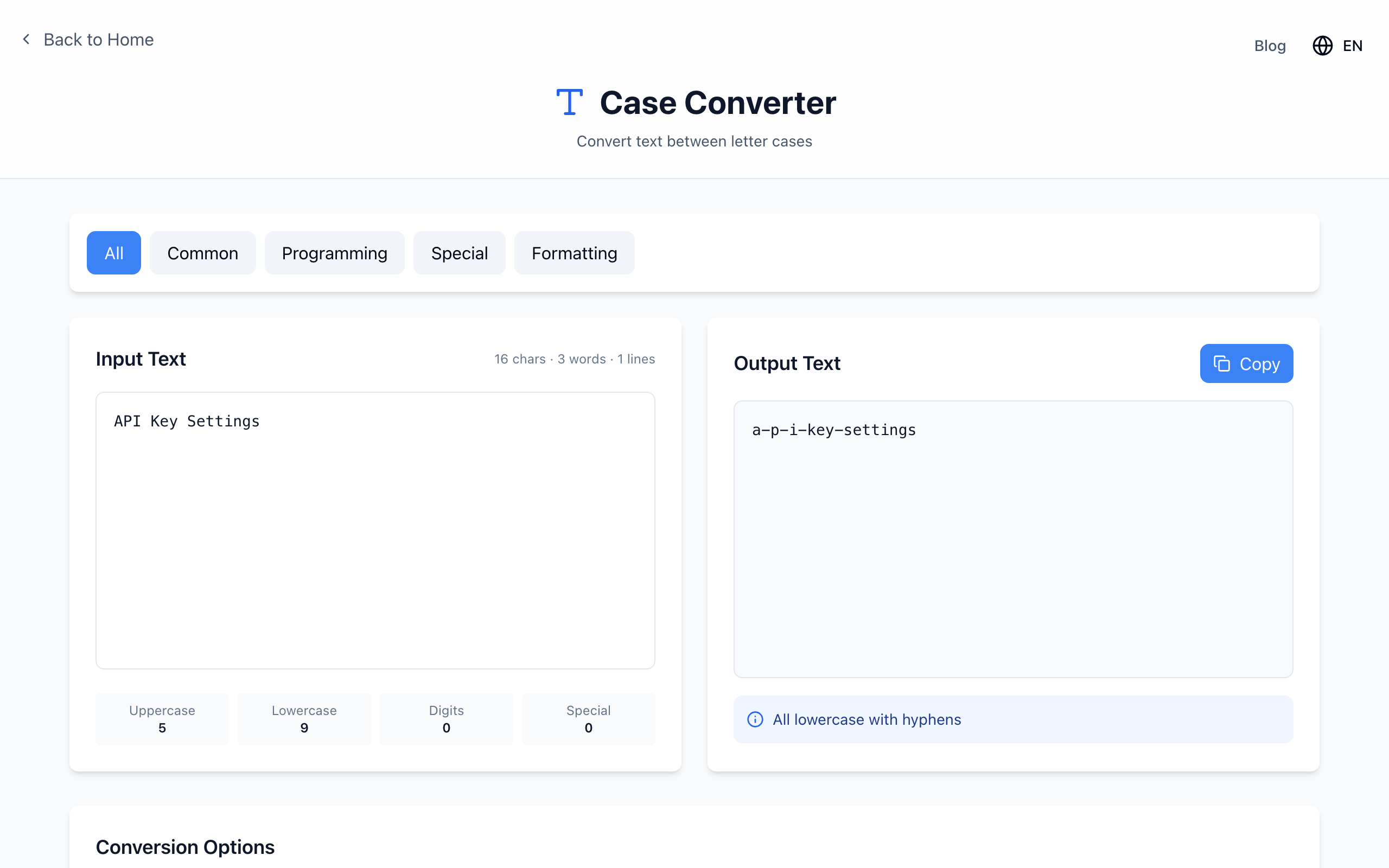
API Key Settings in kebab-case: the acronym is split into a-p-i.API Key Settings → a-p-i-key-settings api key settings → api-key-settings
The fix is simple: pick lowercase first, copy the output back into the input, then choose snake_case or kebab-case. The same applies to camelCase input such as userAPIKey, which becomes user_a_p_i_key.
Which one to use where
- URL slugs: kebab case. Google's URL guidelines recommend hyphens rather than underscores to separate words.
- Python, Ruby and SQL names: snake case is the common convention.
- JavaScript variables: neither; camelCase is usual, and
monthly-saleswould be read as subtraction. - An existing project: follow its convention instead of adding a second style.
If it doesn't work
- Letters separated by underscores: the input had uppercase acronyms. Lowercase first.
- Output starts with _ or -: the input began with a space or punctuation, such as
(final) notes→-final-notes. Delete the leading character before converting, or trim it from the output. - Renaming files that are already linked: renaming does not update links. Keep a list of old and new names and update references.
Everything runs in your browser. Open the free Case Converter.