All ArticlesImage
Resize an Image Without Stretching It
November 16, 20263 min read
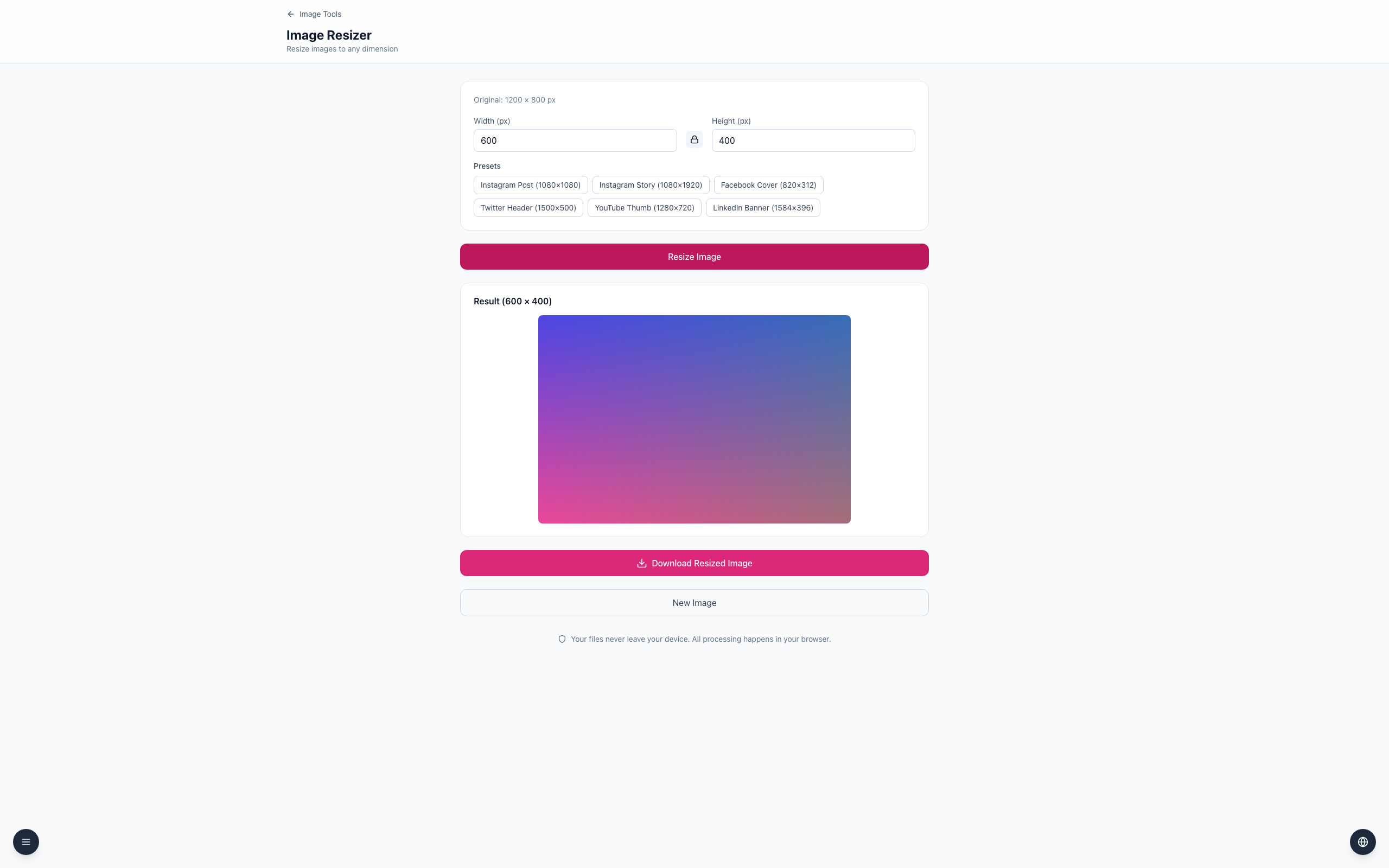
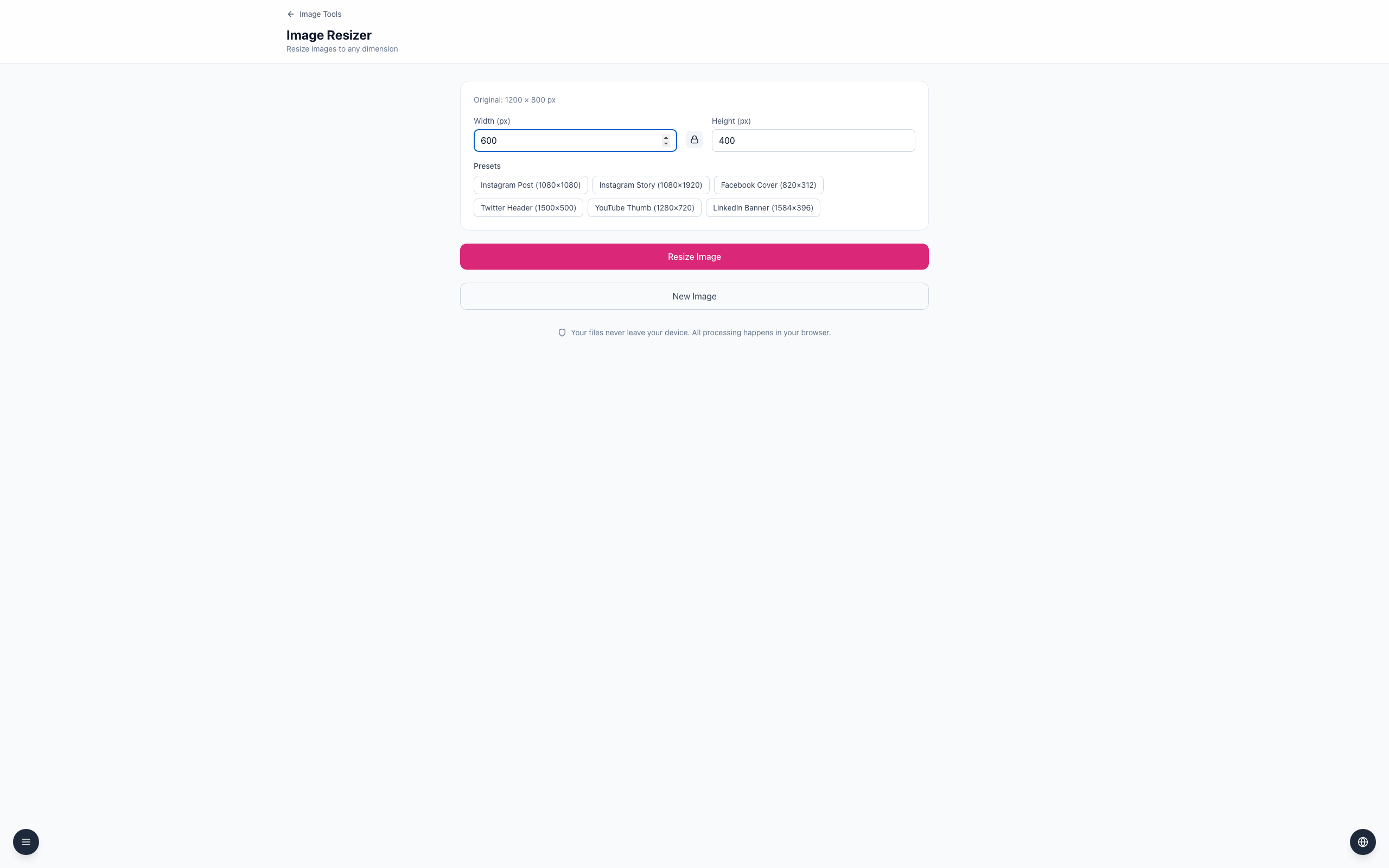
Keep the aspect ratio locked to resize an image without changing its shape. A 1200 × 800 image becomes 600 × 400 when its width is halved.
Resize without distorting the image
- Open the Image Resizer and upload a 1200 × 800 PNG.
- Leave the aspect ratio locked; the lock button's tooltip reads Unlock aspect ratio. Enter
600for Width (px) and Height (px) changes to400. - Click Resize Image. Result (600 × 400) appears and Download Resized Image becomes available.
The ratio is the relationship between width and height. Keeping it consistent preserves shape, although reducing dimensions removes pixels.
If it doesn't work
- If the height does not change, lock the aspect ratio and enter the width again.
- Use a supported JPEG, PNG or WebP image.
- Keep the original: enlarging a small result cannot restore lost detail.
Image resizingImage Tools