Pixels vs Inches: What Image Resize Actually Changes
November 16, 20263 min read
Pixel dimensions measure the grid in an image; inches describe a physical print. At 300 pixels per inch, a 600 × 400 image prints at 2 × 1⅓ inches without resampling.
Resize by pixels, then check print size separately
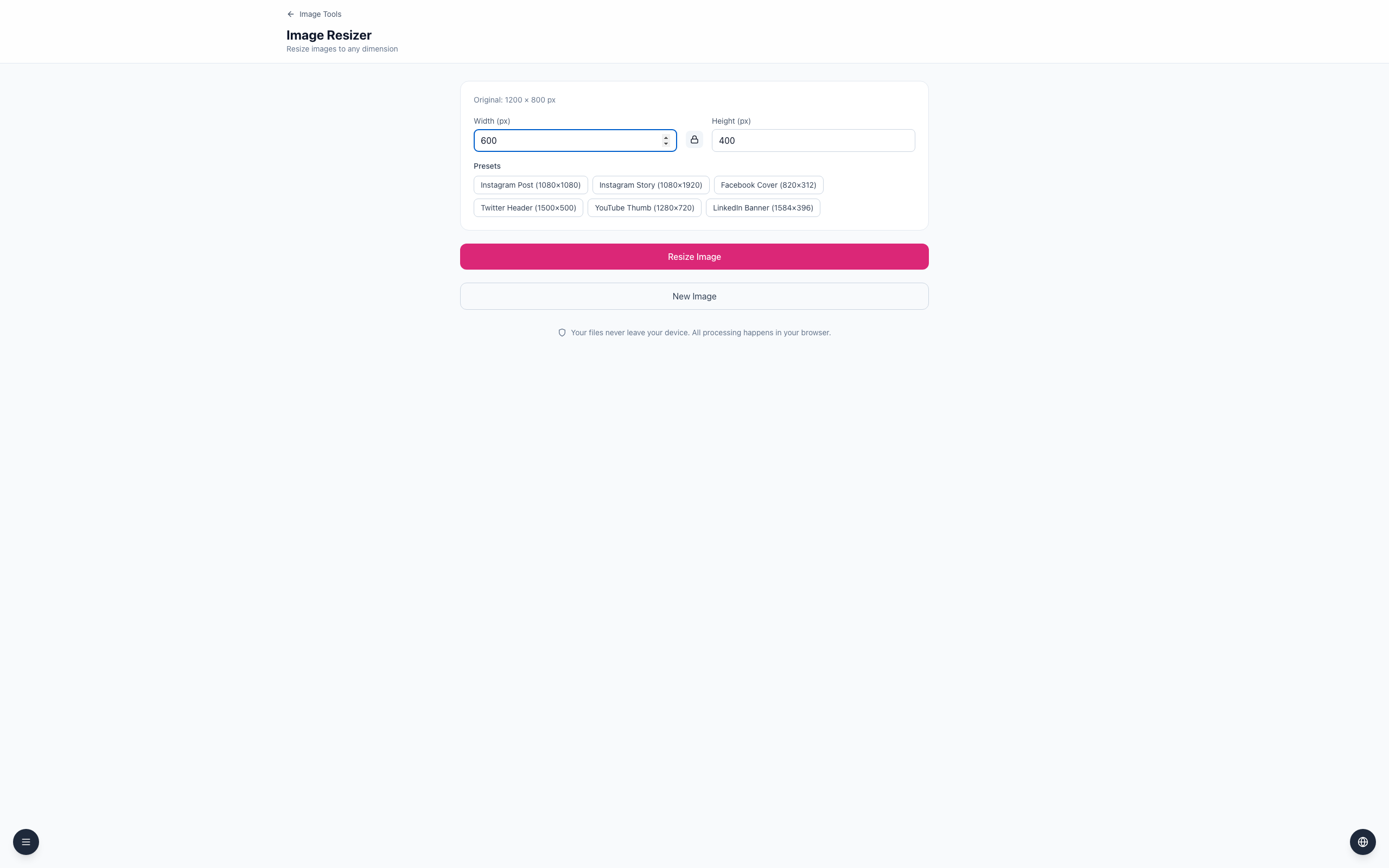
Open the Image Resizer and upload a 1200 × 800 image.
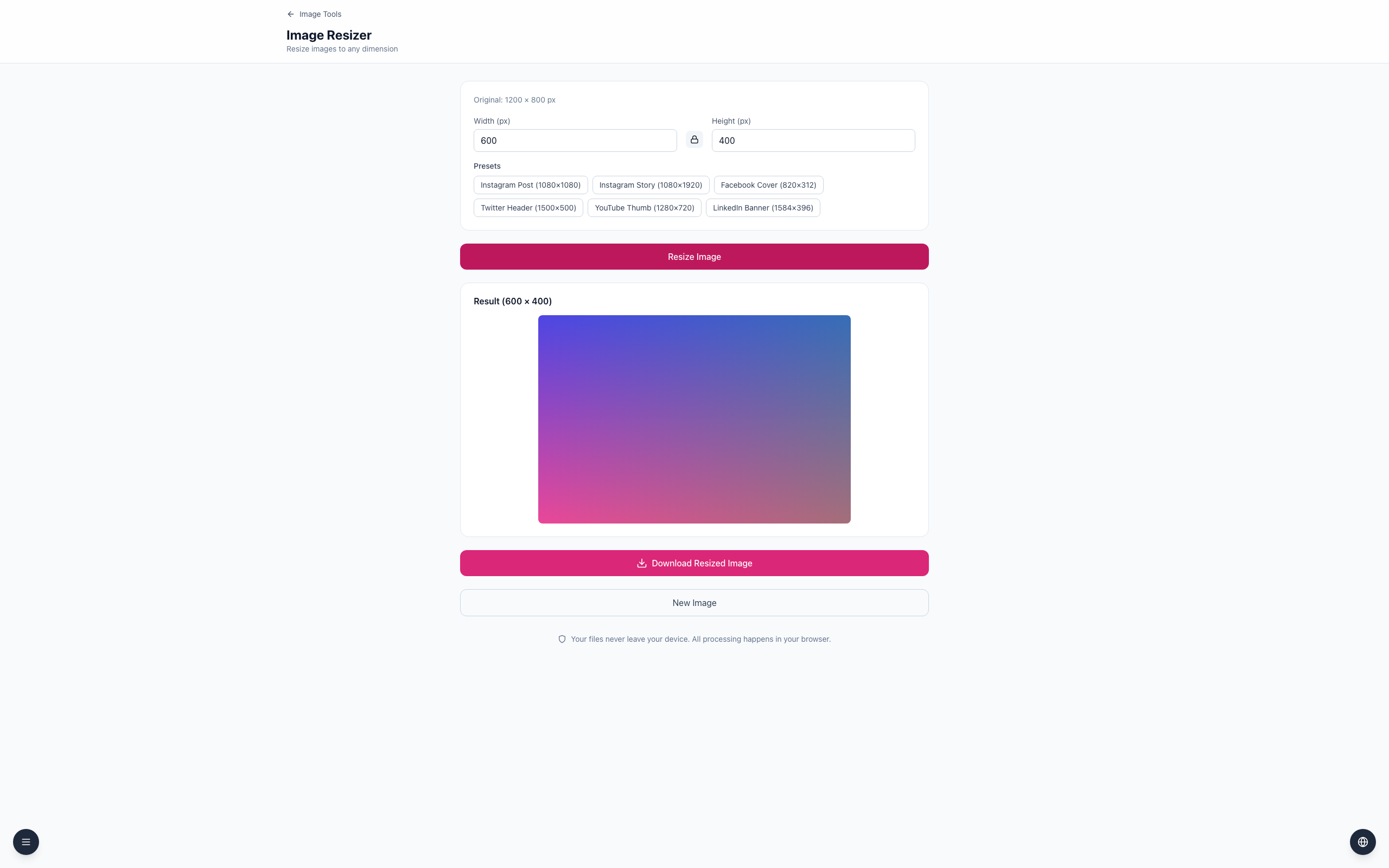
With the ratio locked, set Width (px) to 600; Height (px) becomes 400.
Click Resize Image and Download Resized Image. The tool sets pixel dimensions; choose physical size and print resolution in your print workflow.
Divide pixels by pixels per inch to estimate print dimensions. At 150 pixels per inch, the same 600 × 400 pixels cover 4 × 2⅔ inches; changing print size does not create extra detail.
If it doesn't work
Check whether the printer or editor is resampling the image.
For larger prints, start with a higher-resolution original where possible.
Use consistent units and ask the printer for its preferred resolution.