Remove Duplicate Lines While Keeping Their Original Order
Removing duplicates and sorting a list are separate operations. If the original order represents priority, arrival time or a planned sequence, remove duplicates without choosing a sort.
Try a four-line list
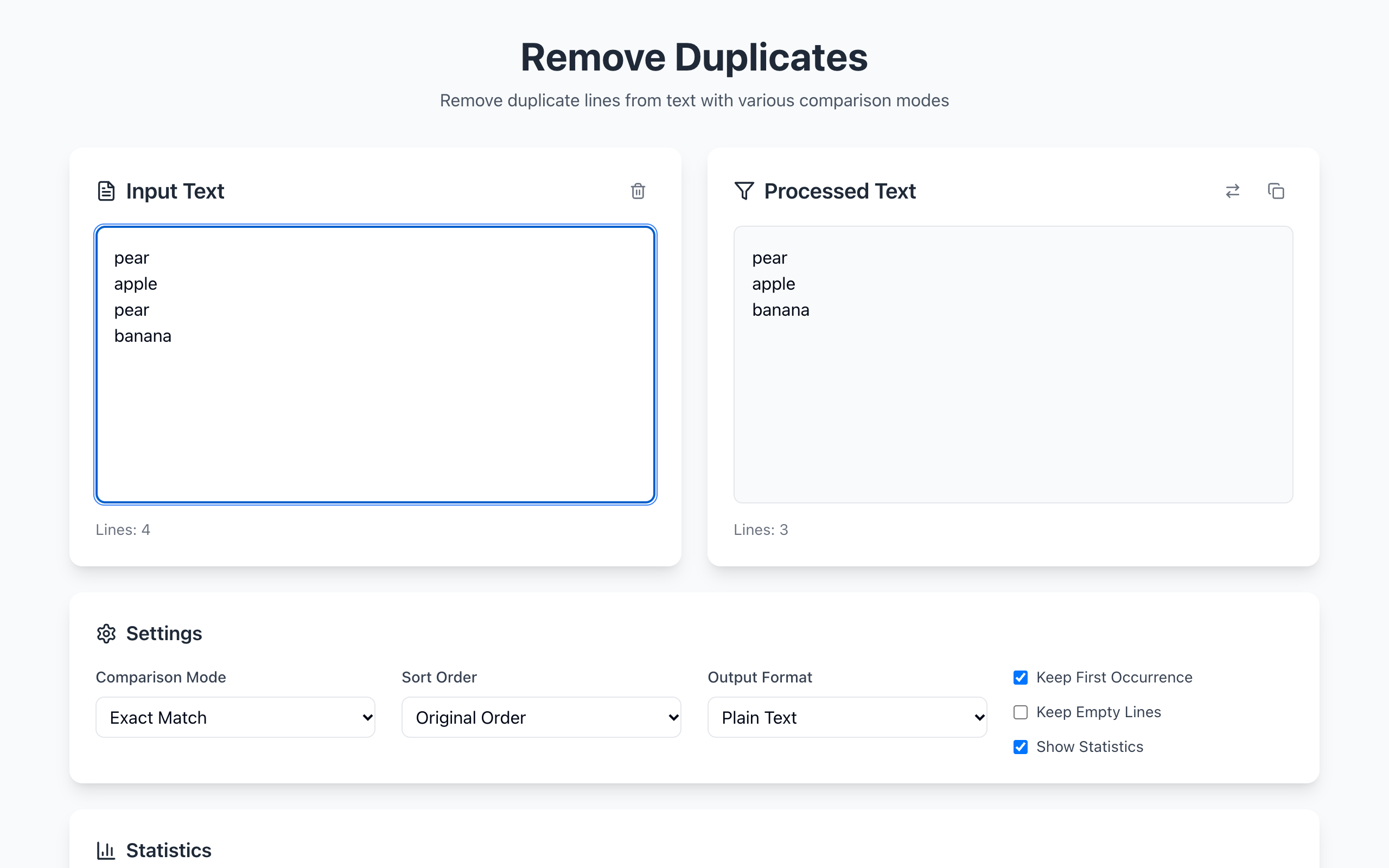
Start with these entries, one per line: pear, apple, pear, banana.
With Exact Match comparison, Keep First Occurrence checked and Sort Order set to Original Order, the result is pear, apple, banana. An alphabetical sort would move apple to the top, which is a different transformation.
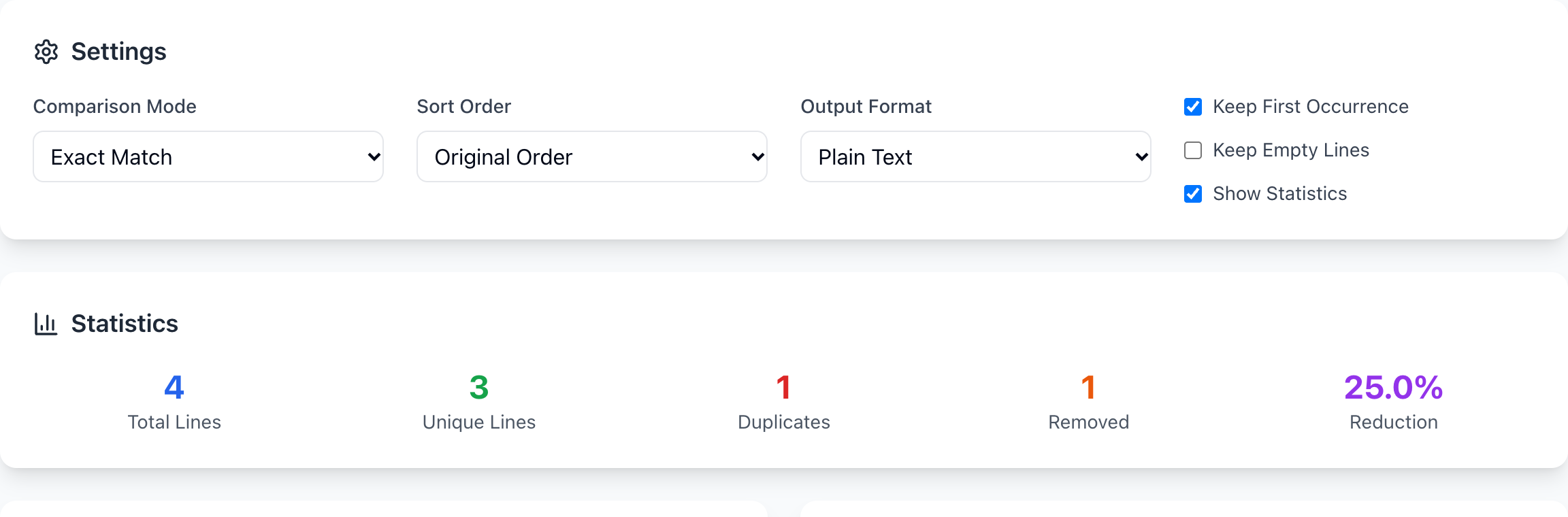
Choose settings before processing
- Pick Exact Match when every character matters.
- Leave Keep First Occurrence checked.
- Set Sort Order to Original Order.
- Choose Plain Text output if you will paste the result into another line-based tool.
Inspect a short sample before processing the full list. A line with an extra trailing space can look identical but stays distinct under exact comparison. Likewise, Pear and pear are not the same exact string.
Verify what was removed
Compare the input and output line counts, then scan the beginning and end of the list. Empty lines are dropped unless Keep Empty Lines is checked, so part of the reduction can be blank rows rather than duplicates. Do not describe every removed row as a repeated person or item.
This tool works on whole lines. It does not identify duplicate customers across different spellings, merge CSV records by one selected column, or decide which business record is authoritative. Keep the source file when those distinctions matter.