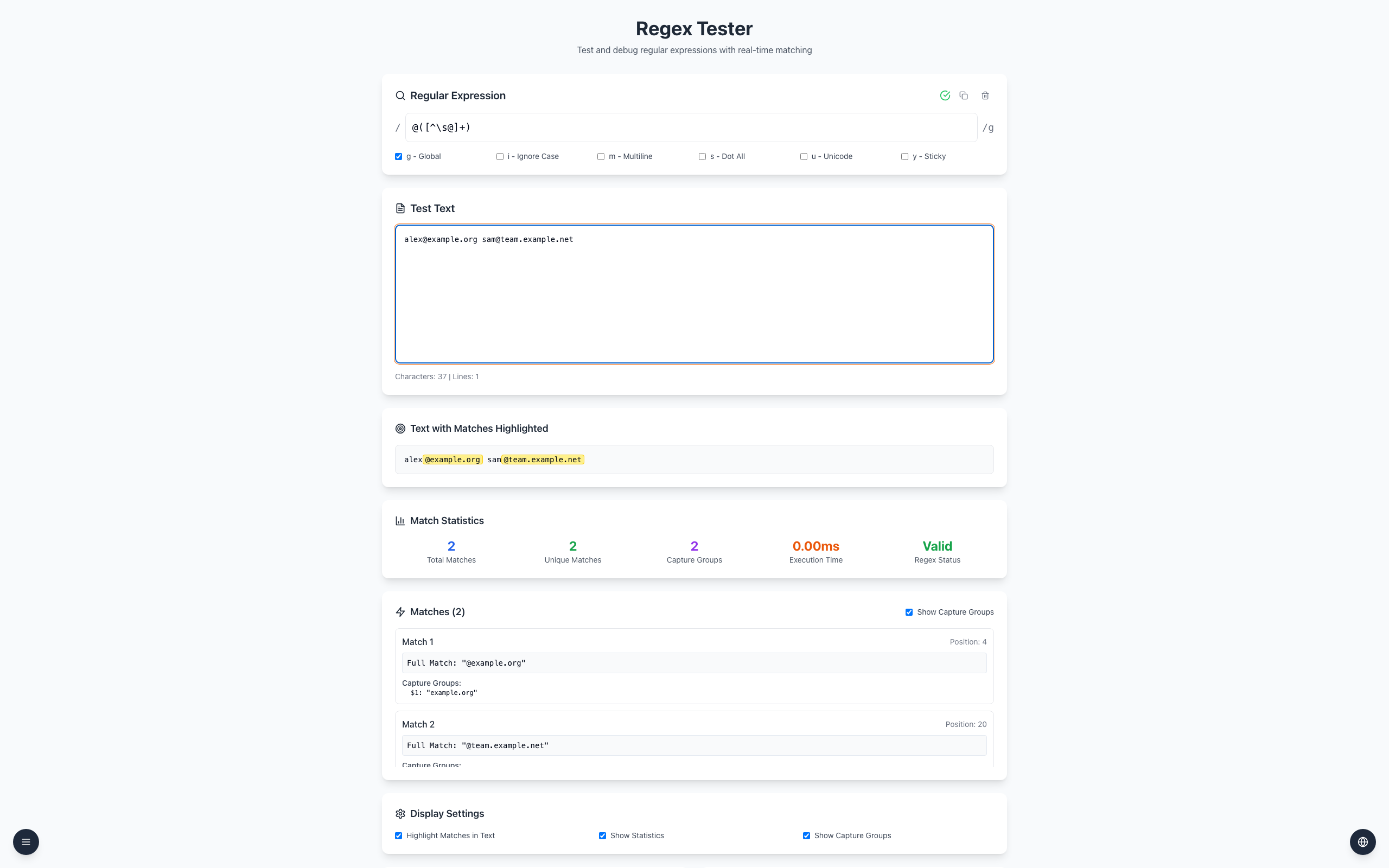
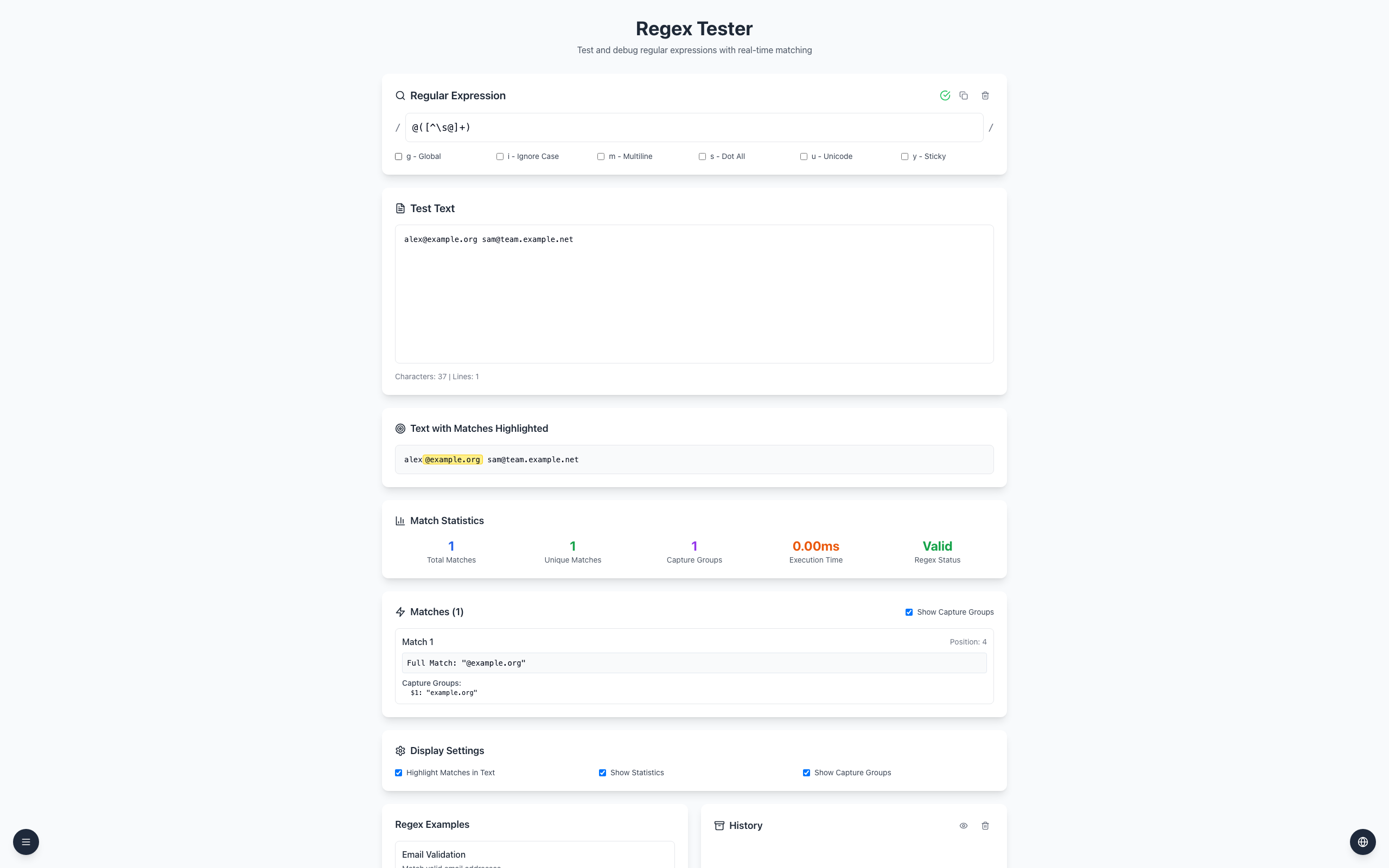
The pattern @([^\s@]+) captures the text following an at sign up to whitespace or another at sign. For [email protected][email protected], its groups are example.org and team.example.net.
Open the Regex Tester and enter @([^\s@]+) as the pattern.
Turn off g - Global to see only the first match, then turn it back on for both.
This teaching pattern also accepts some malformed address-like text and can include trailing punctuation. It does not validate an email address, confirm a mailbox exists, or prove ownership.
If it doesn't work
Check that the parentheses and backslash are present and Show Capture Groups is enabled.
Enable g - Global if only the first sample appears.
Use an appropriate validation and confirmation process for real email addresses.