Create a Wi-Fi QR Code and Check the Network Details
November 15, 20263 min read
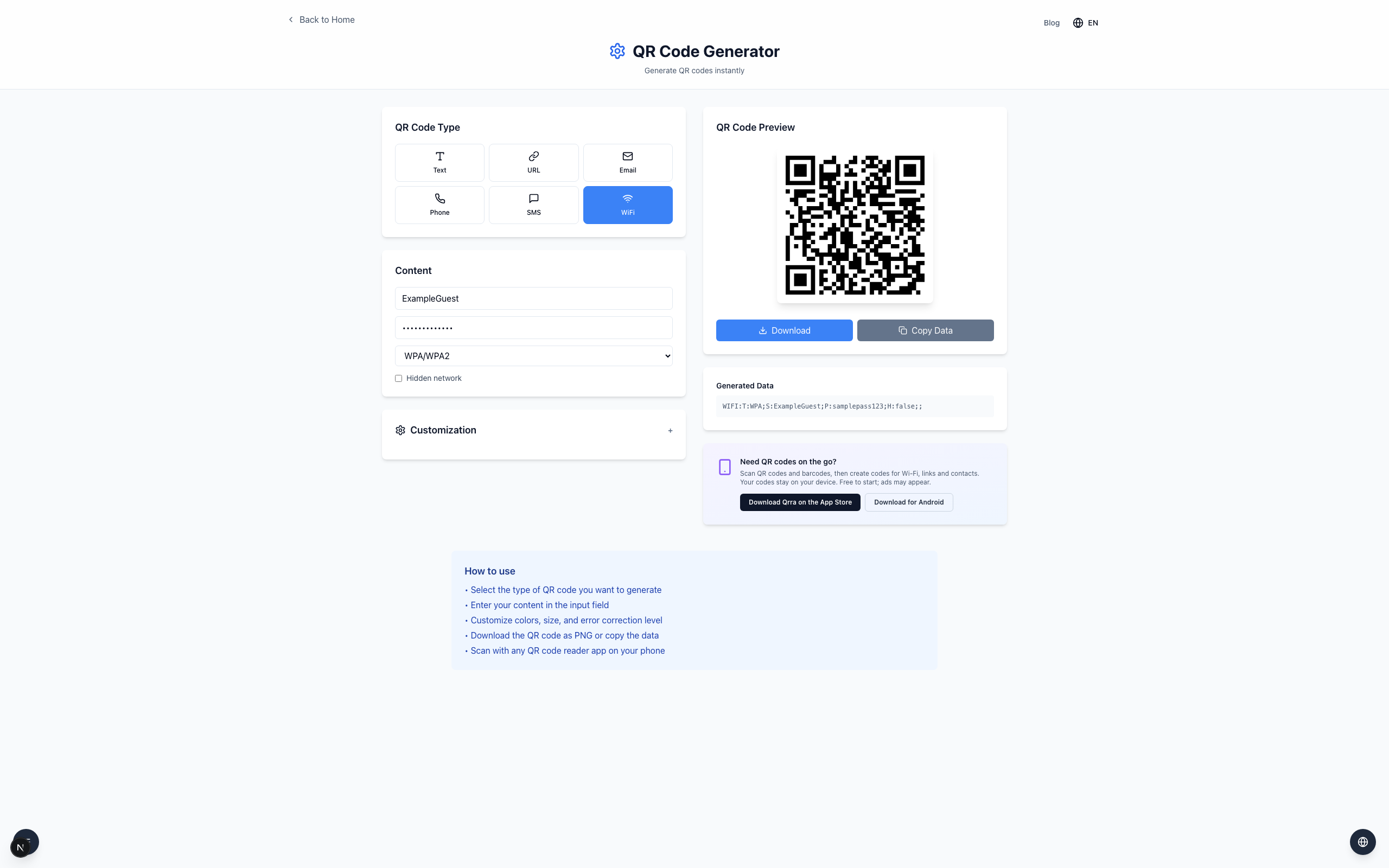
A WiFi QR code can carry a network name, security type and password so a compatible phone can offer to join the network directly from the camera. Anyone who scans it can read the password, so only share it where that is appropriate.
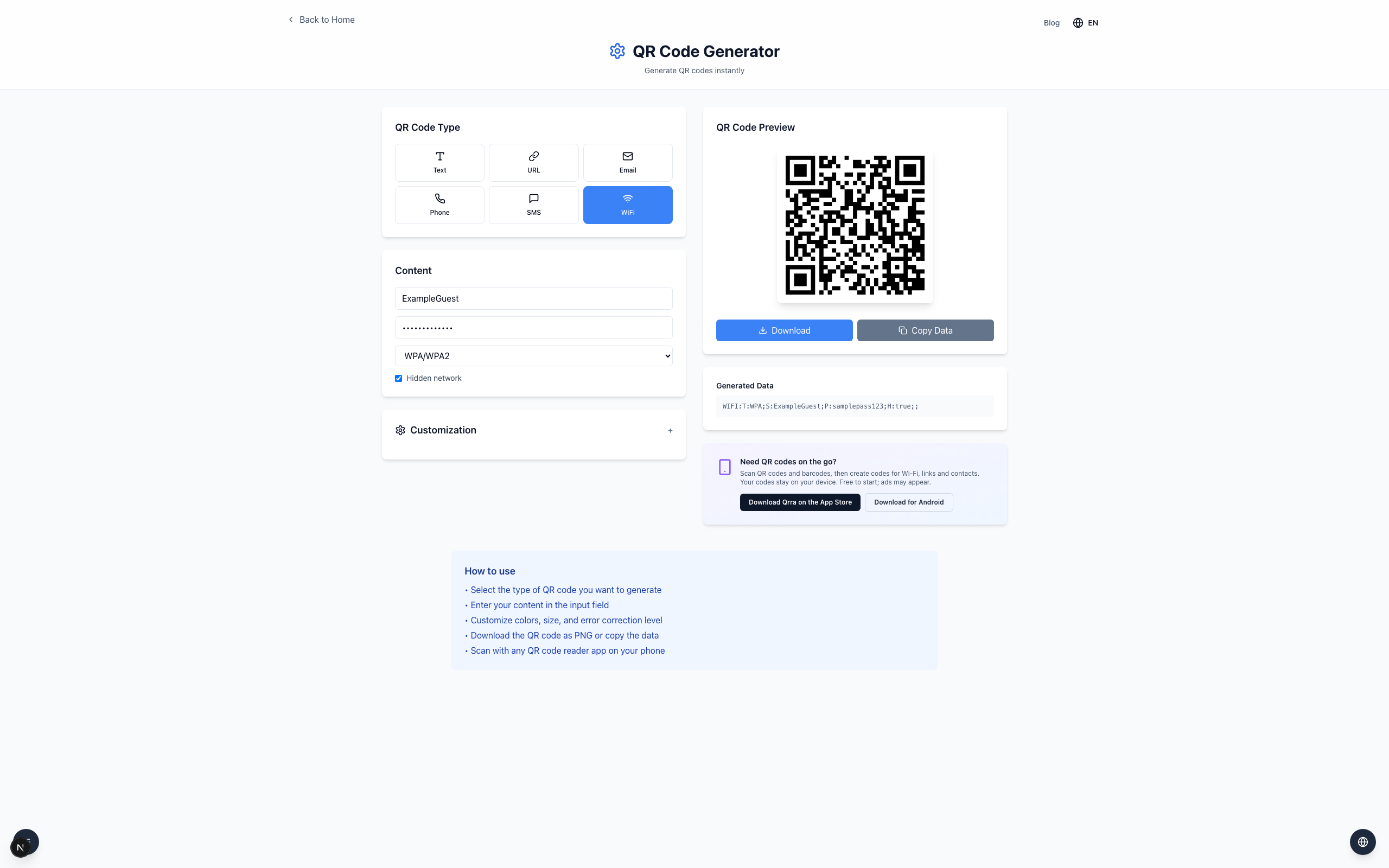
The T field is the security type, S the network name, P the password, and H whether the network is hidden.
Match your router exactly
Leave Hidden network unchecked unless your network is actually hidden; checking it changes the payload's H field to true. Use the exact capitalization for the network name and password, and select WEP or No password instead of WPA/WPA2 if that matches your router's security mode.
If it doesn't work
Check the network name and password for spaces and capitalization; this example is fictional and will not join a real network.
Verify the security type and hidden-network setting match the router.
Test the code on a device that is not already connected, to confirm it both scans and joins.