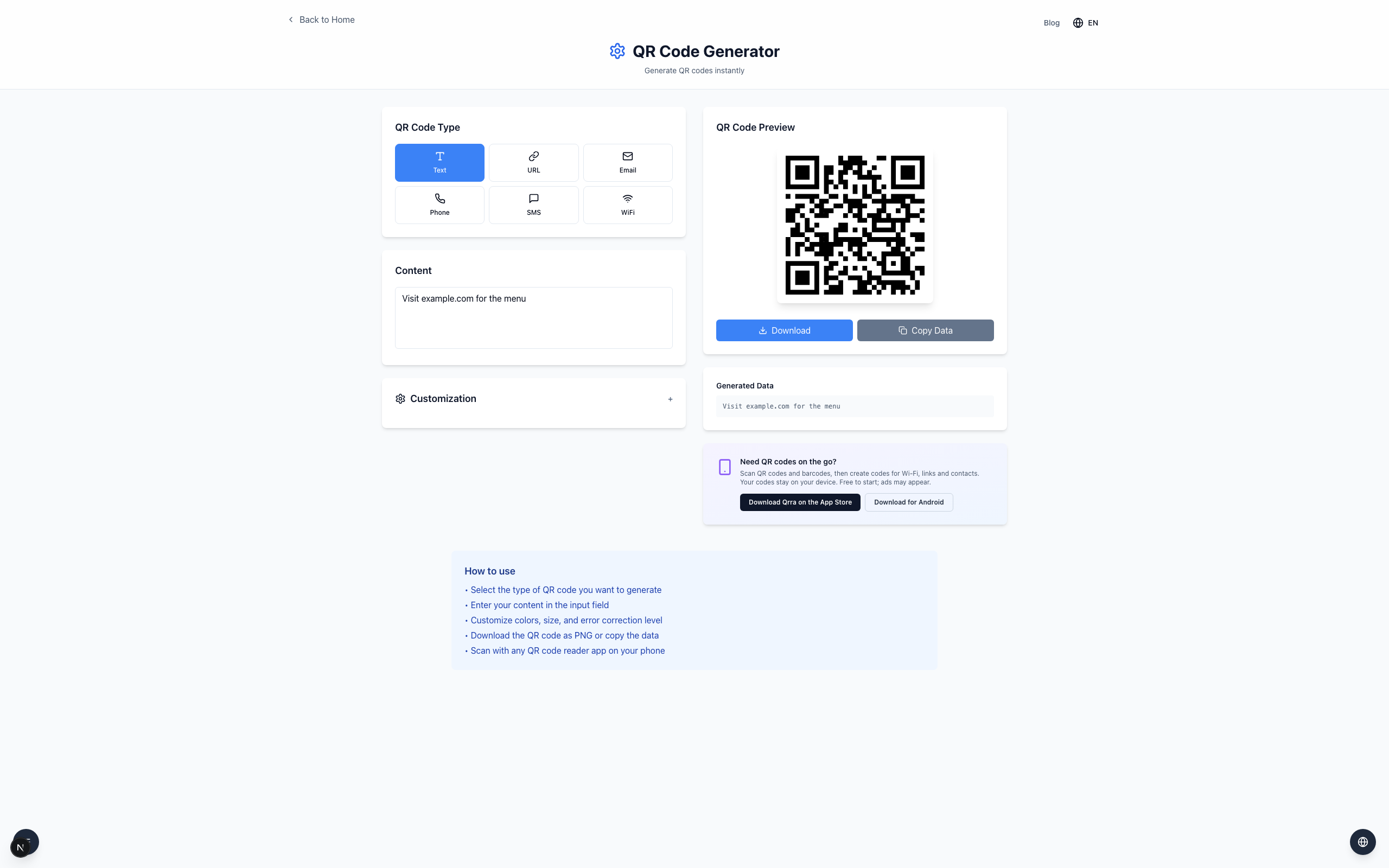
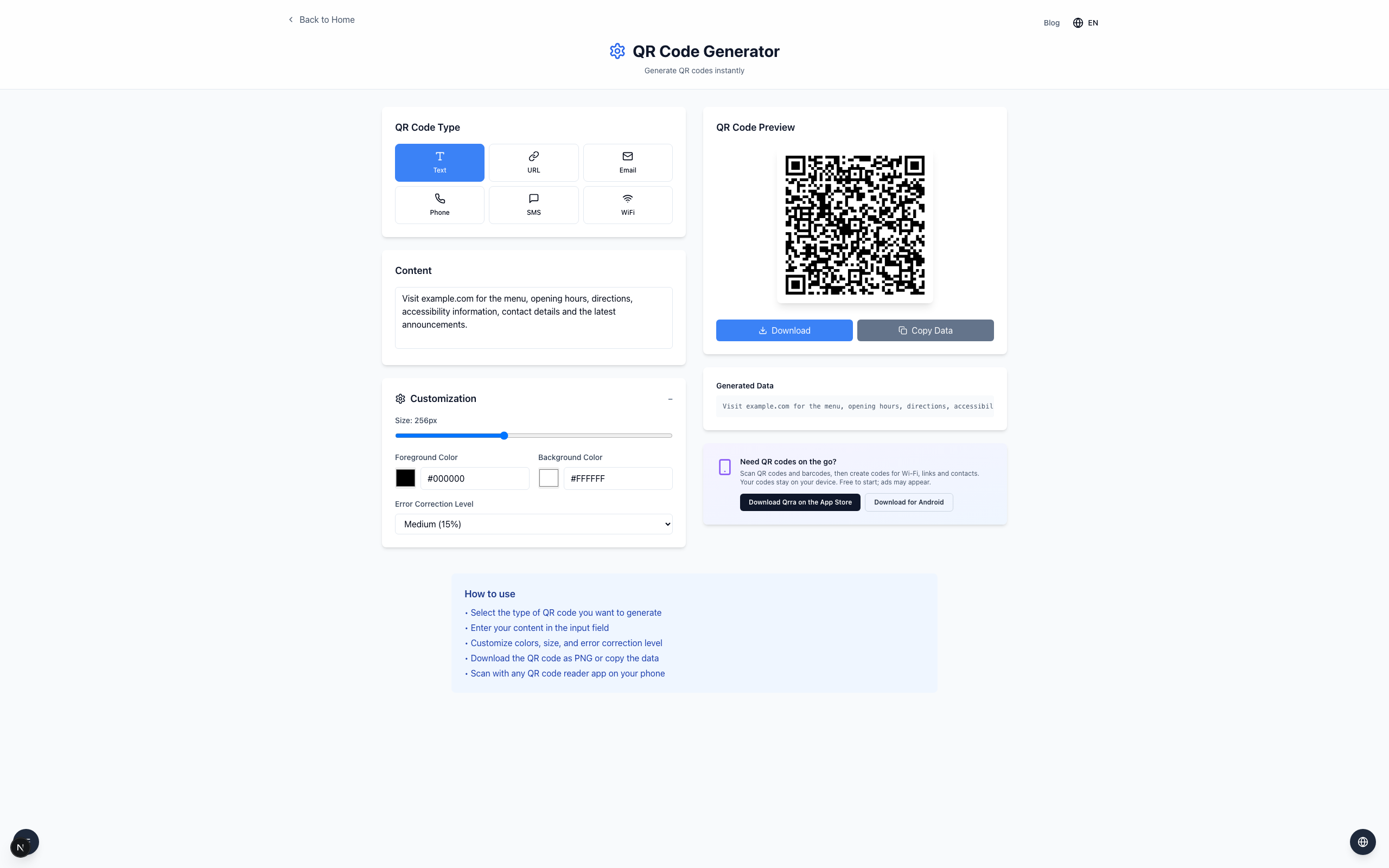
A QR code becomes harder to scan at a fixed print size when it has to fit more small squares. Shorten the encoded text or increase the printed size, then test a physical copy with more than one phone.
Compare a short and a long payload
Open the QR Generator, select Text, and enter Visit example.com for the menu. The QR preview appears.
Replace it with a longer input:
Visit example.com for the menu, opening hours, directions, accessibility information, contact details and the latest announcements.
The preview now needs more modules to hold the extra text, so each square is smaller at the same Size setting.
What to check before printing
Open Customization to see the current Size and Error Correction Level. A shorter URL can point to a page with the longer details instead of encoding all of it. A QR code is static: if the destination changes, you need a new code unless the link itself redirects.
If it doesn't work
Enlarge the printed code and leave clear white space around it.
Check print quality and avoid stretching the downloaded image.
Scan the actual printed copy with more than one phone; a screen preview alone does not prove it will scan on paper.