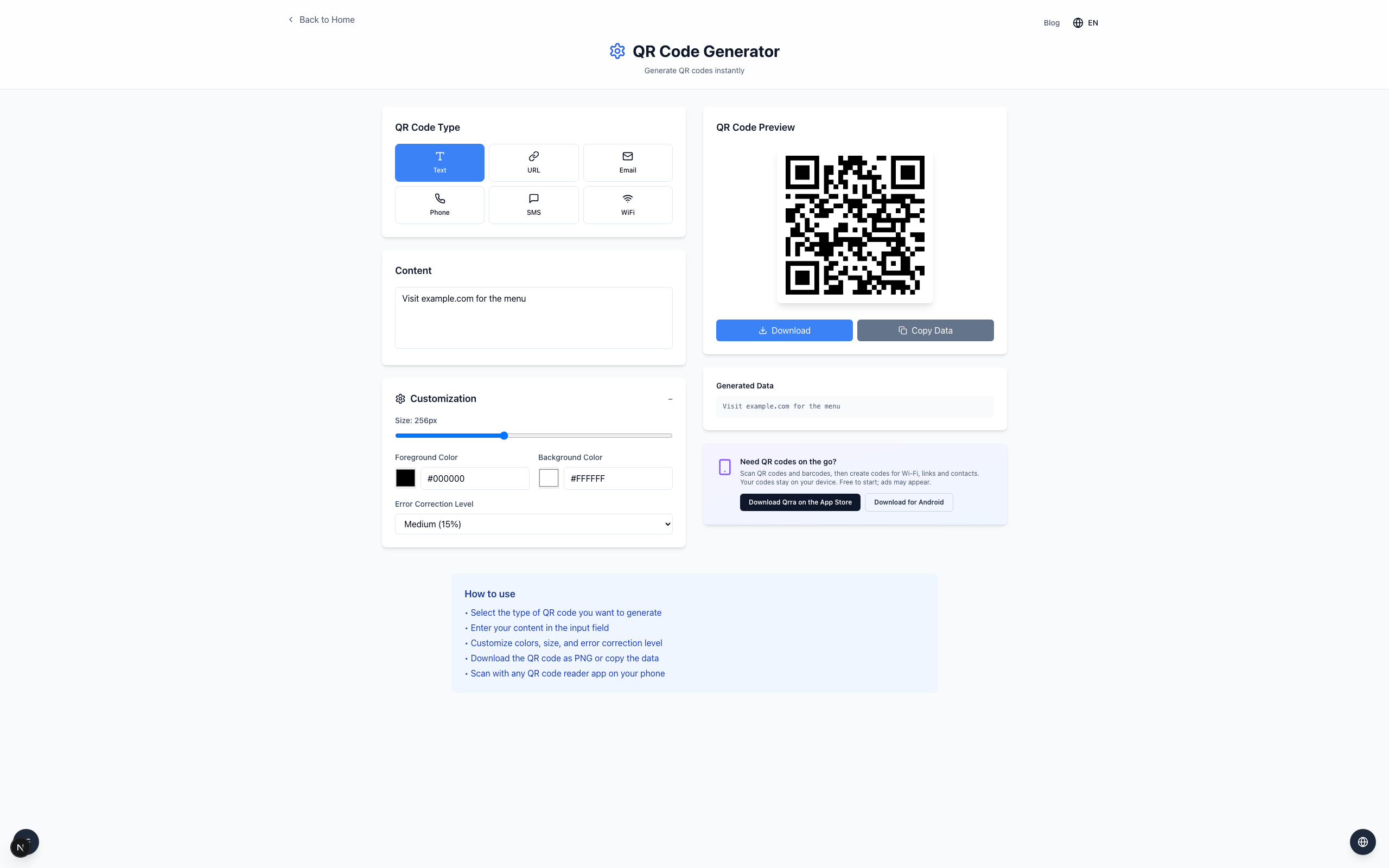
A dark QR code on a light background is a practical starting point for printing. Strong contrast helps a scanner distinguish the squares, but only a test of the final print confirms it works in your conditions.
Compare the default and a tinted foreground
Open the QR Generator, select Text, and enter Visit example.com for the menu.
Open Customization. The preview starts with Foreground Color#000000 on Background Color#FFFFFF.
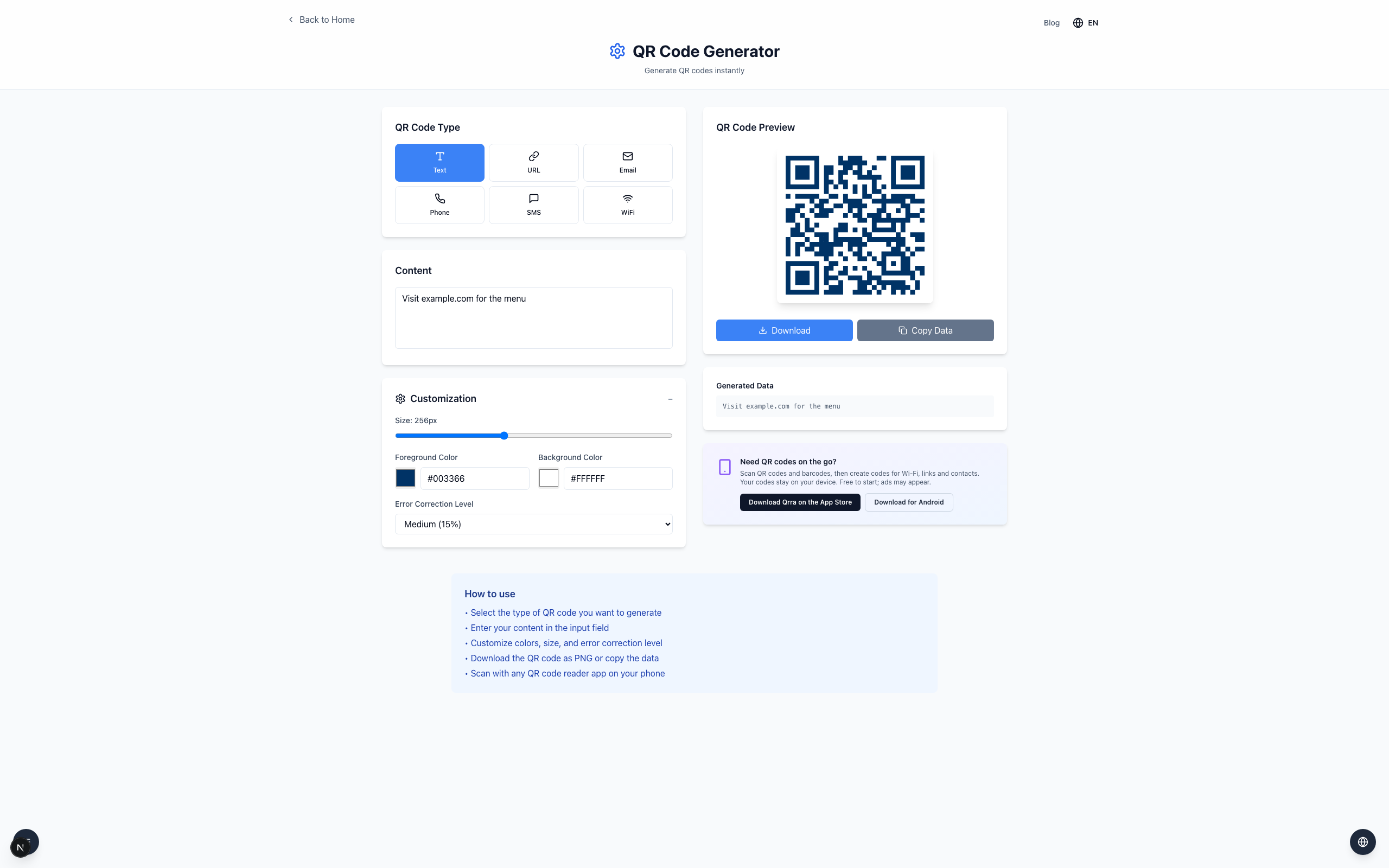
Change Foreground Color to a dark blue, #003366, and compare the preview against the black version.
What to verify before distributing
Keep the light border (quiet zone) around the code clear of other content. Click Download and test the printed result with more than one device and lighting condition; screen appearance alone does not guarantee a scan on paper, where ink, glare, size and camera focus all matter.
If it doesn't work
Return to black on white and print a larger version if a tinted code fails to scan.
Avoid pale foreground colors, busy backgrounds, and cropped margins around the code.
Scan the final print and confirm the decoded text matches what you encoded.