Generate Placeholder Text by Words or Paragraphs?
Use Words when you need an exact length, such as a card description or a title. Use Paragraphs when you want to judge spacing and reading flow. Asking for three paragraphs doesn't give you a fixed number of words: each paragraph is a random length.
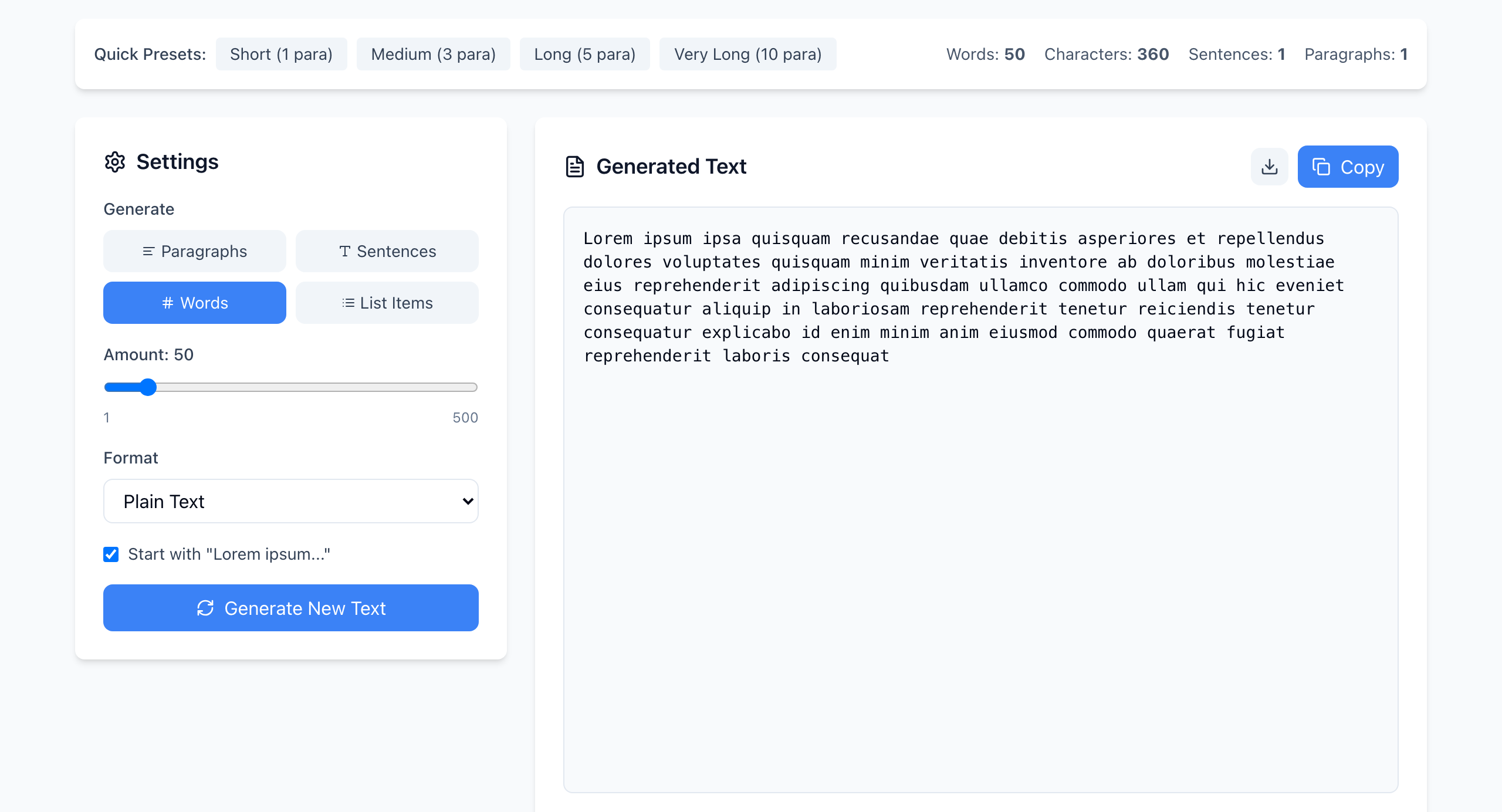
See the difference
- Click Words and set Amount to 50 (click the slider, then use the arrow keys). Click Generate New Text. The Words figure at the top right is 50 every time. The text is one block with no full stop at the end.
- Now click Paragraphs and set Amount to 3. The result has 3 paragraphs, but the word count changes with each click of Generate New Text.
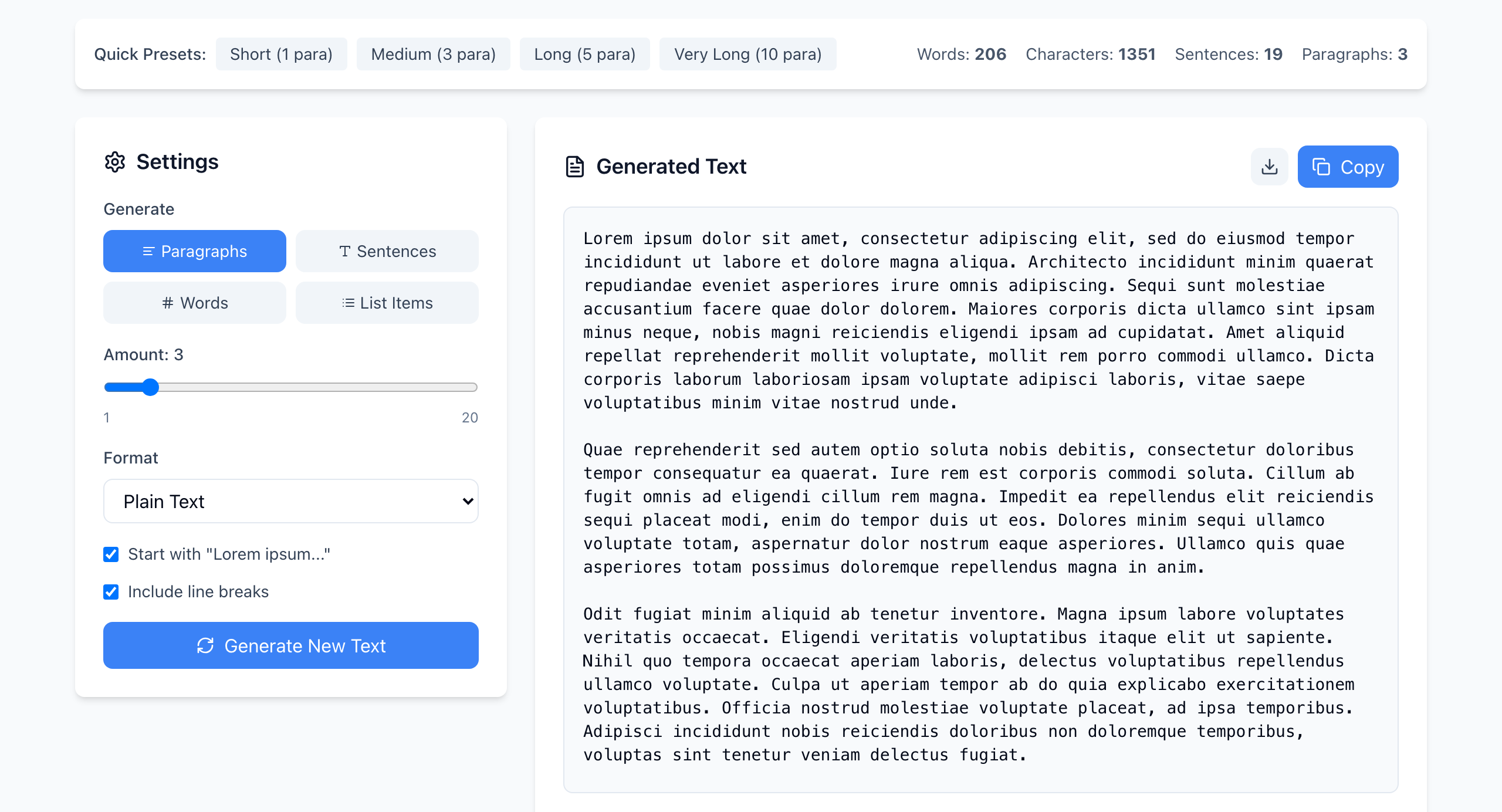
Each paragraph has 3 to 7 sentences of 5 to 15 words, and the first one starts with the classic “Lorem ipsum dolor sit amet…” line. In our test runs, three paragraphs came out between about 115 and 215 words. If a layout has a word budget, don't use paragraphs to hit it.
Pick the mode that matches the component
- Title or button: Words, 3 to 10.
- Card or summary: Words, a count close to your real limit.
- One or two sentences, such as a caption: Sentences.
- A menu or feature list: List Items (bullets in Plain Text,
-in Markdown,<ul>in HTML). - Article body: Paragraphs, or the Quick Presets (1, 3, 5 or 10 paragraphs).
Format and download
Format sets what you copy: Plain Text, HTML (each paragraph wrapped in <p>) or Markdown. The download button next to Copy saves it as lorem-ipsum.txt, .html or .md to match. Untick Include line breaks (Plain Text with Paragraphs only) to run the paragraphs together into one block.
The counts shown
The Characters count at the top right leaves out spaces. If your real limit counts spaces, as most text fields do, check the finished text in the Word Counter, which shows both numbers.
If it doesn't work
- You need exactly 50 words but got more: you are in Paragraphs mode. Switch to Words.
- The first words are always “Lorem ipsum”: that is the Start with “Lorem ipsum…” option. Untick it for a fully random start.
- The slider stops at 20: only Words goes up to 500. Paragraphs, Sentences and List Items stop at 20.
Text is generated in your browser and nothing is uploaded. Open the free Lorem Ipsum Generator.