Find Placeholder Copy Before a Website Goes Live
Before launch, search every page for “lorem” and also for other Latin words such as consectetur, adipiscing, eiusmod and incididunt. Placeholder text does not always start with “Lorem ipsum”, so a search for that phrase alone will miss it.
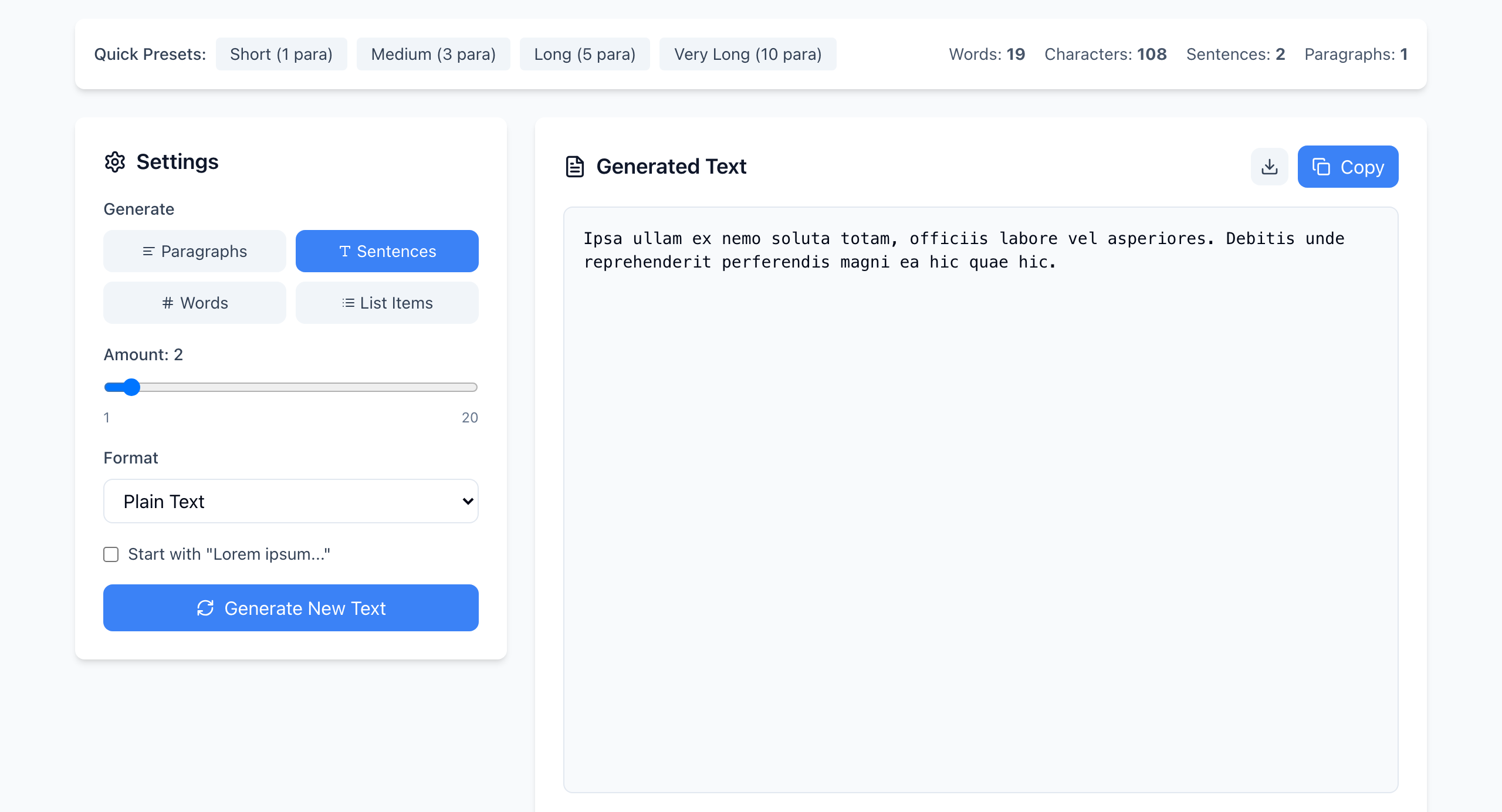
Why one search is not enough
The generator's Start with “Lorem ipsum…” box is ticked by default, but unticking it gives text drawn from a list of about 170 Latin-style words. A sample like the one above has no “lorem” at all. If a template, a CMS block or an AI-generated draft used text like that, a search for “lorem” returns nothing and the page still has placeholder text.
A search list
Press Ctrl+F (Cmd+F on a Mac) on each page and look for these, which are specific to the placeholder word list and rare in real writing:
lorem ipsum dolor sit consectetur adipiscing eiusmod incididunt voluptate reprehenderit
Short words such as “sit”, “do” and “in” are in the list too, but they are ordinary English, so search for the longer ones.
Places a page search won't show
- Browser tab title. Read it on every page type.
- Page source. Open the page, press Ctrl+U (Cmd+Option+U on a Mac) and search the source. This reaches the meta description and image
alttext. - Hidden states. Open the error page, an empty list, a confirmation message after a form is sent, and the footer.
- Other places. Check email templates and social share previews.
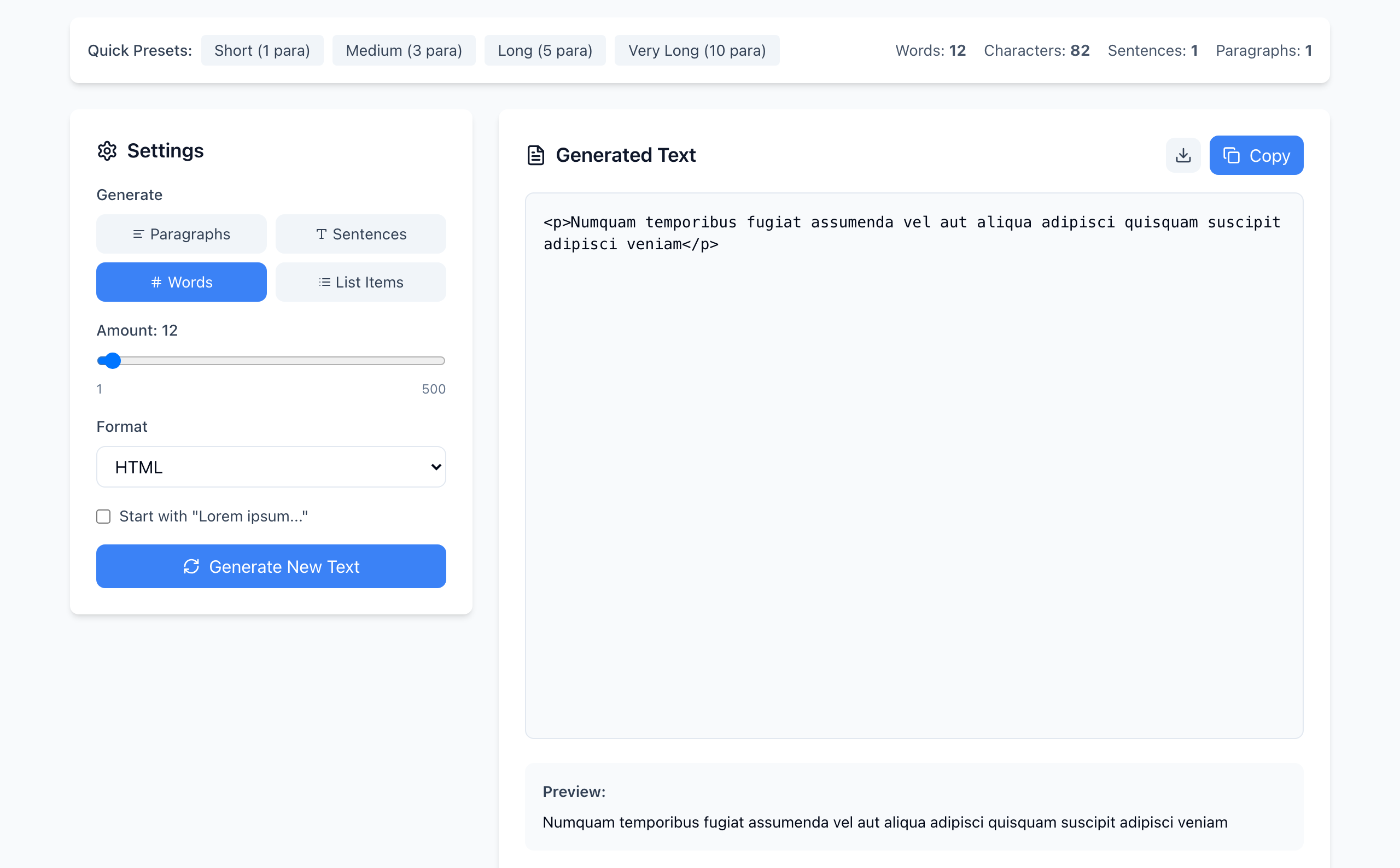
<p> tags, so it also shows up in a page source search.If someone pasted the HTML format into a template, the Latin words sit inside <p> tags in the source, which makes them easy to overlook when you scroll through the markup. The source search above finds them.
Replace with the real task in mind
Write the real heading and button label first, then adjust the layout to fit them. Don't keep a short placeholder because it looks tidier. When you finish, ask whether a new visitor could complete the page's task from the text alone.
If it doesn't work
- The search finds nothing but the page looks unfinished: the text may be real-looking filler such as “Your title here”. Search for “your”, “sample” and “text here”.
- Too many matches for “ipsum”: an article about placeholder text may mention it legitimately. Read each match.
- You can't search the page: text inside images isn't searchable. Look at images at full size.
Text is generated in your browser and nothing is uploaded. Open the free Lorem Ipsum Generator.