Use Lorem Ipsum to Test More Than One Screen Size
Generate three different lengths of placeholder text, a short title, a card description and a few paragraphs, and put each in the same layout at a narrow and a wide width. Layouts rarely break on one neat paragraph. They break when one card has twice as much text as its neighbours.
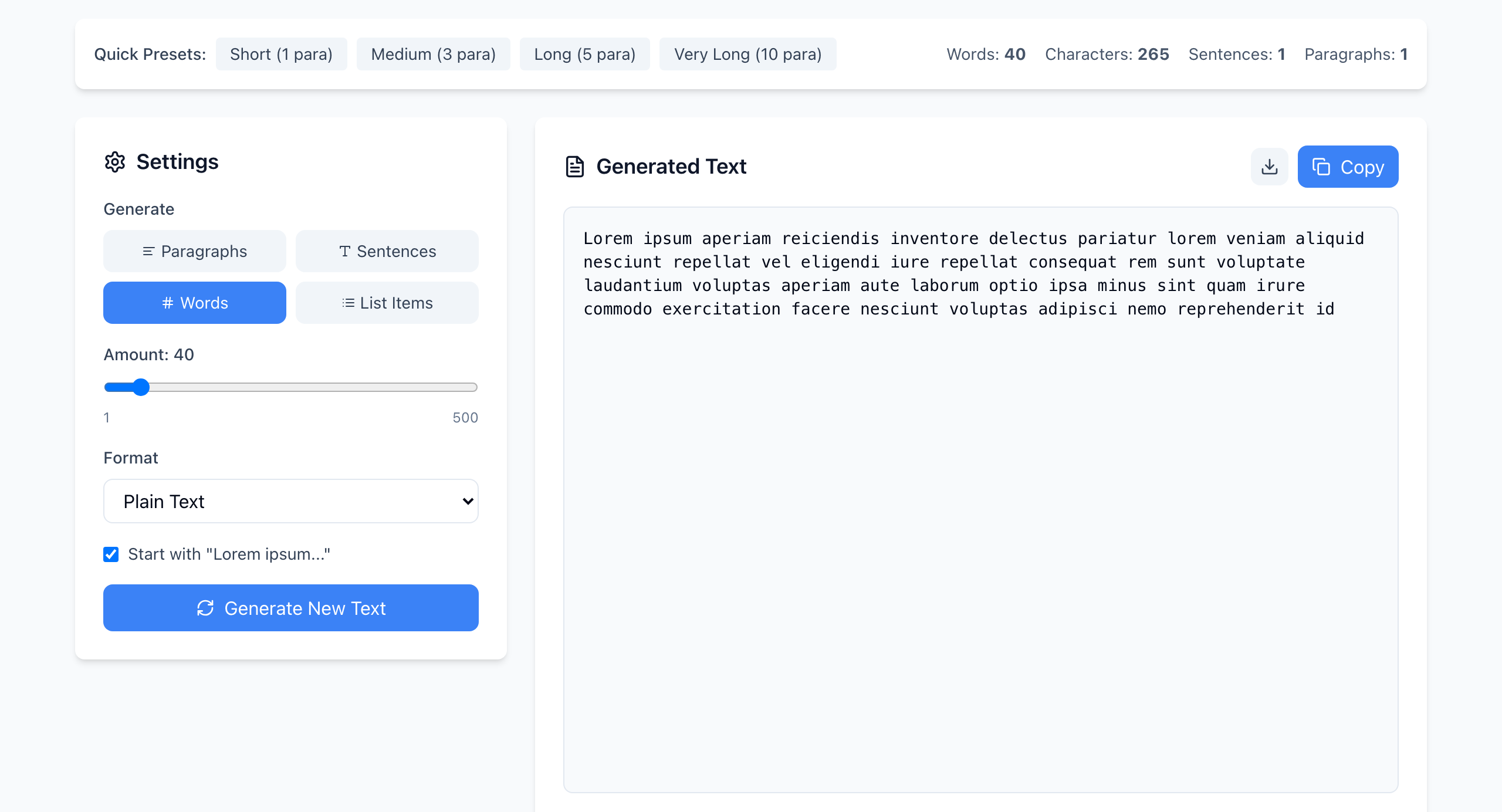
Make three lengths
- Under Generate, click Words. Click the Amount slider once, then press the left and right arrow keys to land on an exact number. Set 12 for a card title, click Generate New Text, then Copy.
- Set the amount to 40 for a card description. The Words count at the top right shows exactly 40.
- For an article body, click Medium (3 para) under Quick Presets.
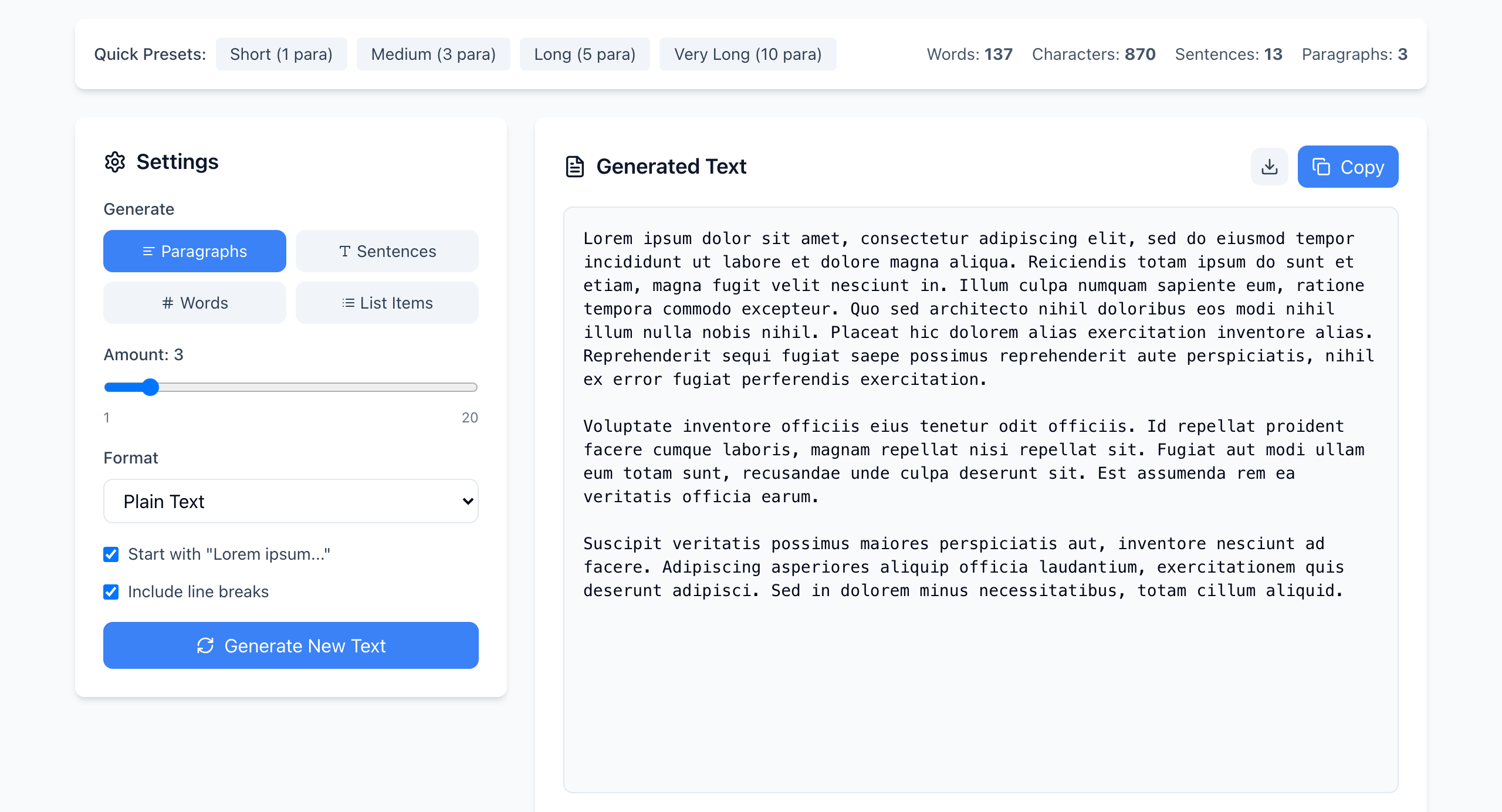
Use uneven lengths on purpose
If a section has three cards, don't give them identical text. Generate, for example, 20, 40 and 60 words and paste one into each card. If the cards are different heights, or the shortest one looks lost, you have found out what real content will do.
Then change the width
- Narrow: make the browser window about 375 pixels wide, or use your browser's device toolbar (in Chrome, open developer tools with F12, or Cmd+Option+I on a Mac, then click the phone icon).
- Wide: check at a laptop width and at a large monitor width.
- Look for text running past its box, buttons pushed off screen, and cards with uneven spacing.
Lorem ipsum words are longer than English ones
The sample above is 40 words, but it is 265 characters without spaces, about 6.6 letters per word. English text usually averages under 5. So 40 placeholder words take more room than 40 real ones, which makes the test slightly harsher than real content. Compare by the Characters count if your design has a character limit. That count leaves out spaces, so add roughly one per word.
Keep the real labels
Don't replace button and menu text with Latin. A button that says “Go” fits anywhere, but “Download monthly report” is the label the layout will have to hold. Use placeholder text for the body copy and keep the real action labels.
If it doesn't work
- The Words count is not what you set: you changed the amount but didn't click Generate New Text.
- Different text every click: expected. The text is random each time, so note the word count of the sample that caused a problem and re-test with the same count.
- Text looks fine but real copy breaks it: placeholder words have no very long names, links or numbers. Test those with real examples.
Text is generated in your browser and nothing is uploaded. Open the free Lorem Ipsum Generator.