Convert All Caps to Readable Text Without Losing Names
November 5, 20263 min read
Paste the all-caps text into the Case Converter and pick Sentence case or lowercase. You get readable text instantly, but the converter does not know which words are names or acronyms, and Sentence case only capitalizes the very first letter. Plan on a quick fix-up pass.
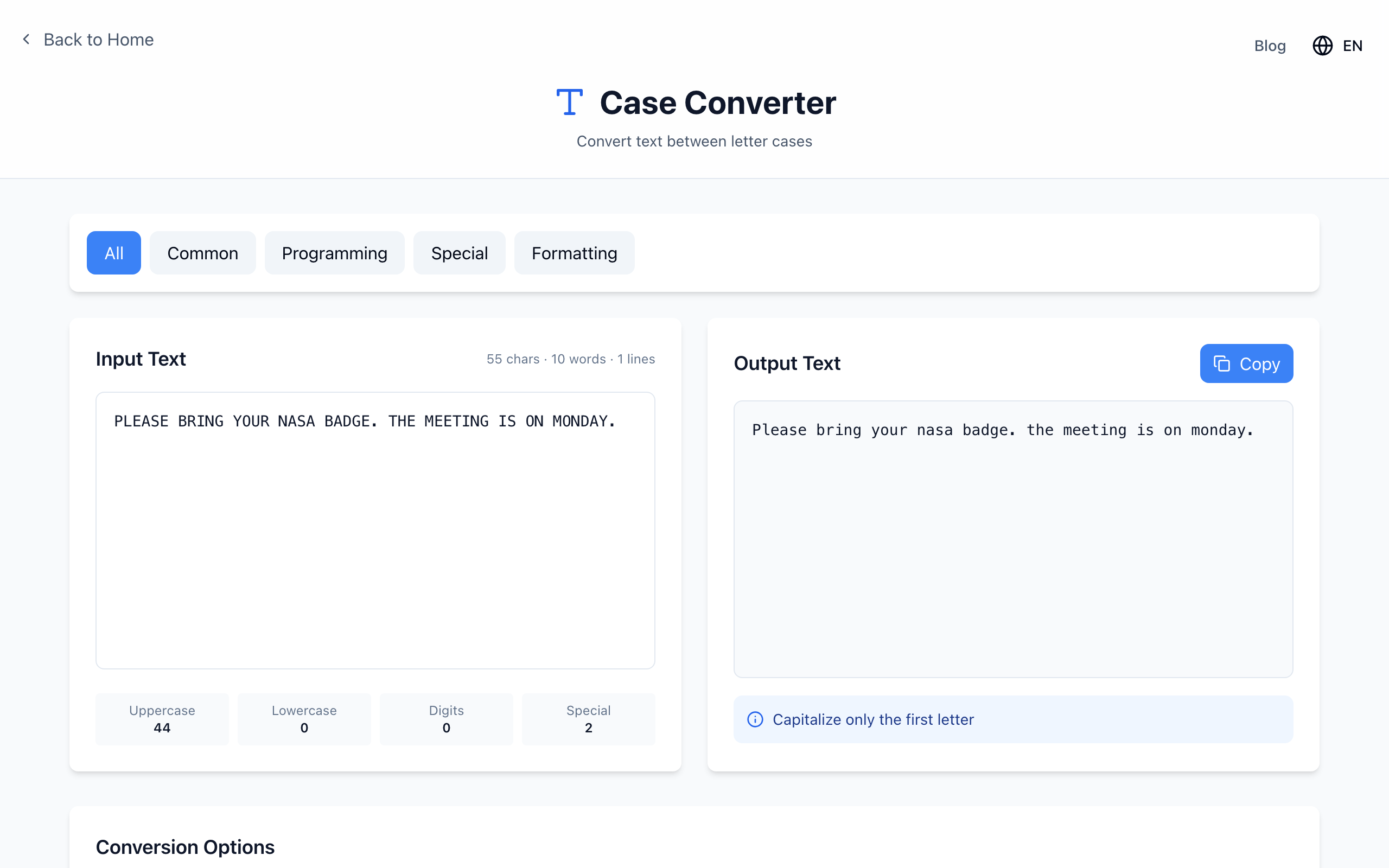
PLEASE BRING YOUR NASA BADGE. THE MEETING IS ON MONDAY.
Under Conversion Options, click Sentence case. The output is:
Please bring your nasa badge. the meeting is on monday.
Click Copy and fix three things: NASA, Monday and the The that starts the second sentence.
Please bring your NASA badge. The meeting is on Monday.
Compare the options in one view
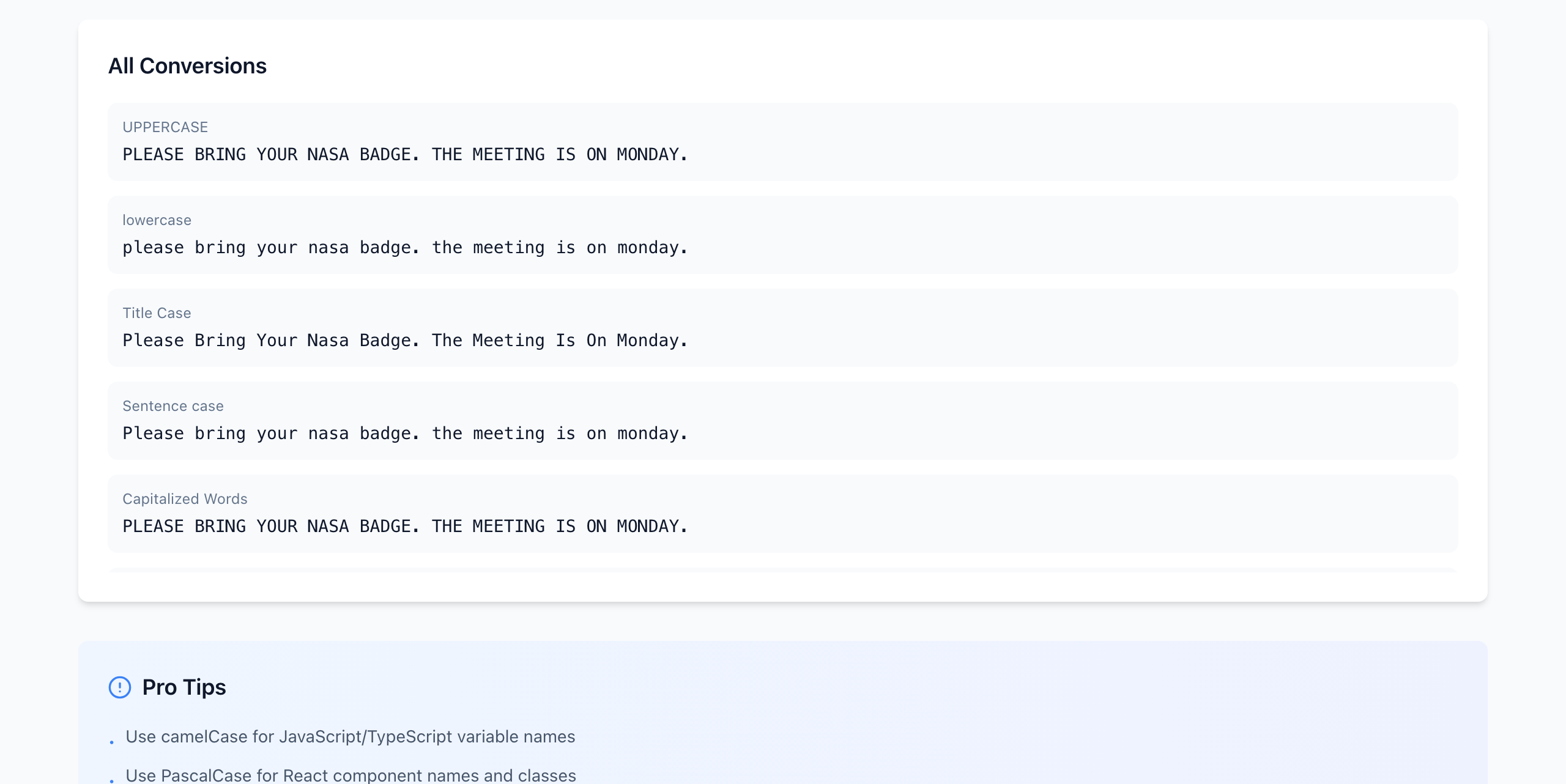
Scroll down to All Conversions to see every style side by side and pick the one closest to what you need.
The All Conversions list. Capitalized Words leaves all-caps text unchanged, so it does not help here.
lowercase: everything lower. Good for tags or when you will re-capitalize by hand.
Title Case: every word capitalized, including Is and On. Best for a heading draft, not a paragraph.
Sentence case: first letter only. Later sentences start lowercase.
Don't convert identifiers with the prose
URLs, code, usernames, coupon codes and passwords can be case-sensitive. If a message mixes prose with a code like SAVE20 or a link, convert only the prose part, or restore those strings from the original afterward.
If it doesn't work
Second sentence starts lowercase: expected. Sentence case looks at the start of the whole text, not each sentence.
Names came out lowercase: expected. Search the result for proper nouns and fix them; a long text is easier to check paragraph by paragraph.
Output box is empty: the Input Text box is empty, or the text was pasted into a different field.