Calculate Days Until a Deadline and Check the Time Zone
November 27, 20263 min read
If today is November 27, 2026 and the deadline date is December 15, 2026, there are 18 days between them. The Date Calculator gives that count, but it works with dates only and has no time zone setting, so it cannot tell you the hour a deadline closes in another zone.
Count the days
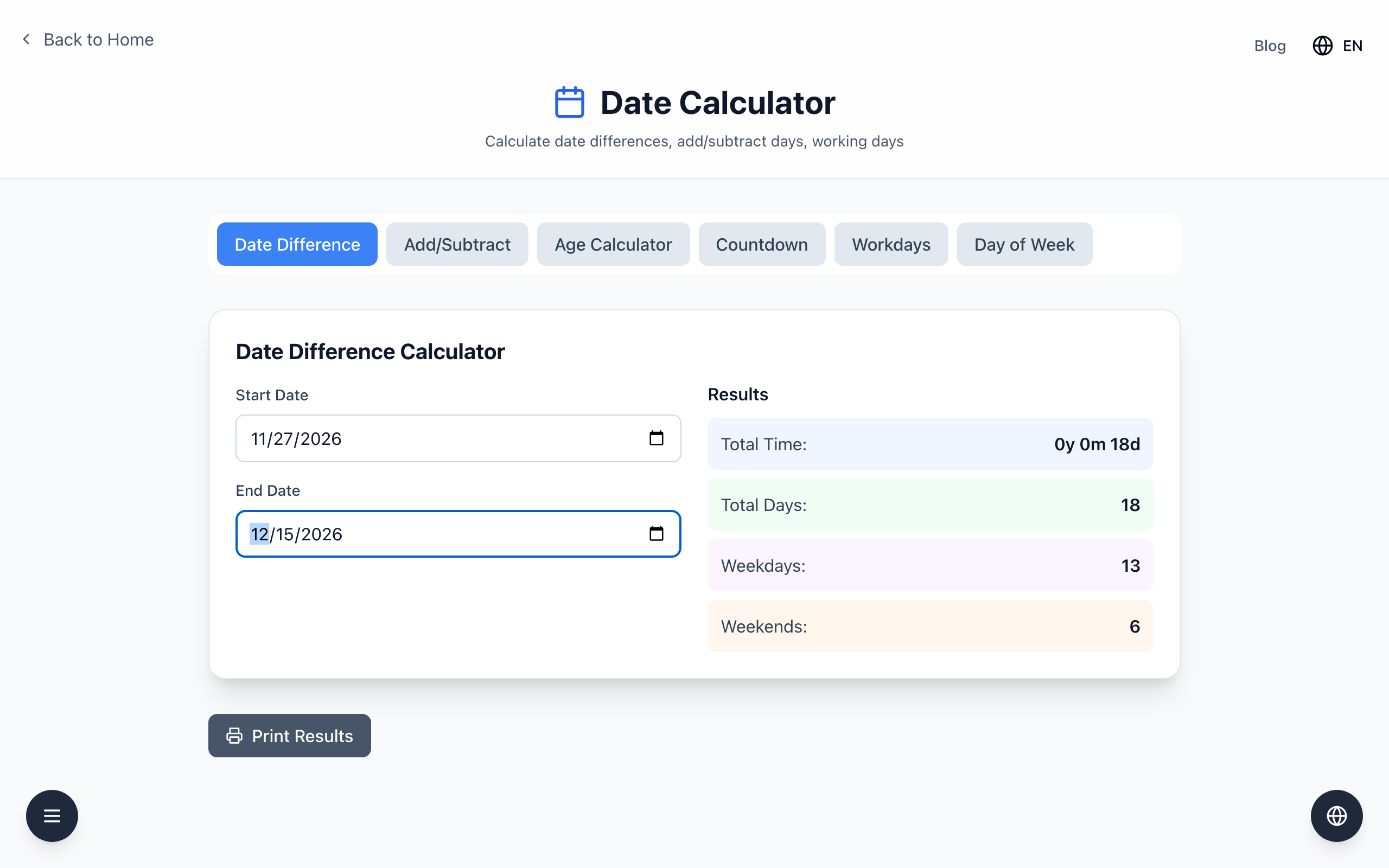
Open the Date Calculator. On the Date Difference tab, set Start Date to today (2026-11-27) and End Date to the deadline date (2026-12-15).
Read Total Days: 18. Weekdays 13 and Weekends 6 count both end dates.
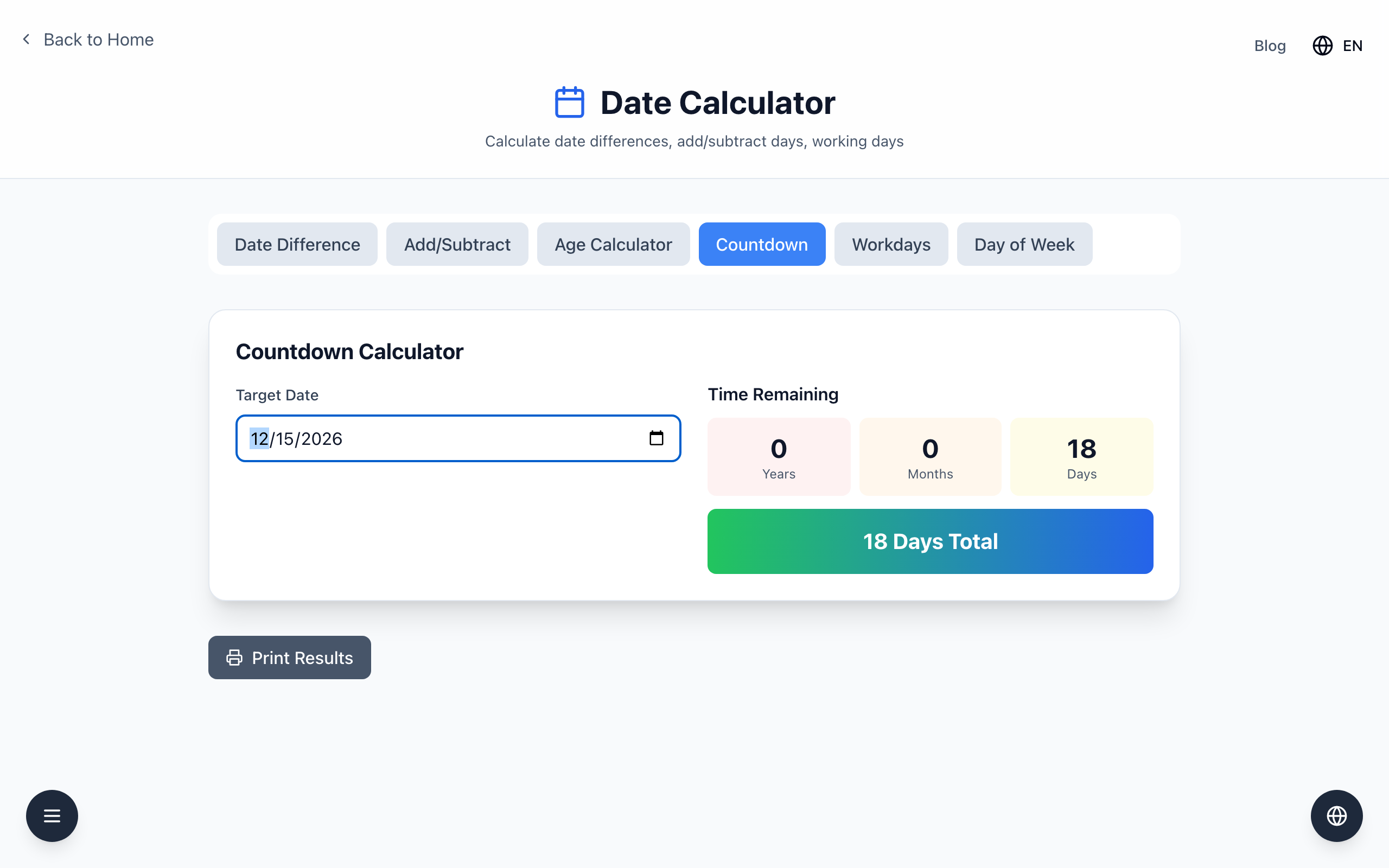
Or click Countdown and set Target Date to 2026-12-15. Time Remaining shows 0 Years, 0 Months, 18 Days and 18 Days Total. Countdown counts from your device's current date, so today's result changes each day.
Then check the hour and zone
Find the exact time and zone in the official deadline text, for example 5 p.m. Eastern.
Convert it to your local time with the Time Zone Converter. 5 p.m. Eastern is 2 p.m. Pacific, so a Vancouver user has until mid-afternoon on the last day.
Write down both the stated zone and your local equivalent, and recheck after a daylight-saving change.
Limits
A day count is not the submission system's own countdown; trust that for the exact moment. Whether today counts, and how weekends or holidays are treated, depends on the rule. For legal, tax or immigration deadlines, confirm with the responsible authority.
If it doesn't work
If Countdown shows 0 or a different number than expected, check that the Target Date is in the future and that your device's date is correct.
If your count is one off from the deadline notice, ask whether the notice counts the start day.