How to Schedule Meetings Across Time Zones Without the Headache
Why Cross-Time-Zone Scheduling Is So Error-Prone
Picking a meeting time within one office is trivial. The moment participants are spread across time zones, it becomes a math problem layered on a human problem. You have to convert one proposed time into everyone else's local clock, avoid each person's night, and account for the fact that not all regions observe daylight saving time — or switch on the same dates. A single mistake means someone joins an hour early, an hour late, or at 5 a.m.
The reliable fix is to stop doing the conversion in your head. A meeting planner shows a proposed time simultaneously in every participant's zone, so the right slot is obvious and nobody has to guess.
Anchor Everything to One Reference
The cleanest mental model is to pick a single reference — often UTC, or the organizer's own zone — and convert outward from there. When you communicate the time, always state the zone explicitly: "3:00 PM EST" rather than just "3:00 PM". Better still, give each person their own local time directly so there is nothing left to calculate. Ambiguity is what causes missed meetings, and naming the zone removes it.
Find the Overlap, Not Just a Time
With participants in, say, San Francisco, London, and Singapore, there is no time that falls in everyone's normal 9-to-5. The goal becomes finding the least-bad overlap — a window that is merely early or late for someone rather than the middle of the night. A planner that lays out everyone's working hours side by side makes the viable overlap visible instead of something you discover through trial and error.
Practical Tips That Prevent Confusion
- Name the zone every time — never send a bare time. Include the abbreviation or, ideally, each recipient's local equivalent.
- Watch the daylight saving gaps — for a few weeks each year, regions shift on different dates, so the usual offset is temporarily wrong. This is a classic source of one-hour mistakes.
- Mind the date line — a late-evening call in the Americas can land the next calendar day in Asia. Confirm the date, not just the time.
- Send a calendar invite — a proper invite stores the time in a way that auto-converts to each attendee's device, which is the most reliable safeguard of all.
Plan the Time Visually
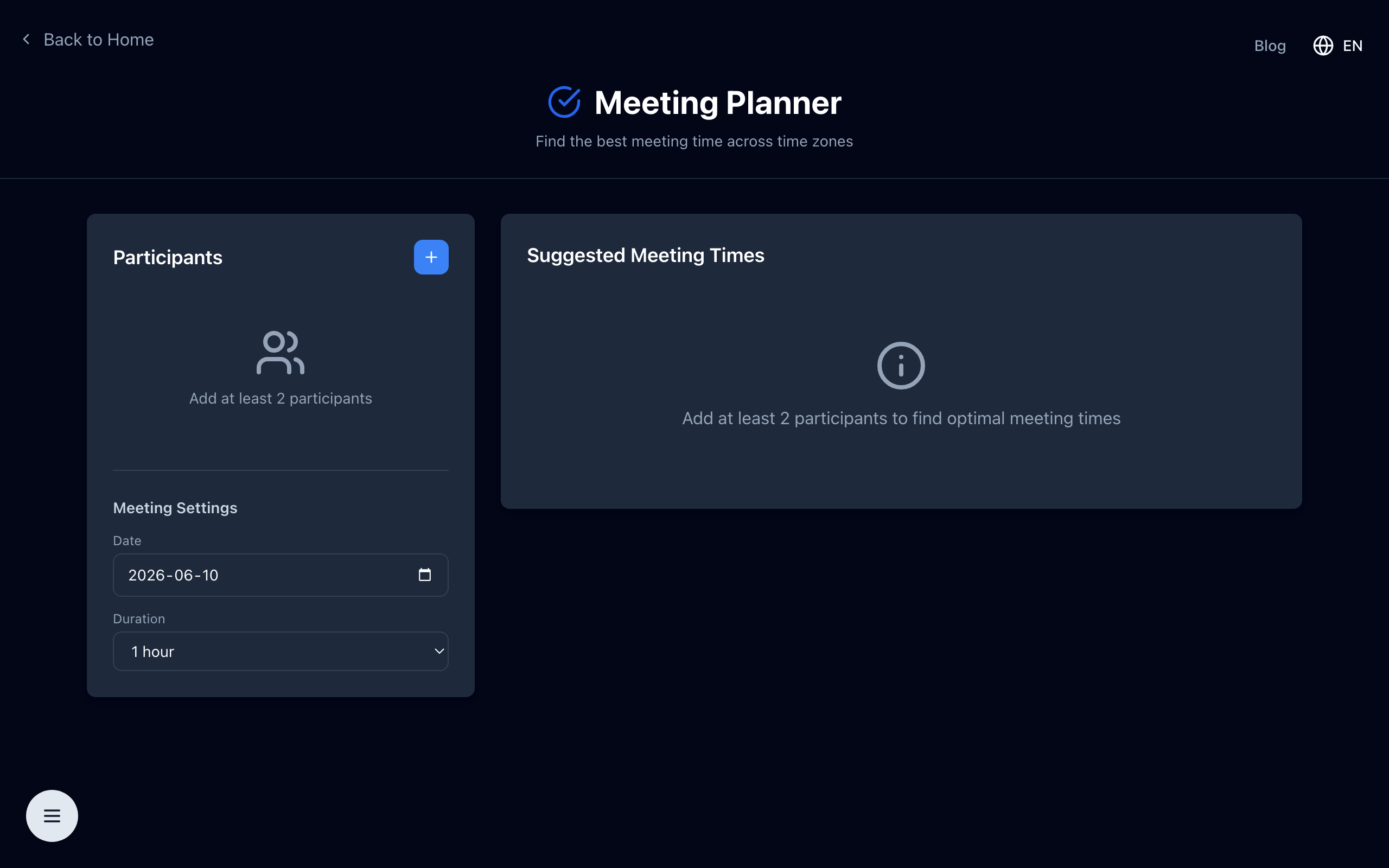
Rather than juggling offsets, see the proposed time in every location at once and pick the slot that works.
Open the free meeting planner — add each participant's time zone and instantly compare a proposed time across all of them to find the best overlap. No signup, runs in your browser.