Understanding Time Zones: A Practical Guide for Global Teams
How Time Zones Work
The Earth rotates 360 degrees in 24 hours, which means it moves 15 degrees per hour. The world is therefore divided into 24 standard time zones, each nominally 15 degrees of longitude wide, with offsets measured in whole hours from Coordinated Universal Time (UTC). UTC is the successor to Greenwich Mean Time (GMT) and serves as the universal reference point for timekeeping worldwide.
In practice, time zone boundaries follow political and administrative borders rather than strict geographic lines, which is why the actual map of time zones is irregular. Some countries span multiple zones (the US has 6); others that geographically span several zones use a single one for national unity (China uses UTC+8 throughout its entire territory).
UTC Offsets and How to Read Them
Every time zone is expressed as UTC plus or minus a number of hours (and sometimes half-hours or quarter-hours). For example:
- UTC+0 — London (GMT, during winter)
- UTC+1 — Central European Time (Paris, Berlin in winter)
- UTC+5:30 — India Standard Time (IST) — note the 30-minute offset
- UTC+9 — Japan Standard Time (JST)
- UTC-5 — Eastern Standard Time (New York in winter)
- UTC-8 — Pacific Standard Time (Los Angeles in winter)
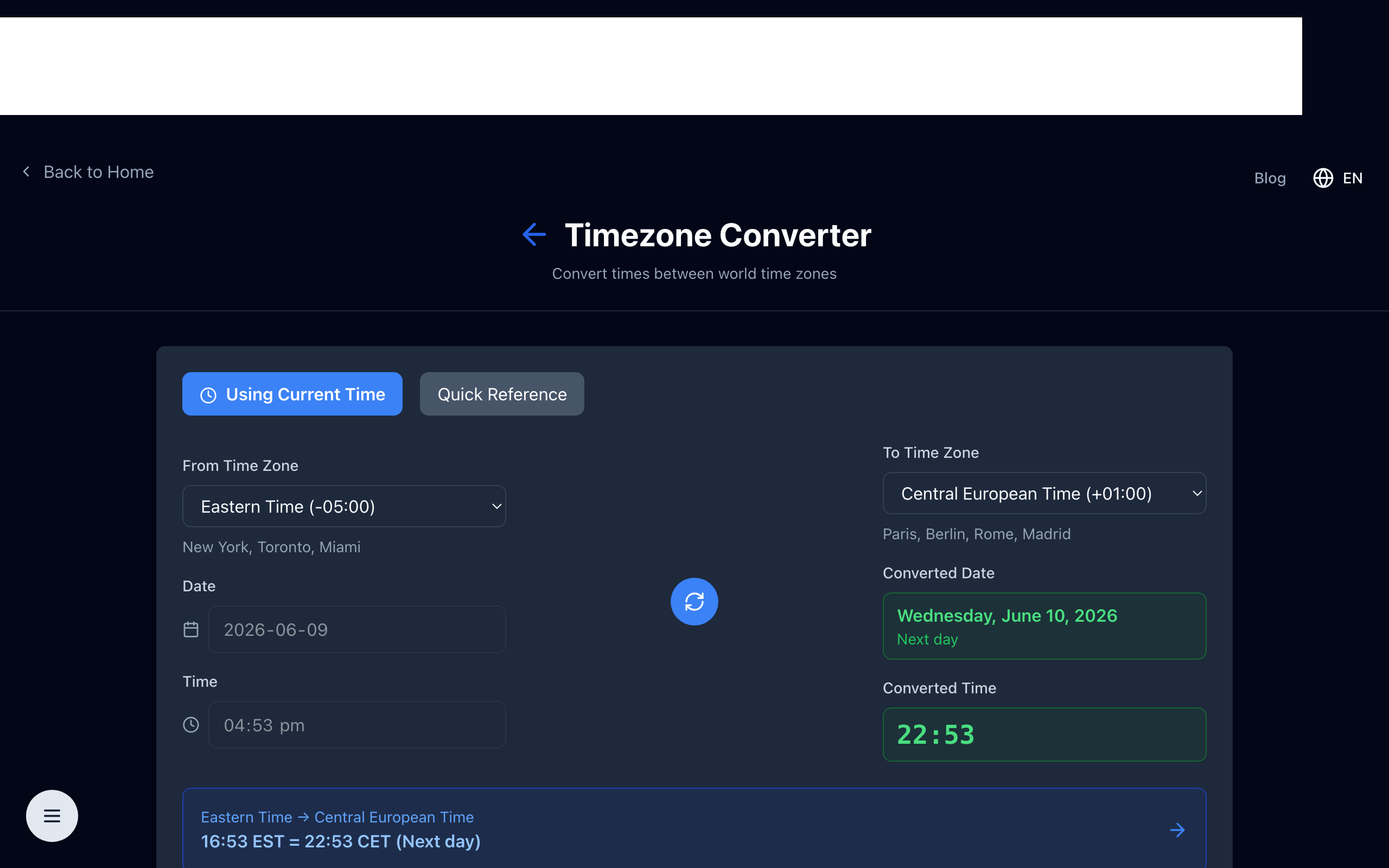
To convert between zones: find the UTC offset of the source zone, convert to UTC by reversing the offset, then apply the target zone's offset. For example, 3:00 PM EST (UTC-5) = 8:00 PM UTC = 9:00 PM CET (UTC+1).
Daylight Saving Time: The Complicating Factor
Many countries observe Daylight Saving Time (DST), advancing clocks by one hour in summer to shift an hour of daylight from the morning to the evening. DST transitions happen on different dates in different countries, meaning the offset between two zones can vary by an hour depending on the time of year. The US and most of Europe observe DST, but on different schedules — meaning there are two weeks each spring and fall when the offset between them is off by an hour from the "normal" difference.
Countries near the equator (most of Asia, Africa, and equatorial South America) do not observe DST, since daylight hours don't vary significantly by season. Always use IANA time zone identifiers (like America/New_York or Europe/London) rather than abbreviations (EST, GMT) in software — abbreviations are ambiguous and do not encode DST rules.
Tips for Remote Teams Scheduling Across Time Zones
Establish a team reference zone. Agree on one time zone for all meeting times and deadlines, regardless of where team members are located. UTC works well for global teams and avoids DST confusion entirely.
Use calendar tools that show multiple zones. Google Calendar and Outlook both support displaying multiple time zones simultaneously. This eliminates mental math when scheduling and receiving invites.
Rotate meeting times fairly. If your team spans Asia, Europe, and the Americas, no single meeting time is convenient for everyone. Rotate inconvenient slots so the same people don't always take early morning or late evening calls.
Respect working hours boundaries. Async-first teams document a clear policy about expected response times based on each team member's working hours. Sending messages with expectations of immediate replies outside business hours creates unnecessary stress.
Time Zones in Software Development
Time zone handling is a notoriously error-prone area in software. Key practices:
- Store all timestamps in UTC in your database. Convert to local time only for display.
- Use ISO 8601 format (
2025-09-22T14:30:00Z) for all datetime strings in APIs. The trailingZindicates UTC explicitly. - Never store timezone-naive datetimes unless the semantics truly are local (e.g., "the alarm should ring at 8 AM in whatever timezone the user is in at that moment").
- Use a library for timezone math — do not implement it yourself. In JavaScript, the
TemporalAPI (available in modern environments) anddate-fns-tzhandle edge cases correctly.
Getting time zones right from the start prevents a class of subtle bugs that are extremely difficult to reproduce and debug later.
Convert Time Zones in One Click
Open the free time zone converter — compare any time across multiple zones instantly. Built for remote teams scheduling across the clock.