QR Codes: How They Work and How to Use Them Effectively
What Is a QR Code?
A QR code (Quick Response code) is a two-dimensional barcode that encodes data as a matrix of black and white squares. Developed in 1994 by Denso Wave, a Japanese automotive company, QR codes were originally designed for tracking vehicle parts. The "Quick Response" name refers to their ability to be decoded rapidly. Today they are one of the most widely recognized symbols in everyday life, used to encode everything from website URLs to Wi-Fi credentials to payment information.
Unlike traditional one-dimensional barcodes that only encode data horizontally, QR codes store data in both dimensions, allowing them to hold significantly more information — up to about 7,000 numeric digits or 4,000 alphanumeric characters in a single code.
How QR Codes Work
A QR code consists of several structural elements:
- Finder patterns: The three square boxes in the corners help scanning software identify the code's position and orientation. This allows QR codes to be scanned from any angle.
- Alignment patterns: Additional squares that help the decoder correct for image distortion, especially in larger codes.
- Timing patterns: Alternating black and white lines that tell the decoder the size of each data cell.
- Data modules: The black and white cells that encode the actual data and error correction information.
QR codes include error correction built in. Even if up to 30% of the code is obscured or damaged, scanners can still recover the full data. This is why company logos can be placed in the center of a QR code — the missing data is reconstructed by the error correction algorithm. There are four error correction levels (L, M, Q, H) offering increasing redundancy at the cost of slightly larger codes.
What QR Codes Can Encode
- URLs — the most common use case; directing users to a website
- Plain text — messages, instructions, or information
- Contact information (vCard) — scanning adds a contact directly to your phone
- Wi-Fi credentials — scanning automatically joins a Wi-Fi network without typing the password
- SMS or email — pre-populates a message to a specific number or address
- Payment data — used extensively in mobile payment systems across Asia and increasingly worldwide
- App store links — directs to an iOS or Android app listing
Creating an Effective QR Code
Generating a QR code is straightforward with any QR code generator. A few considerations make the difference between a code that works reliably and one that frustrates users:
- Size matters: A QR code should be printed large enough to scan easily. A minimum of 2 cm x 2 cm is recommended for print; larger for materials viewed from a distance (posters, billboards).
- Contrast is critical: Dark modules on a light background is the standard and most reliable combination. Avoid low-contrast color combinations — they cause scan failures.
- Quiet zone: There must be a white border (quiet zone) of at least four modules wide around the entire code. Crowding content up to the edge prevents reliable scanning.
- Test before printing: Always scan the generated QR code with multiple apps and devices before printing or distributing it at scale.
Dynamic vs. Static QR Codes
A static QR code encodes the final destination directly. The data is fixed at creation. A dynamic QR code encodes a short URL that redirects to the actual destination. Dynamic codes can be edited after printing — useful for marketing campaigns where the destination may change. They also support analytics: you can track how many times the code was scanned, from which locations, and on which devices.
QR Code Security Risks
QR codes are opaque — you cannot know where they lead by looking at them. This makes them a vector for phishing attacks ("QRishing"). Malicious codes in public places can direct users to credential-harvesting sites. Best practices for scanning safely:
- Check the URL preview that appears before opening a link
- Be cautious scanning codes posted in public places or sent via email
- Use a QR scanner that shows you the destination before navigating
- Treat an unsolicited QR code with the same suspicion as an unsolicited link
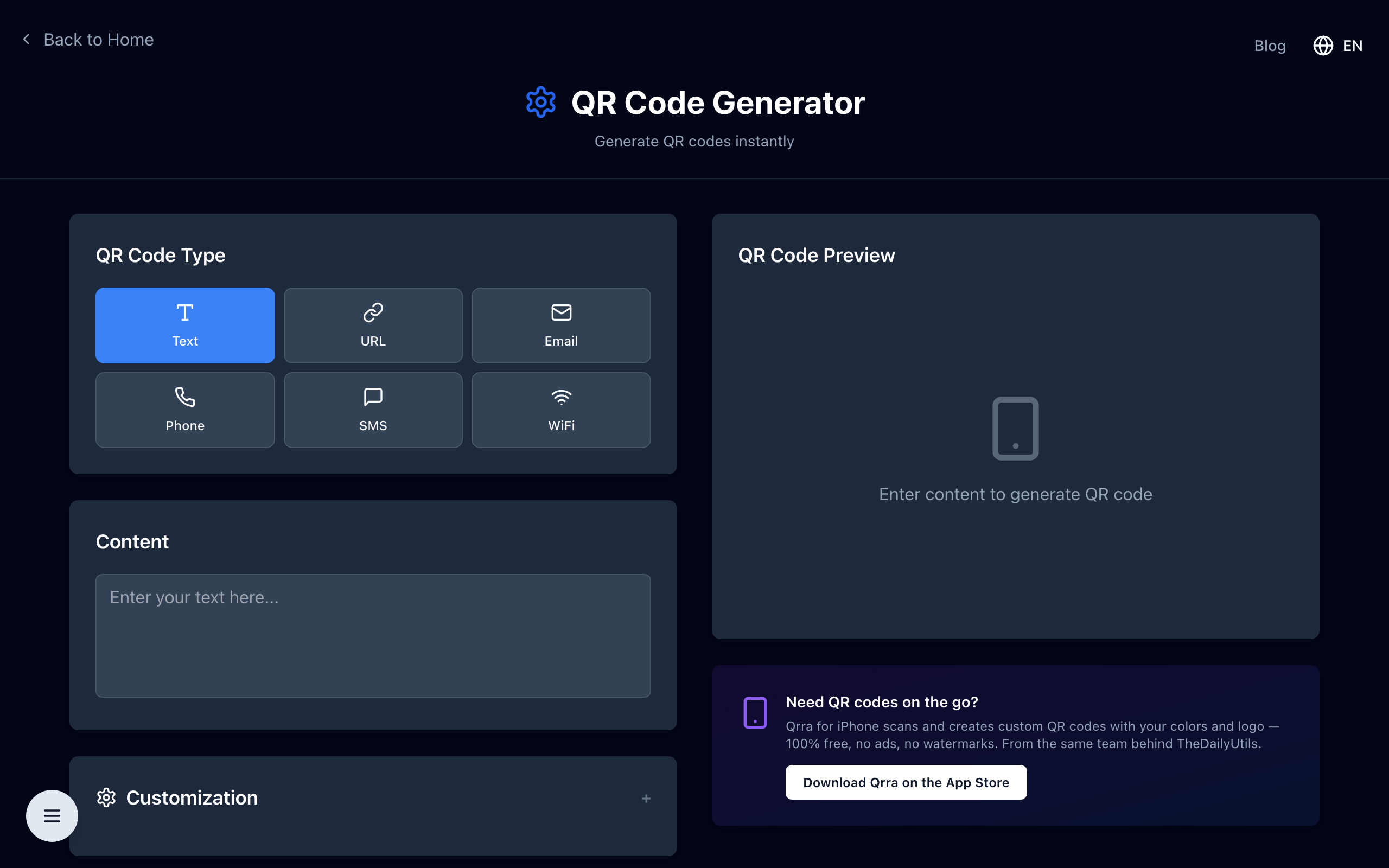
Create Your Own QR Code
Open the free QR code generator — encode URLs, contact cards, Wi-Fi credentials, or plain text into a QR code in your browser. Download as PNG, no signup.