The Pomodoro Technique: A Practical Guide to Deep Work
What Is the Pomodoro Technique?
The Pomodoro Technique was developed by Francesco Cirillo in the late 1980s while he was a university student. Struggling to focus, he grabbed a tomato-shaped kitchen timer (pomodoro is Italian for tomato) and committed to working for just 10 minutes. From that experiment, a structured method emerged that millions of people now use to manage their attention and energy throughout the workday.
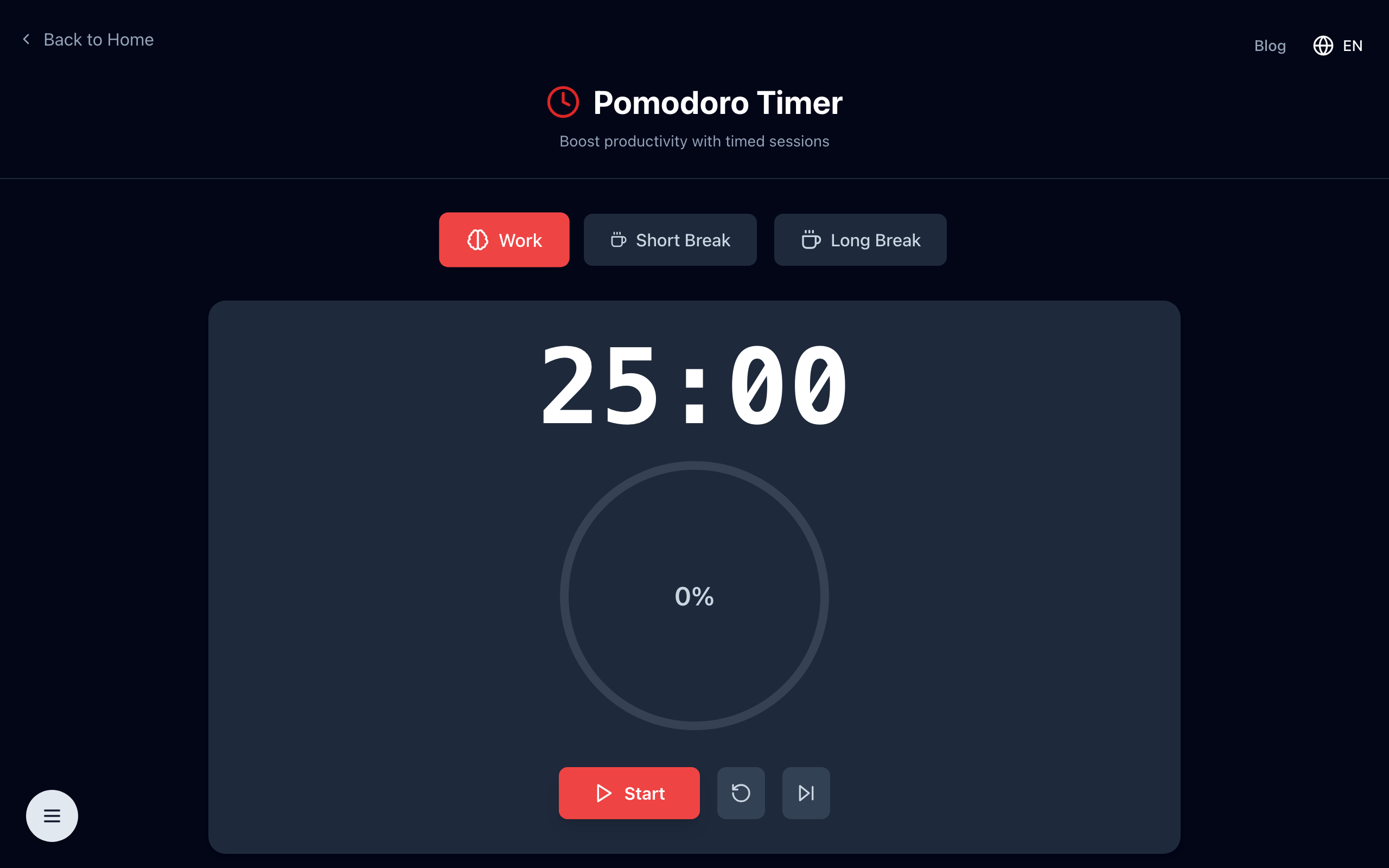
The method is simple: work in focused 25-minute blocks called "pomodoros," separated by short breaks. After four pomodoros, take a longer break. Repeat.
The Standard Cycle
- Work session (1 pomodoro): 25 minutes of focused work on a single task
- Short break: 5 minutes — stand up, stretch, look away from screens
- Long break: After every 4 pomodoros, take a 15–30 minute break
The key rule: if you're interrupted during a pomodoro, you have a choice — handle the interruption and void that pomodoro (starting over), or note it down and address it after the session ends. The integrity of the focused interval is central to the method's effectiveness.
Why It Works: The Science of Focused Intervals
Human attention is not designed for marathon sessions of unbroken concentration. Research on cognitive fatigue shows that sustained focus on a single task degrades over time, with noticeable decline beginning around 20–30 minutes. The Pomodoro Technique works with this biology rather than against it.
Breaking work into defined intervals also leverages the Zeigarnik effect — the psychological tendency to remember and stay mentally engaged with incomplete tasks. When you stop a pomodoro with a task unfinished, your brain continues processing it during the break, often leading to insights when you return.
The frequent breaks prevent the mental fatigue that leads to errors, decision fatigue, and the feeling of being "burned out" at the end of a workday. Many practitioners report actually accomplishing more in a pomodoro day than in a conventional unstructured one.
Getting Started
You don't need any special app. A phone timer works. But if you want a dedicated tool, countless free Pomodoro timers exist online. Here's how to begin:
- Write down your task list for the day before you start. Estimate how many pomodoros each task will take.
- Eliminate distractions before the timer starts: close unnecessary browser tabs, silence notifications, put your phone face-down.
- Start the timer and work until it rings. Do not check email or switch tasks.
- Mark a pomodoro completed on your task list. This provides a satisfying record of progress.
- Take your break fully — don't use it to check work messages. Physical movement is ideal.
Adapting the Technique to Your Work
The 25-minute default is a starting point, not a rule. Some people find their optimal focus interval is 45 or 50 minutes, with 10-minute breaks. Knowledge workers in deep focus states (writing, programming, design) often benefit from longer sessions. The core principle — work intensely, rest deliberately, track your output — transfers to any interval length.
For tasks that require context switching (e.g., answering emails, administrative work), you can batch them into a single pomodoro rather than letting them fragment your focused work sessions throughout the day.
Common Pitfalls
- Using breaks for more screen time — social media during breaks doesn't rest your eyes or attention. Step away from the screen.
- Not planning tasks in advance — without a task list, you'll waste pomodoros deciding what to do next.
- Being too rigid — if you're in a flow state after 25 minutes, it's fine to extend. The technique is a tool, not a rule.
- Counting a pomodoro you didn't finish — partial sessions don't count. This keeps the tracking honest and meaningful.
After a week of consistent practice, most people have a clear sense of how many pomodoros their typical tasks require, which makes scheduling and capacity planning significantly more accurate.
Start a Pomodoro Session
Open the free Pomodoro timer — start a 25-minute focus session in one click. No signup, no install. Just open the tab and begin.