JSON Formatting Best Practices Every Developer Should Know
The Basics of JSON Structure
JSON (JavaScript Object Notation) is a lightweight text format for representing structured data. Despite its name, it is language-independent and used everywhere from REST APIs to configuration files. A valid JSON document is either an object (a set of key-value pairs wrapped in curly braces) or an array (an ordered list wrapped in square brackets).
The six value types in JSON are: string, number, boolean (true/false), null, object, and array. Every key in a JSON object must be a string enclosed in double quotes — not single quotes, not unquoted identifiers.
Common Syntax Errors
JSON is strict. A single syntax error makes the entire document unparseable. The most frequent mistakes are:
- Trailing commas:
{"name": "Alice",}— the trailing comma after the last item is illegal in JSON (it is valid in JavaScript, which causes confusion). - Single-quoted strings: JSON requires double quotes.
{'key': 'value'}is not valid JSON. - Unquoted keys:
{name: "Alice"}is JavaScript object literal syntax, not JSON. - Comments: JSON does not support comments. If you need comments in a config file, consider JSONC or YAML instead.
- Undefined and NaN: These JavaScript values do not exist in JSON. Use
nullor omit the field. - Unescaped control characters: Newlines inside strings must be written as
Formatting for Readability
JSON sent over a network is often minified — whitespace stripped — to reduce payload size. But JSON stored in configuration files or committed to version control should be formatted for human readability. The standard conventions are:
- Two or four spaces per indent level (pick one and be consistent)
- One key-value pair per line in objects
- Opening brace on the same line as the parent key, closing brace on its own line
- Arrays of simple values may be written on a single line if they are short
Most editors can auto-format JSON. In VS Code, right-click and select "Format Document," or use the shortcut Shift+Alt+F. Command-line users can use jq . input.json to pretty-print any JSON file.
Naming Conventions
JSON itself imposes no naming conventions, but your API or codebase should pick one and stick with it. The three common patterns are:
- camelCase (
firstName) — standard in JavaScript APIs and most REST services - snake_case (
first_name) — common in Python APIs and PostgreSQL - PascalCase (
FirstName) — used in some .NET and C# environments
Mixing conventions in a single API is a source of confusion. If you consume an API with one convention and your codebase uses another, handle the conversion in a dedicated serialization layer rather than spreading ad-hoc conversions throughout your code.
Handling Null vs. Missing Fields
A JSON object can represent the absence of a value in two ways: the key is present with a null value, or the key is absent entirely. These have different semantics. Use null when a field is expected but has no value (e.g., a middle name field that the user left blank). Omit the field when it simply does not apply to that record at all. Decide on a consistent approach within your API so consumers know what to expect.
Large Numbers and Precision
JSON numbers have no defined size limit, but many parsers deserialize them as IEEE 754 double-precision floating-point values. This means integers larger than 2^53 cannot be represented precisely. If your JSON needs to carry large integers (database IDs, financial amounts in minor currency units, cryptographic identifiers), represent them as strings and document this in your API. This is a well-known gotcha with Twitter's tweet IDs, for example.
Validating JSON
Beyond syntax validation (is this valid JSON?), JSON Schema allows you to define the expected shape of a document: which fields are required, their types, value ranges, and more. Tools like ajv (JavaScript), jsonschema (Python), and online validators can check a JSON document against a schema. For any API you publish or consume in a production context, JSON Schema validation is worth implementing at the boundary.
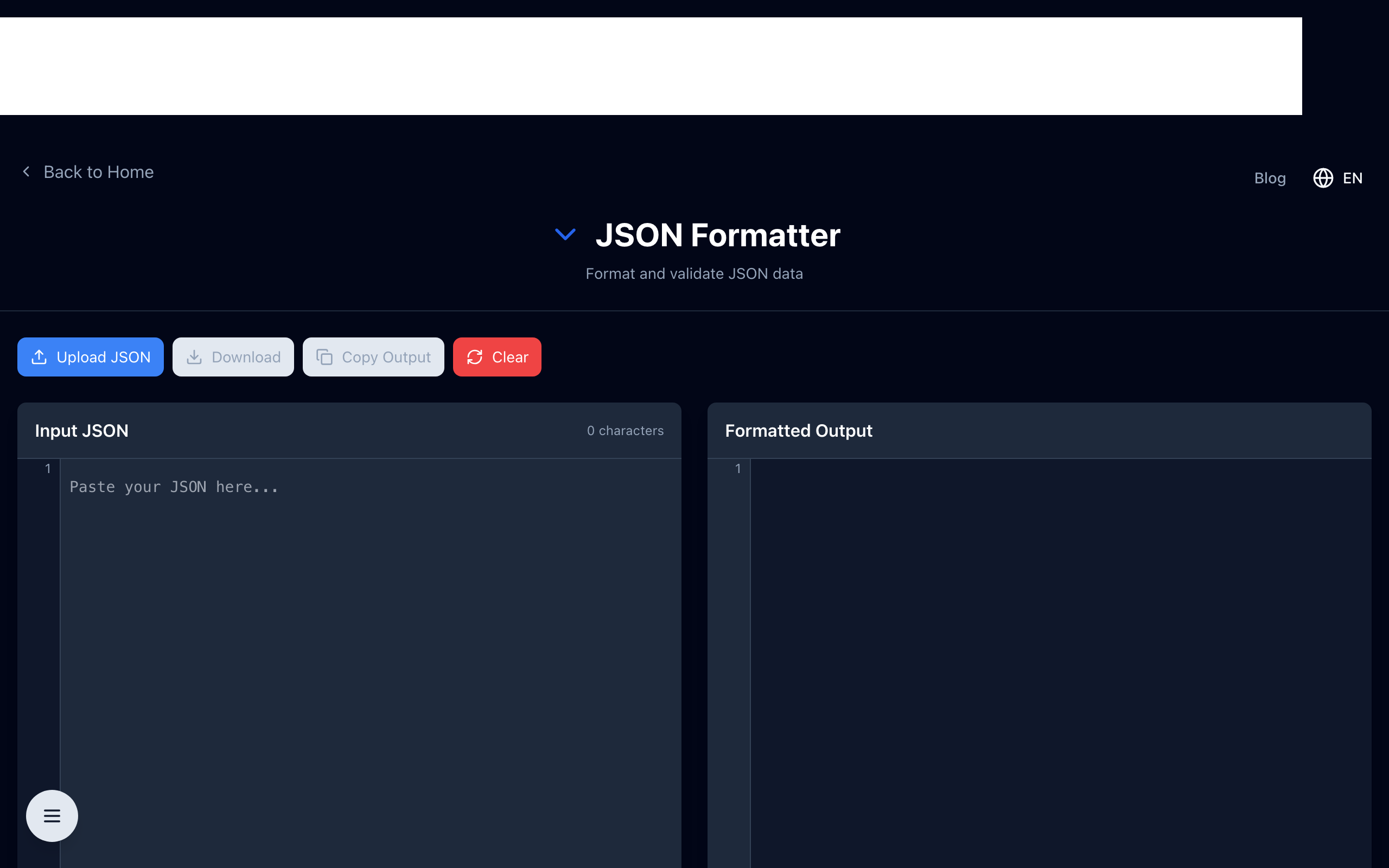
A JSON formatter and validator — like the one on TheDailyUtils — is the fastest way to catch syntax errors in an unfamiliar payload. Paste in the raw JSON, and you'll immediately see whether it parses and where any errors are located.
Format & Validate JSON Instantly
Open the free JSON formatter — paste any JSON to pretty-print, minify, or catch syntax errors in seconds. Runs in your browser; your data stays private.