How to Test Regex Online: A Practical Guide with Examples
Why Test Regex Online?
A regular expression (regex) is a compact pattern for matching text — validating an email, extracting dates, finding every URL in a log file. The problem is that regex is famously unforgiving: a single misplaced character can make a pattern match nothing, match too much, or match the wrong thing entirely. Writing a pattern blind and dropping it straight into production code is how subtle bugs are born.
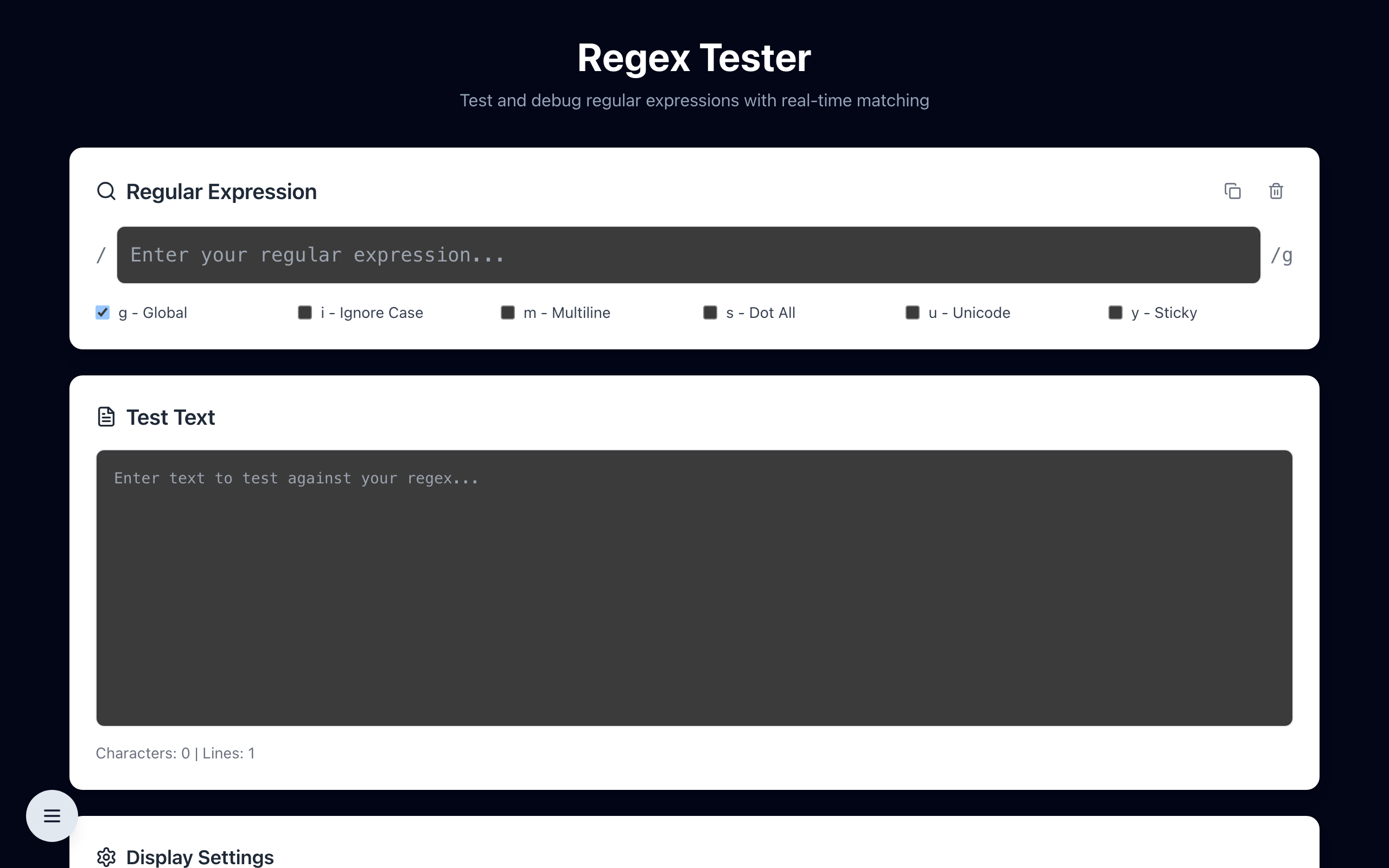
Testing a regex online solves this. You paste in sample text, type your pattern, and instantly see exactly what matches and what does not — highlighted, character by character. There is no compile step, no print statements, no re-running your whole program to check one pattern. You iterate in seconds.
The Core Building Blocks
Most everyday patterns are built from a small set of pieces:
- Literals — plain characters match themselves. The pattern
catmatches the text "cat". - Character classes —
[abc]matches any one of a, b, or c.[0-9]matches any digit,[a-z]any lowercase letter. - Shorthands —
\dis any digit,\wany word character,\sany whitespace. Their uppercase versions negate them. - Quantifiers —
*means zero or more,+one or more,?zero or one, and{2,4}between two and four times. - Anchors —
^matches the start of a line,$the end. They pin a pattern in place instead of letting it match anywhere. - Groups — parentheses
( )group parts together and capture them for extraction.
Worked Examples
Matching a US phone number: the pattern \d{3}-\d{3}-\d{4} matches "415-555-0199" — three digits, a hyphen, three digits, a hyphen, four digits. Test it against "call 415-555-0199 today" and you will see exactly the phone number light up.
Extracting a year: \b(19|20)\d{2}\b finds four-digit years starting with 19 or 20, with word boundaries so it does not match part of a longer number.
Validating a simple email: ^[\w.+-]+@[\w-]+\.[\w.-]+$ covers the common shape of an address. Real-world email validation is notoriously complex, which is exactly why testing against many sample inputs matters before you trust a pattern.
Common Mistakes a Tester Catches Instantly
- Greedy quantifiers —
.*grabs as much as possible. To match the smallest chunk, use the lazy form.*?. A tester shows the difference immediately on text with multiple matches. - Unescaped special characters — a literal dot needs to be written
\., otherwise.matches any character. The same applies to parentheses, brackets, and the plus sign. - Forgetting anchors — without
^and$, a "validation" pattern may match a valid substring inside otherwise invalid input. - Flag confusion — the global flag finds all matches, the case-insensitive flag ignores letter case, and the multiline flag changes what the anchors mean. Toggling them in a live tester makes their effect obvious.
Build and Validate Your Pattern Live
The reliable workflow is incremental: write a small part of the pattern, confirm it matches, then add the next piece. Testing online keeps that loop tight because feedback is instant and you can paste in the exact edge cases you care about — the empty string, the malformed input, the unusual-but-valid value.
Open the free online regex tester — type a pattern, paste your test text, and see live highlighted matches with capture groups. No signup, runs entirely in your browser.