How to Test a REST API Online Without Installing Anything
What "Testing an API" Actually Means
Testing a REST API means sending an HTTP request to an endpoint and inspecting what comes back: the status code, the headers, and the body. You do it to confirm an endpoint works, to see the exact shape of the data it returns, to reproduce a bug, or to explore a third-party API before writing code against it. The faster you can send a request and read the response, the faster you understand the API.
Desktop tools exist for this, but they are overkill for a quick check. A browser-based tester loads instantly and handles the vast majority of everyday requests with no install, no account, and no setup.
The Parts of a REST Request
- Method — GET retrieves data, POST creates, PUT and PATCH update, DELETE removes. The method tells the server what you intend to do.
- URL — the endpoint address, optionally with query parameters like
?page=2&limit=20. - Headers — metadata about the request:
Content-Typedescribes the body format,Authorizationcarries credentials,Acceptstates what response format you want. - Body — the payload sent with POST, PUT, or PATCH, usually JSON. GET and DELETE typically have no body.
Reading the Response
Every response carries a status code that tells you what happened at a glance. The families are easy to remember: 2xx means success (200 OK, 201 Created), 3xx means redirection, 4xx means the client made a mistake (404 Not Found, 401 Unauthorized, 400 Bad Request), and 5xx means the server failed (500 Internal Server Error). When an API call misbehaves, the status code is the first clue.
Below the status, the response headers describe the payload and the body contains the actual data. A tester that pretty prints JSON automatically makes the body readable instead of a single dense line.
A Typical Testing Workflow
- Start with a GET — confirm the endpoint is reachable and see the response shape before doing anything else.
- Add authentication — many endpoints need an
Authorizationheader, often a bearer token. A 401 response almost always means it is missing or wrong. - Send a POST with a JSON body — set
Content-Type: application/jsonand check for a 201 and the created resource in the response. - Reproduce the bug — when an endpoint behaves unexpectedly, replay the exact request and read the status and body rather than guessing from your application logs.
Common Pitfalls
Most failed requests come down to a handful of causes: a missing or malformed Content-Type header, an expired or absent auth token, a typo in the URL or a wrong query parameter, or invalid JSON in the body. Because a tester shows you the raw status and response, these are quick to diagnose — the API tells you what is wrong if you can read its reply clearly.
Send Your First Request Now
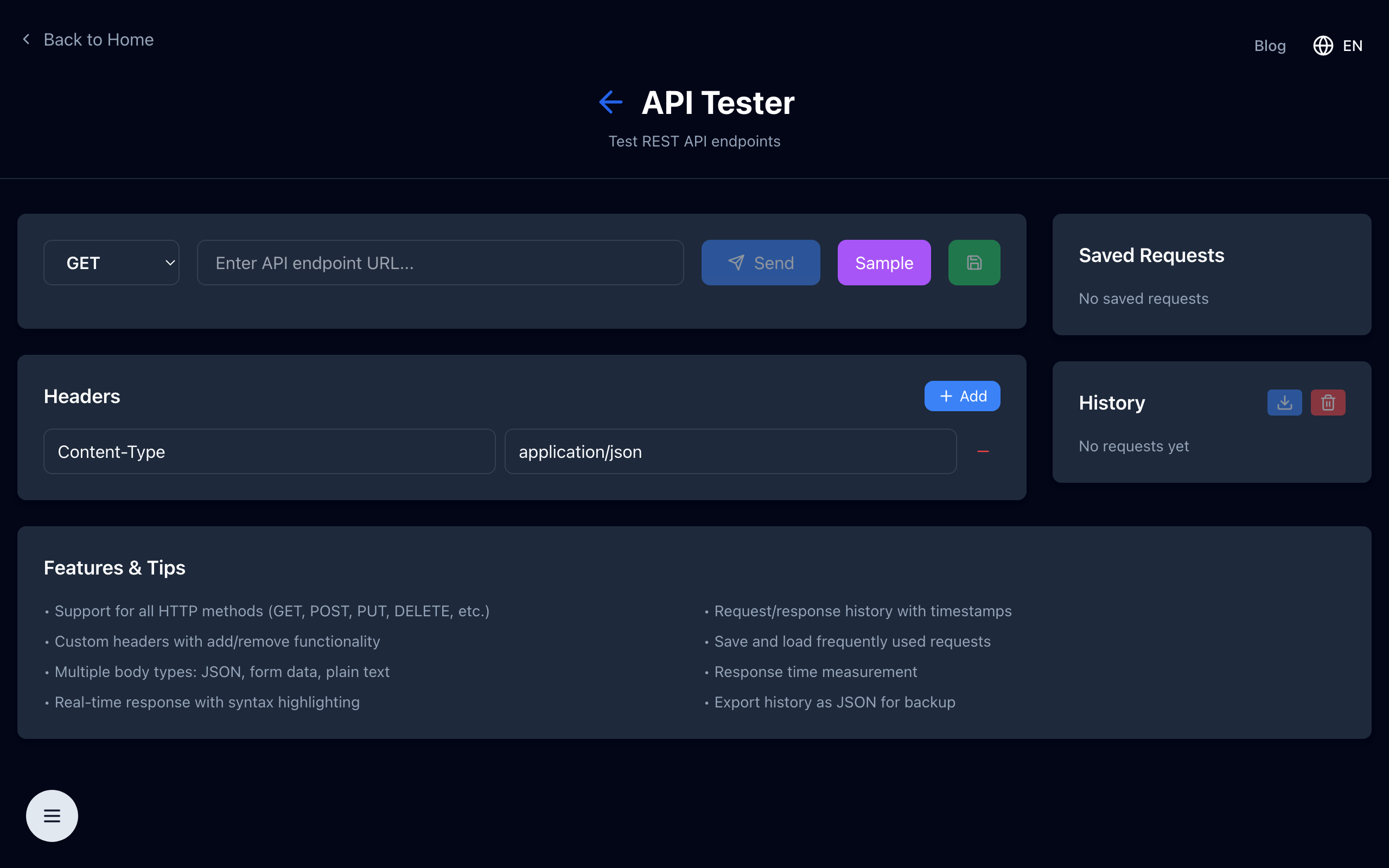
Open the free online REST API tester — choose a method, set headers and a body, send the request, and read a pretty-printed response with its status code. No signup, no install.