How to Create Strong Passwords That Actually Protect You
Why Password Strength Still Matters
Despite decades of awareness campaigns, "123456" and "password" remain among the most commonly used passwords worldwide. Attackers know this. Modern brute-force tools can test billions of combinations per second, meaning a simple 6-character password can be cracked in under a second on commodity hardware. Understanding what makes a password genuinely strong — not just technically compliant — is the foundation of personal security.
What Actually Makes a Password Strong
Strength comes from two factors: length and entropy. Length is straightforward — every additional character multiplies the number of possible combinations exponentially. Entropy refers to unpredictability. A password like "Summer2024!" looks complex but has low entropy because it follows a highly predictable pattern (capitalized common word + year + punctuation).
A truly strong password is:
- At least 16 characters long
- A mix of uppercase, lowercase, numbers, and symbols
- Free of dictionary words, names, or dates tied to you
- Unique — never reused across multiple sites
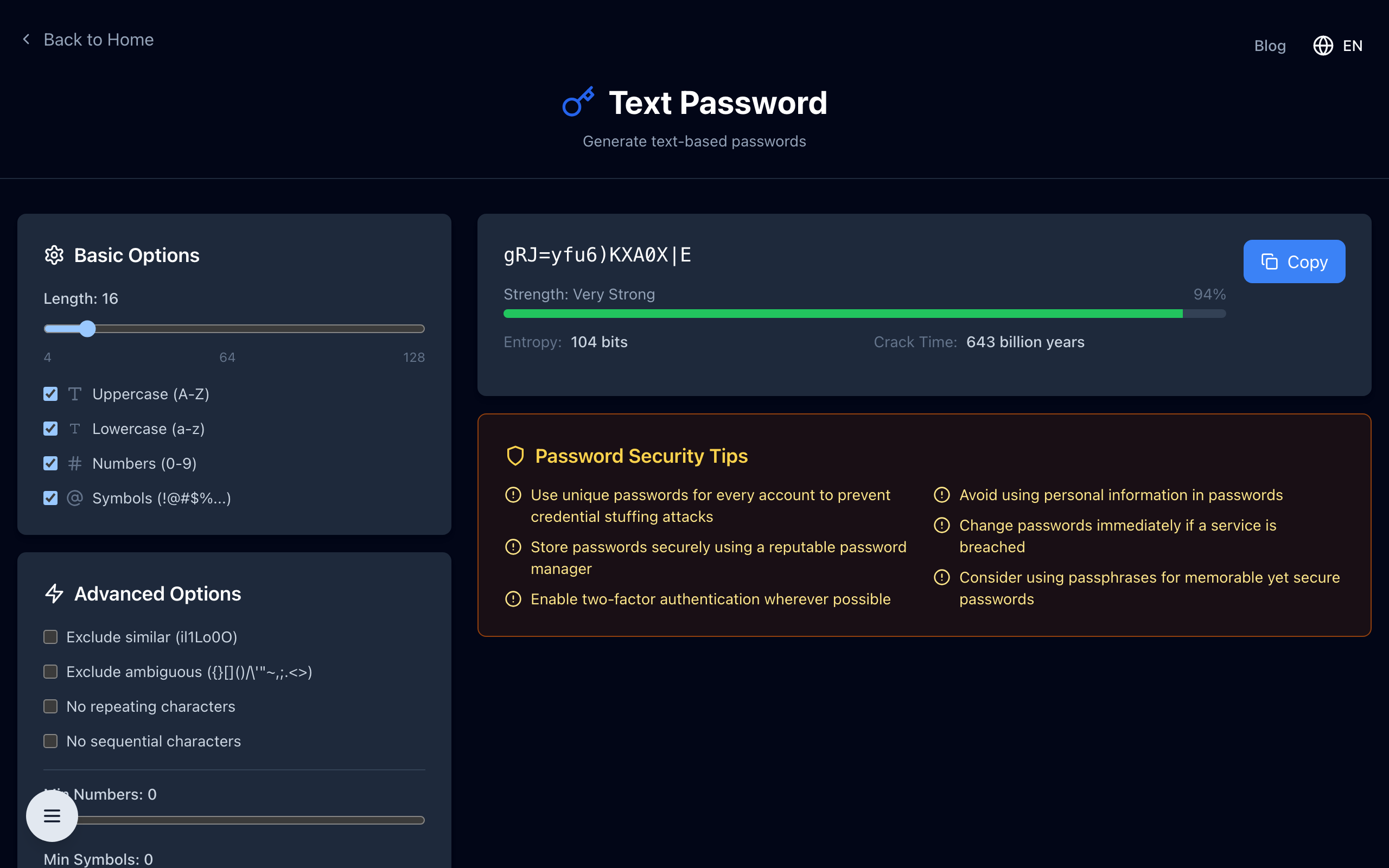
The gold standard today is a randomly generated string like x#7kLpR2!mQv9Yz. Humans are terrible at generating randomness mentally, which is exactly why password managers exist.
The Problem with Password Reuse
Even a strong password becomes a liability when reused. Data breaches happen constantly — in any given year, hundreds of millions of credentials are exposed from hacked services. Attackers use credential stuffing: they take a leaked username/password pair and automatically try it on hundreds of other sites. If you reused that password on your bank or email, you're compromised the moment the weakest site you registered on gets breached.
The only sustainable defense is a unique password for every account. That's humanly impossible to remember, which brings us to password managers.
Using a Password Manager
A password manager is software that generates, stores, and autofills strong, unique passwords for every site you use. You only need to remember one master password. Reputable options include Bitwarden (open-source, free tier available), 1Password, and Dashlane.
Here's how to get started:
- Choose a manager — Bitwarden is a strong open-source choice. It stores your vault encrypted end-to-end.
- Create a strong master password — Use a passphrase: four or more random unrelated words, like "marble-falcon-river-desk". Long passphrases are both memorable and extremely hard to crack.
- Install the browser extension — This enables autofill so using strong passwords requires zero extra effort.
- Enable two-factor authentication on the manager itself for an extra layer of protection.
Two-Factor Authentication: The Second Line of Defense
Even the best password can be phished. Two-factor authentication (2FA) requires a second proof of identity — typically a time-based one-time code from an app like Google Authenticator or Authy. Even if an attacker has your password, they cannot log in without physical access to your second factor. Enable 2FA wherever it is offered, especially on email, banking, and social media accounts.
Common Mistakes to Avoid
- Using personal information: birthdays, pet names, addresses
- Simple substitutions: "p@ssw0rd" is not meaningfully stronger than "password"
- Writing passwords on sticky notes or plain text files
- Sharing passwords over email or chat
- Ignoring breach notifications — if a site tells you to change your password, do it immediately
Checking If You've Been Compromised
The website Have I Been Pwned (haveibeenpwned.com) lets you enter your email address and check whether it appears in known data breaches. Many password managers also include built-in breach monitoring. If your credentials appear in a breach, change the affected password and any accounts where you reused it immediately.
Strong password hygiene takes about thirty minutes to set up properly with a manager, and pays dividends for years. It's one of the highest-return security investments any individual can make.
Generate a Strong Password Now
Open the free password generator — create strong, unique passwords of any length right in your browser. No signup, no logging, no data leaves your device.