Copy and Paste Emoji, Symbols & Emoticons: The Complete Guide
One Goal, Five Different Formats
Whether you are decorating a tweet, dressing up a bio, reacting in a GitHub thread, or sending a message on Skype, you are reaching for some kind of symbol. But "symbol" covers at least five distinct formats, each with its own rules and its own best tool. Here is how they differ — and the quickest free, no-signup way to grab each one.
1. Emoji Shortcodes for GitHub, Slack & Discord
On developer platforms you rarely paste the emoji itself. Instead you type a shortcode — the colon-wrapped text like :rocket: or :tada: — and the platform renders it as a picture. GitHub issues, pull requests, READMEs, Slack, Discord, and Trello all speak this gemoji syntax. The hard part is remembering the exact code, since :smile: and :smiley: are different faces.
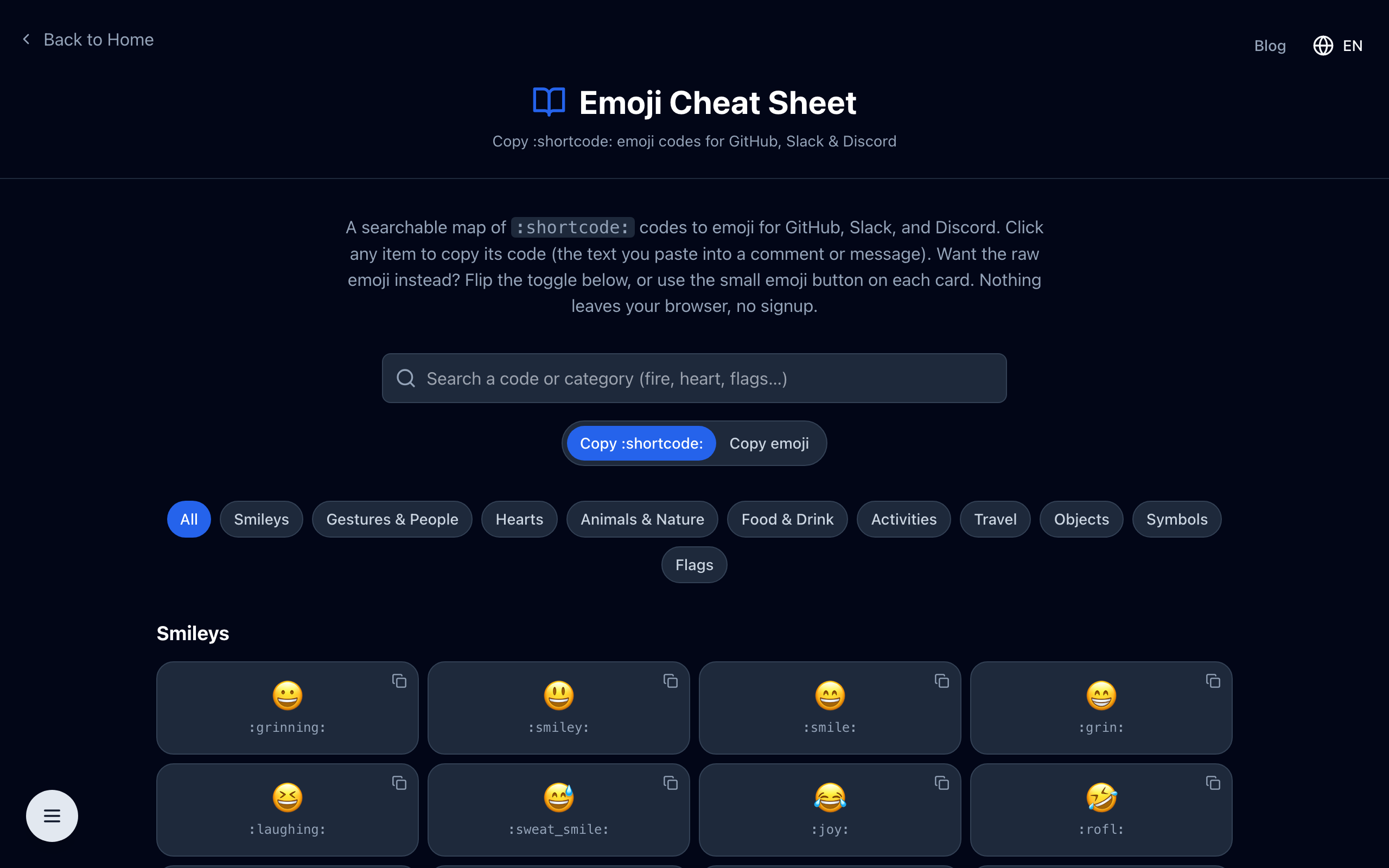
The emoji cheat sheet lays out the full set by category and lets you copy either the :shortcode: or the raw emoji with one click — so you never have to guess the code again.
2. Symbols & Emoji for Twitter / X
On X there is no shortcode system — you paste the actual emoji or Unicode symbol straight into your post or bio. Hearts, stars, checkmarks, and arrows are especially popular for making a profile or a thread stand out, alongside the standard emoji set.
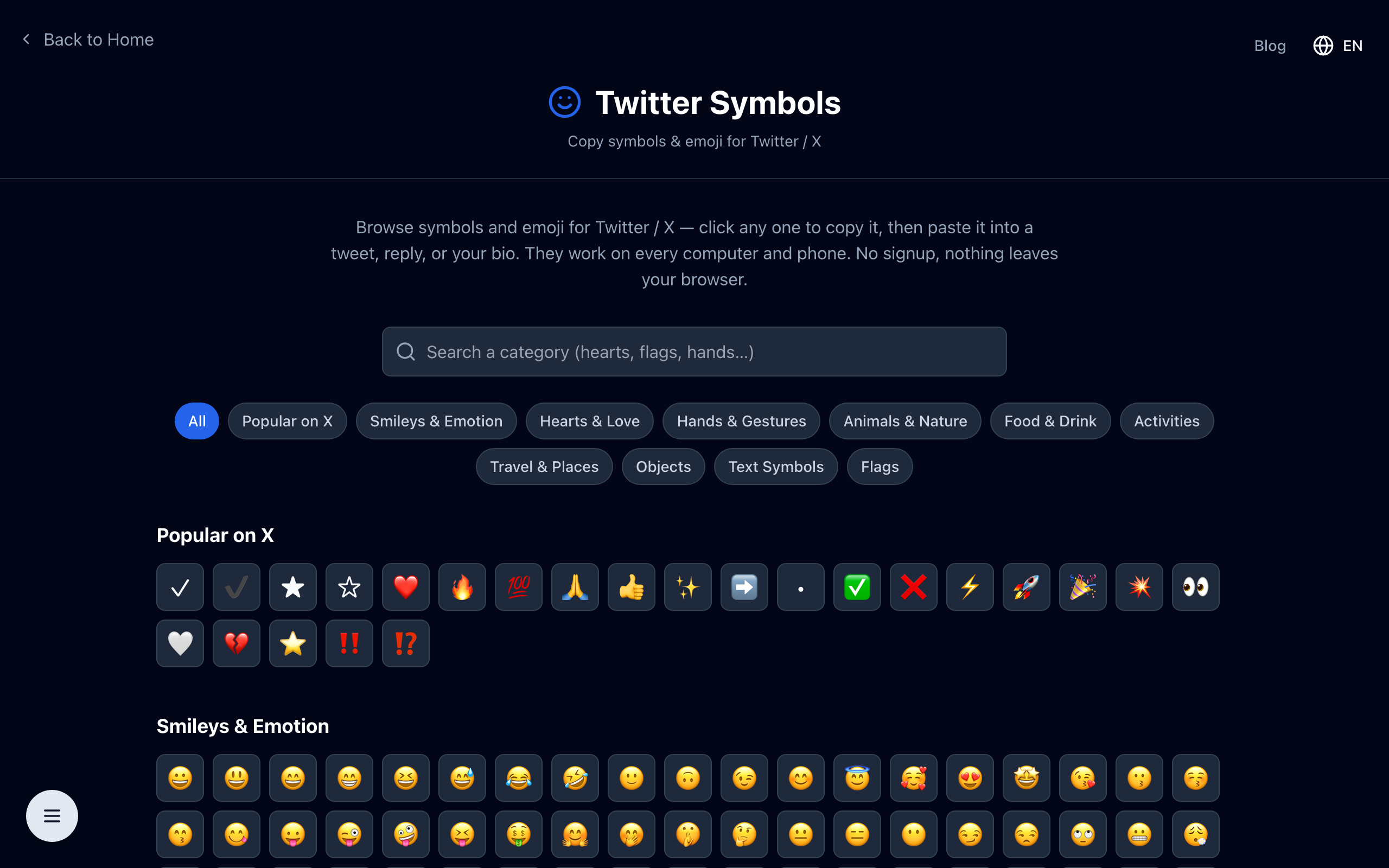
The Twitter symbols tool groups the most-used symbols and emoji by category so you can click and paste without hunting through an emoji keyboard.
3. Text Emoticons & Kaomoji
Before color emoji there were emoticons built entirely from text characters — and they never went out of style. The shrug ¯\_(ツ)_/¯, the table flip, and Japanese kaomoji like (◕‿◕) are pure Unicode text, which means they paste and look the same almost everywhere, from terminals to tweets.
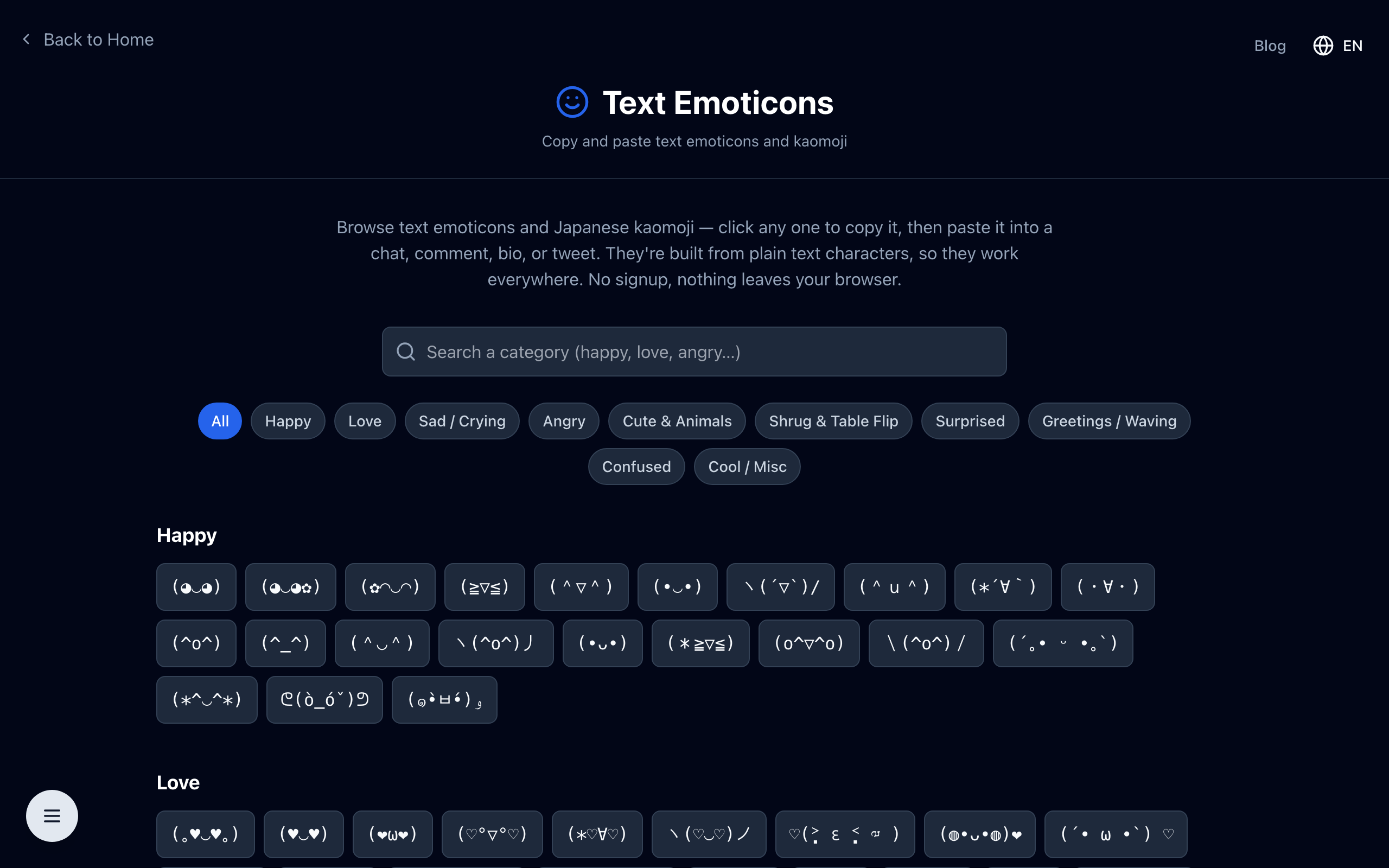
The text emoticons collection sorts kaomoji by mood — happy, love, angry, cute, shrug, and more — so you can find the right face fast.
4. Skype Emoticon Codes
Skype has its own shorthand: parenthesis codes like (smile), (heart), and (cool) that Skype turns into its native animated emoticons. You copy the code, not the emoji, and Skype does the conversion when you send the message.
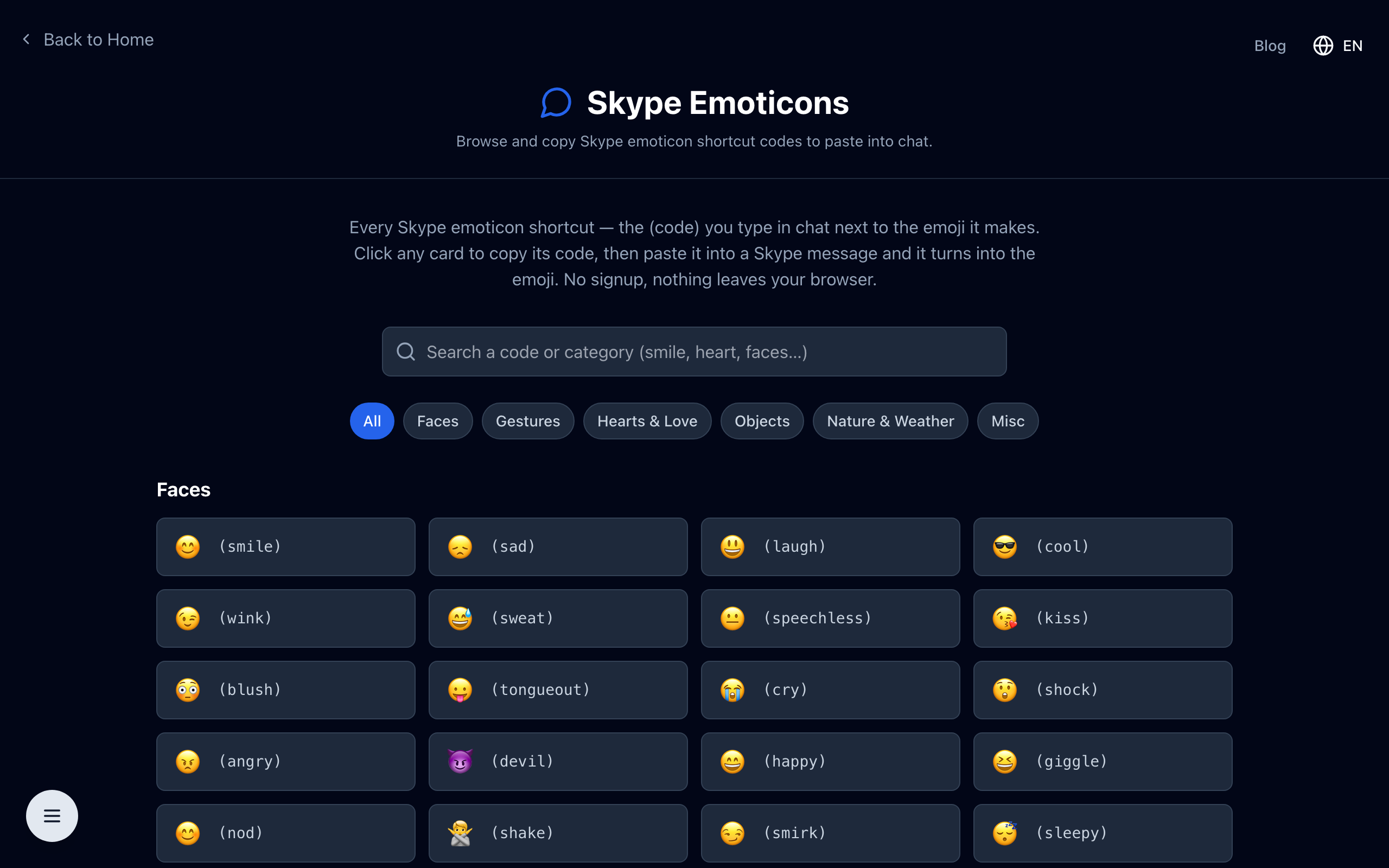
The Skype emoticons list shows each code next to the emoji it produces, so you can grab the exact shortcut you want.
5. Unicode Symbols & Special Characters
Finally there are the everyday special characters — arrows, math signs, currency symbols, accents, and thousands of other Unicode glyphs that are not on your keyboard. For those, a general symbol picker lets you browse by category and copy any character instantly.
Will They Display Everywhere?
Plain Unicode symbols and text emoticons (kaomoji) are the most portable — they are just characters, so they render almost anywhere, though an unusual glyph may look slightly different depending on the font. Color emoji render as pictures on modern apps and devices. Shortcodes only work on platforms that support them (GitHub, Slack, Discord), and Skype codes only inside Skype. When in doubt, paste the raw emoji or symbol rather than a code.
Copy What You Need — Free, No Signup
Every tool above runs entirely in your browser with no account and nothing uploaded. Pick the format that fits where you are posting: shortcodes for dev platforms, symbols and emoji for X, kaomoji for a retro touch, Skype codes for chat, or the symbol picker for everything else.